







Two things that make this Zapmail review special – support quality and transparency. Their support service is actually legit – fast, and dependable. On Trustpilot, they have received positive reviews. But reviewers who reported “they will blame you even for their fault”, received a cold shoulder.
Zapmail hasn’t been transparent about the IPs of their domains. They claim on the website that they only offer US/EU IP accounts. But billing $39 for 10 inboxes of Google Workspace, something is not adding up. Many users figured this out and claimed that they are infact Indian IPs.
Many users reported frequent domain burns, deliverability issues, and poor reply rates. In this review, I’ve consolidated data points from Reddit + G2 + Trustpilot + Twitter + my own experience of using Zapmail inboxes.
Key Takeaways
If you want Google Workspace inboxes at $3.90/inbox, you can buy it from Zapmail. It is a Google inbox reseller with a fast setup. Support reviews are mixed, citing slow replies and blame-shifting, and the accounts are India-origin.
- Inbox: Resell Google Workspace and Microsoft 365 inbox
- USP: Setup Speed
- Deliverability Success: Mixed Reviews
- Risk: India-origin accounts, No Deliverability Monitoring, Limited Placement Tests
- Starting Plan: $39/Month for 10 Google Inboxes
- Support: Mixed Reviews
About Zapmail
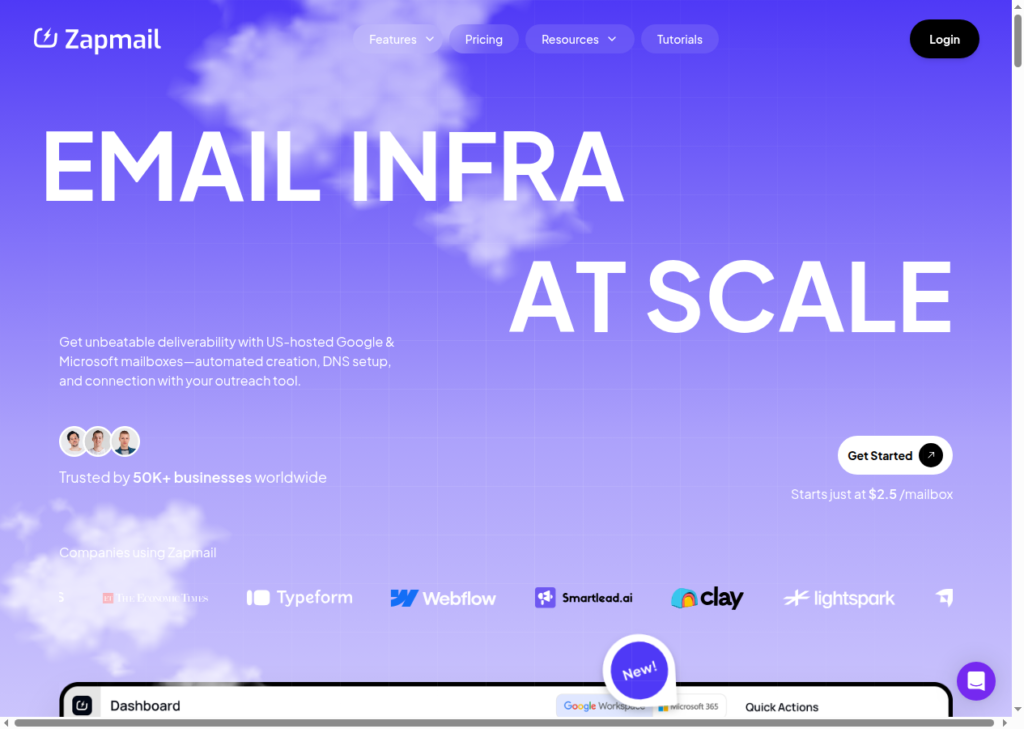
Zapmail is a cold-email inbox provider offering Google Workspace and Microsoft 365 inboxes. They are fresh inboxes, but if you want pre-warmed inboxes you have to pay extra. Zapmail handles your inbox setup. DNS authentication and domains configured to your sequencer within minutes.
A key drawback – You can’t monitor the performance of your inboxes. Google inboxes are considered as “Gold-Standard”, and users pay extra to make sure the cold email lands in the inbox. The accounts are India-origin, bought through the cheap reseller channel rather than Google’s direct channel. Zapmail offers Placement Tests, but its methodology is not defined. To verify where your emails are landing, you’ve to look beyond Zapmail to manage your deliverability rate.
How Zapmail Works


Zapmail Features
Pre-Warmed Inboxes
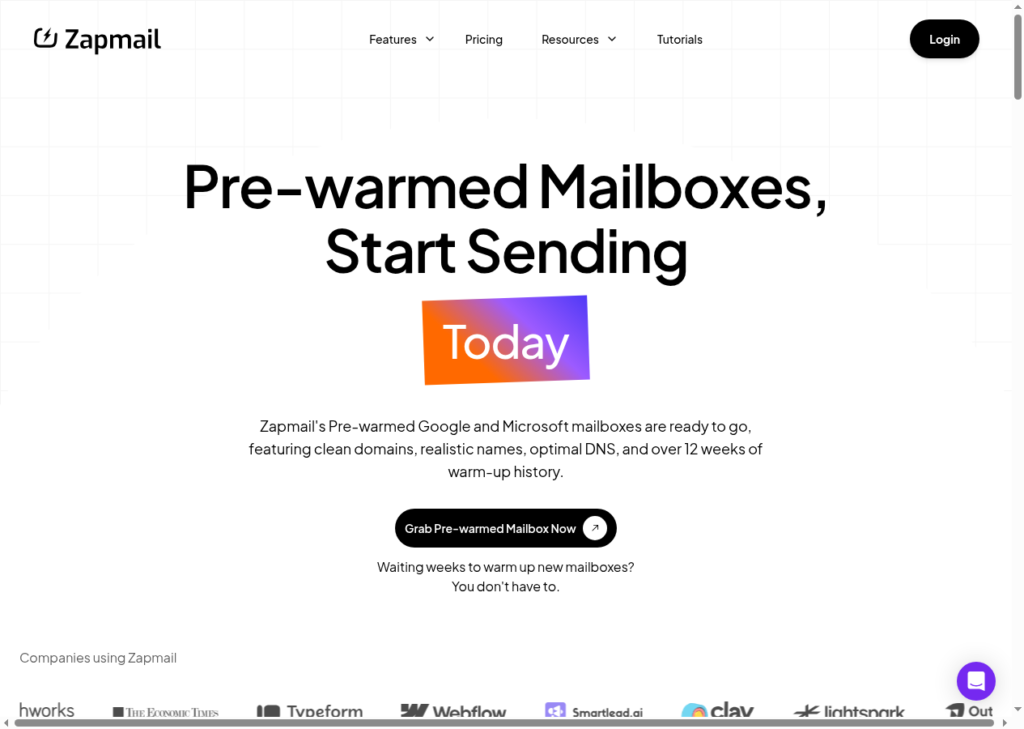
Zapmail offers pre-warmed inboxes at an additional cost. However, their warmup methodology is not defined. That means they just use sequencers to warmup and are not transparent about previous usage. So you are rolling a dice.
Workspace-Level Isolation
Zapmail assigns each workspace its own domain and admin login. The benefit – the performance of one domain doesn’t affect other domains.
But it only separates accounts at the workspace and admin level. These are regular Google and Microsoft accounts sending over Google’s and Microsoft’s own infrastructure, as every reseller’s are. What Zapmail does not publish is how many domains sit in each workspace.
ZapShield Domain Protection
ZapShield is Zapmail’s domain-protection add-on priced at $3.00/domain. Zapmail says it keeps your domains safe, your email reputation clean and your inbox placement high. However, there’s no methodology and proof about its “Protection”.
Inbox Placement Test and AI Insights
Zapmail’s placement tests check inbox landing, authentication, and blacklists in 2-24 hours. But the Placement methodology is not defined. You will never know the true reason why your inboxes are going to spam. Also, the placement tests are limited for each plan. So, plan your tests carefully.
Zapmail API
Zapmail offers a real, documented API that automates domain and mailbox setup.
It is widely used by agencies who can afford a $299/month Pro plan. So anyone on a cheaper plan can’t use it.
Pros
Quick Setup
Zapmail says its setup is near-instant, with fully authenticated, automated DNS inboxes exported to your sequencer within minutes. Google-reseller provisioning takes days at every provider, so treat that as an unverified claim.
Cheap Per-Inbox Pricing
From their Starter Plan, you can buy 10 Google inboxes billed at $39/month. They are only able to give this price because they resell from Indian Resellers. Also, Indian-based accounts have a lower deliverability.
API for Teams to Automate
Zapmail’s documented API let builders script inboxes with ease. Note: API access is included on every Pro plan – monthly at $299, quarterly at $270/month, and yearly at $250/month.
Cons
Recurring Indian IP Reports
Across multiple reviews, there’s a recurring pattern – the accounts are India-origin. Despite marketing on the official website as “US/EU IP”, several users reported the incident on Reddit and G2.
“Deceptive marketing offering US-based mailboxes. They are Indian IPs with terrible deliverability.”
Juan Alou, Trustpilot
“They buy inboxes from Google India for $1.7 dollars per inbox and resell… I have used their inboxes and had 0.6% reply rate as their inboxes have INDIAN IP.”
Cem, Trustpilot
“Zapmail domains aren’t US IP-based, mainly Indian. They’re going to get flagged pretty quick.”
u/little-marketer, r/gtmengineering
This is a common risk among “Shared Reseller Infrastructure”. Using Indian IPs for US/EU lead lists is going to affect the deliverability and your domain will get burned quickly.
Lack of Deliverability Transparency
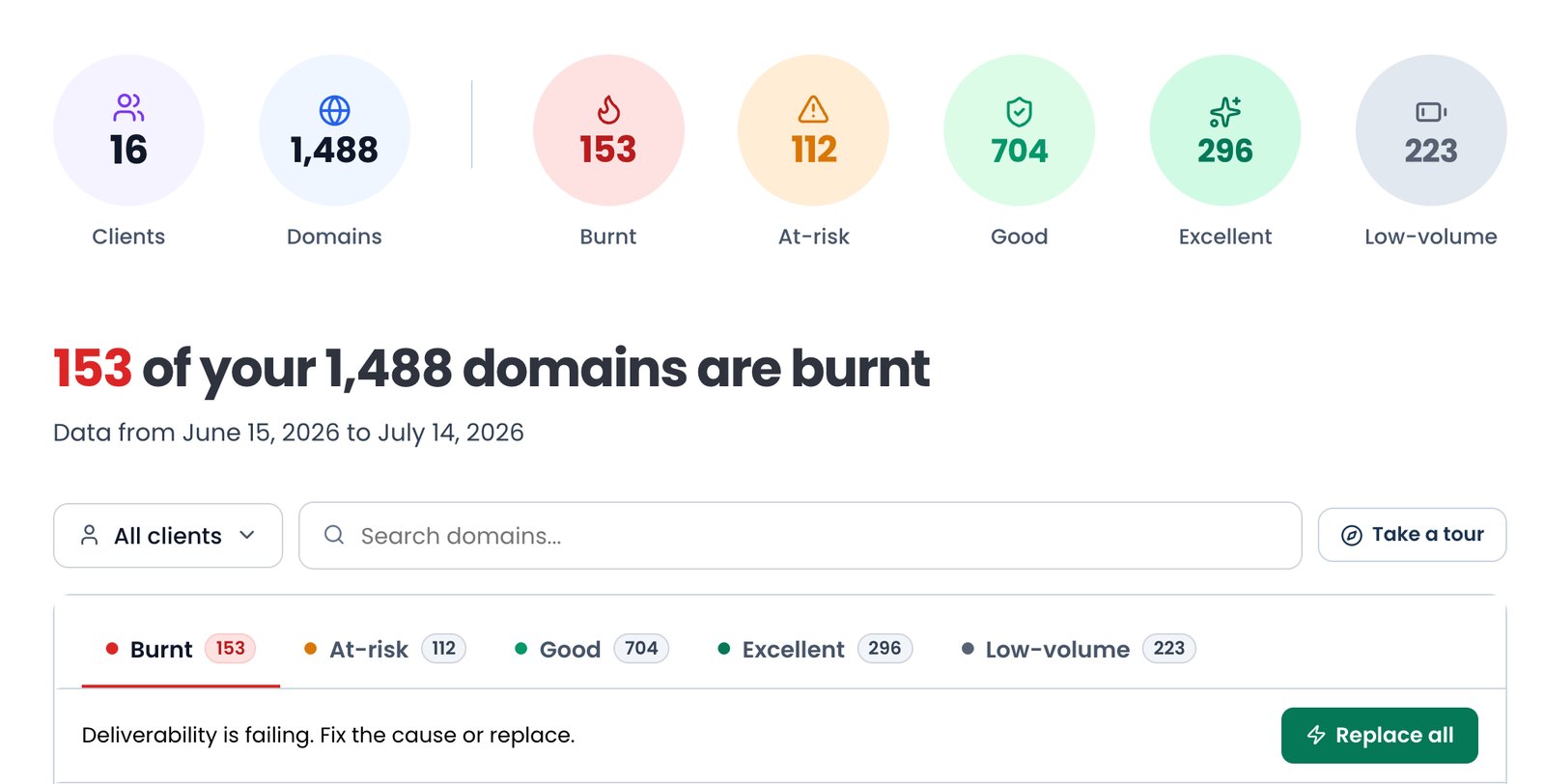
Zapmail has no deliverability monitoring. They claim they have Zapshield, to protect your inboxes, but its methodology is not concrete. Also there’s no success stories about Zapshield on the platform. You can try “Placement Test”. But just like Zapshield, I’m unsure how effective it is.
“There is no built-in way to track deliverability, so users are not always sure if emails are actually reaching inboxes.”
Infraforge review
“It should provide an email deliverability sort of tool. Sometimes I feel like I sent 100 emails but few of them are not reached to the destination.”
Muhammad U., G2
No Refunds
Zapmail’s refund policy clearly states – all purchases are “final and non-refundable”. Even if you want to switch, Zapmail offers resistance. When users wanted to migrate to switch, many users on Trustpilot and Reddit flagged Zapmail’s approach aggressive.
“When I tried to move my Google Workspace to manage it directly with Google, Zapmail did not allow an easy release… Our company email stopped working during this process.”
Dmitry Krotov, Trustpilot
Zapmail Pricing
Zapmail offers three subscription tiers, billed monthly, quarterly, or yearly. Note – there’s no free plan and no free trial, and Microsoft 365 mailboxes are priced identically to Google Workspace at every tier.
| Plan | Billing | Inboxes incl. | Per-month rate | Billed total | Extra inbox | Placement + AI credits/mo |
|---|---|---|---|---|---|---|
| Starter | Monthly | 10 | $39 | $39 | $3.50 | 3 + 3 |
| Growth | Monthly | 30 | $99 | $99 | $3.25 | 10 + 10 |
| Pro | Monthly | 100 | $299 | $299 | $3.00 | 30 + 30, API access |
| Starter | Quarterly | 10 | $35 | $105 | $3.25 | 3 + 3 |
| Growth | Quarterly | 30 | $90 | $270 | $3.00 | 10 + 10 |
| Pro | Quarterly | 100 | $270 | $810 | $2.70 | 30 + 30, API access |
| Starter | Yearly | 10 | $32.50 | $390 | $3.25 | 3 + 3 |
| Growth | Yearly | 30 | $82.50 | $990 | $2.75 | 10 + 10 |
| Pro | Yearly | 100 | $250 | $3,000 | $2.50 | 30 + 30, API access |
Starter10
- Billing
- Monthly
- Inboxes incl.
- 10
- Per-month rate
- $39
- Billed total
- $39
- Extra inbox
- $3.50
- Placement + AI credits/mo
- 3 + 3
Growth30
- Billing
- Monthly
- Inboxes incl.
- 30
- Per-month rate
- $99
- Billed total
- $99
- Extra inbox
- $3.25
- Placement + AI credits/mo
- 10 + 10
Pro100
- Billing
- Monthly
- Inboxes incl.
- 100
- Per-month rate
- $299
- Billed total
- $299
- Extra inbox
- $3.00
- Placement + AI credits/mo
- 30 + 30, API access
Starter10
- Billing
- Quarterly
- Inboxes incl.
- 10
- Per-month rate
- $35
- Billed total
- $105
- Extra inbox
- $3.25
- Placement + AI credits/mo
- 3 + 3
Growth30
- Billing
- Quarterly
- Inboxes incl.
- 30
- Per-month rate
- $90
- Billed total
- $270
- Extra inbox
- $3.00
- Placement + AI credits/mo
- 10 + 10
Pro100
- Billing
- Quarterly
- Inboxes incl.
- 100
- Per-month rate
- $270
- Billed total
- $810
- Extra inbox
- $2.70
- Placement + AI credits/mo
- 30 + 30, API access
Starter10
- Billing
- Yearly
- Inboxes incl.
- 10
- Per-month rate
- $32.50
- Billed total
- $390
- Extra inbox
- $3.25
- Placement + AI credits/mo
- 3 + 3
Growth30
- Billing
- Yearly
- Inboxes incl.
- 30
- Per-month rate
- $82.50
- Billed total
- $990
- Extra inbox
- $2.75
- Placement + AI credits/mo
- 10 + 10
Pro100
- Billing
- Yearly
- Inboxes incl.
- 100
- Per-month rate
- $250
- Billed total
- $3,000
- Extra inbox
- $2.50
- Placement + AI credits/mo
- 30 + 30, API access
- Per-inbox pricing is cheap at low volume
- All purchases are non-refundable with no free trial to de-risk
- API and priority support are locked to the $299 Pro plan
- Limited Placement Test and AI Insights credits
Zapmail vs Aerosend
Zapmail and Aerosend are both cold-email inbox providers. Zapmail is a reseller. It offers Indian-based Google Workspace and Microsoft 365 inboxes. It offers –
- India-origin accounts on Google’s and Microsoft’s own IPs
- Pre-warmed inboxes at higher price
- Limited placement tests
About Aerosend
Aerosend is a dedicated and private cold-email inbox provider. Our infrastructure is built around one mission – keeping those domains landing in the inbox every time.
Therefore, our reply rate is higher. We have set up a private server with aged, private IPs per 10 domains. We geographically match the IPs and provide North American/European based self-built accounts. To make sure that your campaign runs smoothly, we ran inbox placement tests every two weeks. On top of that, we offer complimentary premium warmup which monitors 6-7 warmup providers, warms inboxes through WarmupInbox.com.
| Compare | Zapmail | AerosendPrivate infrastructure |
|---|---|---|
| Inbox Available | Google WorkspaceMicrosoft 365Pre-warmedPre-warmed inboxes cost extra | Private infrastructureBuilt for cold email, so no Google or Outlook bans |
| Isolation | ~Workspace-level onlyOwn admin per workspace; shared Google and Microsoft IPs | ✓DedicatedNew isolation every 10 domains / 30 inboxes, never shared |
| Warmup | ~Pre-warmed, paid extraDelivered fresh; pre-warm costs extra, methodology not defined | ✓Included, ongoingComplimentary premium warmup, matched to who you email |
| Monitoring | ✕NoneZapShield (paid add-on) claims blocklist monitoring; no methodology published | ✓Six metricsEvery domain scored daily and surfaced to you |
| Deliverability | ~Limited placement testsTest credits capped per plan; methodology not defined | ✓Our responsibilityBiweekly inbox placement tests, included |
| Domain Burn Alerts | ✕Not offeredZapShield (paid add-on) claims blocklist monitoring; no methodology published | ✓IncludedBurnt domains flagged within 5 minutes, replaced in one click |
| Pricing | $39 per 10 inboxesStarter monthly; extra inboxes $2.50 to $3.50; non-refundable | $4 / inbox$2 per inbox past 150 · 30 inboxes = $120/mo |
| Ready To Test? | Visit Zapmail Website ↗ | Try Aerosend For Free |
Price/Mailbox Breakdown (~5,000 emails/day)
| Requirements | Zapmail | Aerosend |
|---|---|---|
| Mailboxes needed | ~250 (at ~20/day per mailbox) | 200 |
| Send rate per mailbox | 20 to 25/day (Zapmail recommends ~20/day) | 20 to 25/day |
| Plan | Pro ($299 for 100) plus 150 overage mailboxes at $3.00 | Starter band ($4/mailbox first 150) plus $2/mailbox beyond |
| Per-mailbox rate | ~$3.00 (blended at this volume) | $3.50 (blended) |
| Monthly total | ~$749/mo (Pro $299 plus 150 x $3.00 = $749) | ~$700 |
| Service model | Self-managed | Managed |
Monthly cost to put roughly 5,000 cold emails a day into inboxes.
Zapmail Support
You can reach out to Zapmail support at support{at}zapmail{dot}ai
They’ve actively maintained a help center, chat box and you can also “Book a Call”.
Their Starter and Growth plans receive plain “Support,” and Pro receives “Priority Support.”
- No coverage hours, phone line, or Slack channel
- Trustpilot reviews cite slow replies, platform bugs, and blame-shifting
- Priority support is reserved for the $299 Pro tier
The Verdict
Opt for Zapmail only if you want:
- Cheap Google inboxes, and you will run your own warmup, monitoring and placement testing
- Quick setup
- Pre-warmed inboxes
- Limited Placement Tests
- Manage your own deliverability
