

There are very few cold email inbox providers that offer inboxes with admin access. Why?
Most providers host multiple clients’ inboxes under the same admin panel. Sharing the credentials means you’re sharing your clients’ inbox credentials with each other. Therefore, most ESPs just give you inboxes without access, which limits your control over your cold email infrastructure.
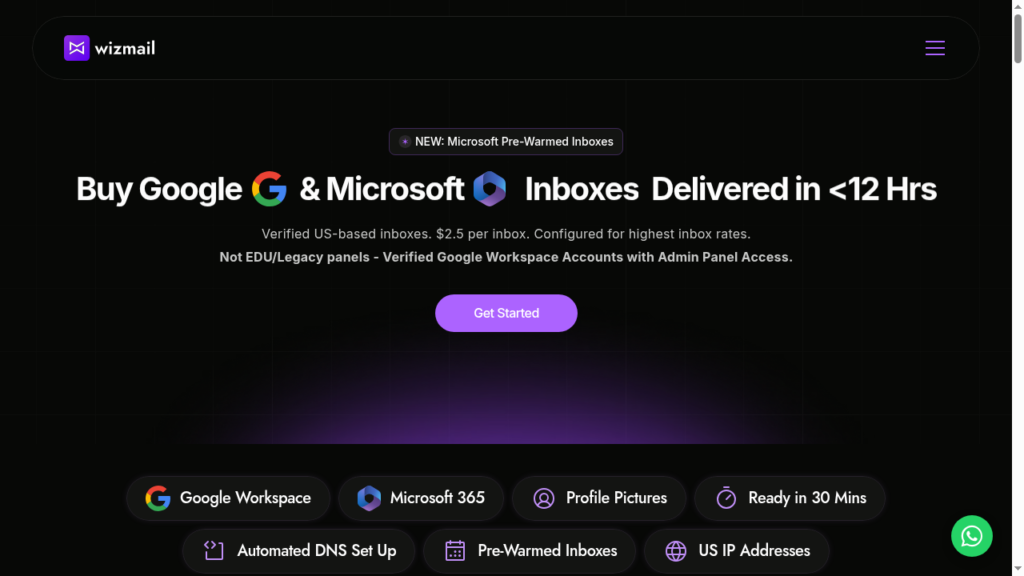
WizMail is different – it offers Google and Microsoft inboxes starting from ~$2.80 and with full admin panel access.
But can this alone help you achieve 90%+ inbox placement?
In this WizMail review, I’ll explain the WizMail infrastructure in detail, latest pricing/inbox, and support quality.
Key Takeaways
WizMail is a multi-inbox cold email inbox provider offering Google and Microsoft inboxes. Fresh inboxes start at ~$2.80/inbox, and pre-warmed inboxes are billed monthly for $5/inbox. The setup is automated, and inboxes are provisioned within 12 hours.
- Inboxes: Google and Microsoft (Pre-warmed Microsoft inboxes are available)
- USP: Cheap price/inbox
- Deliverability: Mixed Reviews
- Risk: No monitoring or burn detection
- Starting Plan: $2.80/inbox for Google, $2.50/inbox for Microsoft inboxes
- Support: Mixed, accessible via Dedicated Account Manager and WhatsApp only

About WizMail
WizMail is a multi-inbox provider offering both fresh and pre-warmed inboxes.
For fresh Google and Microsoft inboxes, it charges $2.80 and $2.50/inbox, billed monthly. Pre-warmed Microsoft inboxes are billed at $5/inbox/mo + aged domains.
The setup is automated but takes ~12- 24 hours. For bulk orders, any order of 100 inboxes or more receives priority delivery, and inboxes are provisioned in under 6 hours.
On the downside, warmup methodology is not disclosed. Also, to maintain good inbox placement, you need to keep the warmup ongoing, which is also not included.
How WizMail Works
WizMail Features
Multi-Inbox Provider
WizMail offers both – Google and Microsoft inboxes, billed monthly for $2.80 and $2.50/inbox. You can also buy pre-warmed Microsoft inboxes for $5/inbox/mo. The inboxes are cheaper at scale.
Full Admin Access
WizMail offers full admin access for Google and Microsoft accounts.
Pros
Multi-Inbox Provider
WizMail is a multi-inbox provider that offers Google and Microsoft inboxes. It also helps you diversify your campaign, so it’s a plus point.
Free Replacements And A Dedicated Manager
WizMail provides free replacement inboxes on all 3 of its plans. You also get a dedicated account manager, who is a direct point of contact when something goes wrong.
Pre-warmed Microsoft Inboxes
If you don’t want to wait for the warmup period, you can buy pre-warmed Microsoft inboxes for $5/inbox/mo.
Quick Setup
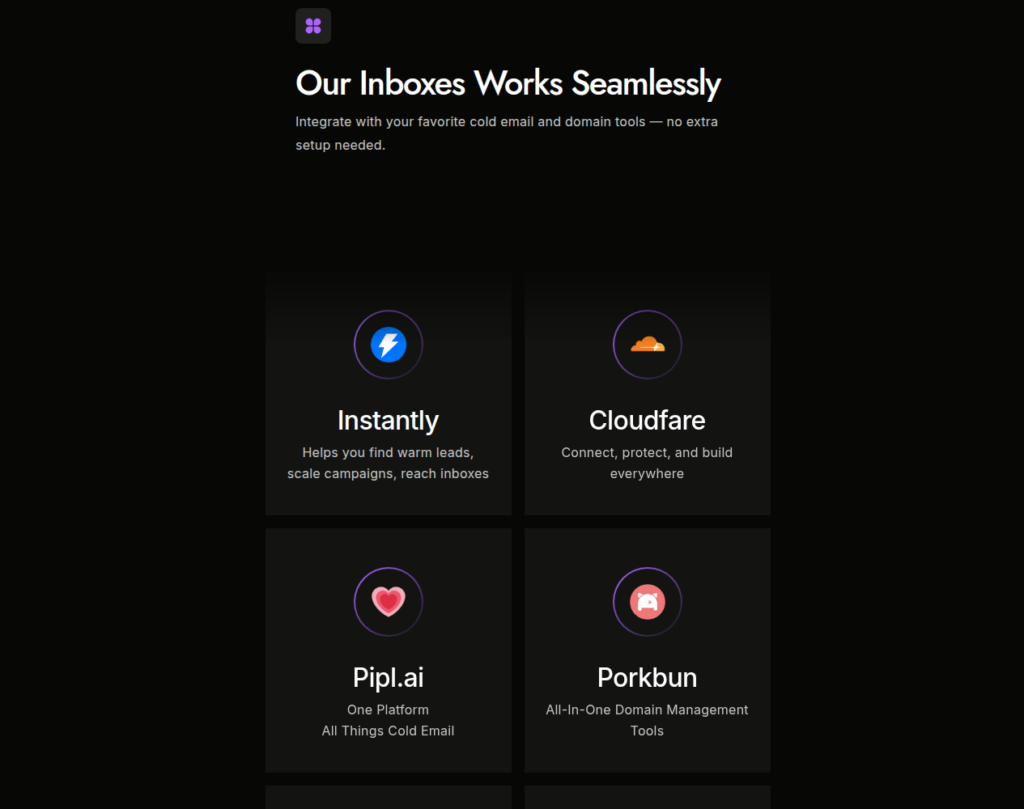
WizMail offers a ‘done-for-you’ setup that handles DNS, warmup, sender profiles, and sequencer connection. Standard orders arrive within 24 hours, while priority orders arrive within 6 hours.
Cons
Deliverability Claims Are Unclear
WizMail claims to provide US IPs with high reply rates. However, these are self-reported, so there is no way to verify them independently.
Unverified Account Origin
WizMail sources Google and Microsoft accounts from official resellers. Therefore, it is able to sell official Google accounts at a $2.80/inbox price margin.
No Deliverability Monitoring
WizMail does not provide burn detection, inbox placement tests, or domain monitoring. If your deliverability drops, the only way to know is when your reply rate dries up.
Free replacements help after an inbox burns out, but there is no system in place to monitor the problem.
No Ongoing Warmup
WizMail doesn’t offer ongoing warmup. You will be responsible for your warmup.
WizMail Pricing
| Inbox Type | Plan | Inbox Limit | Price/Inbox |
|---|---|---|---|
| Starter | Up to 99 | $2.80 | |
| Pro | 100 to 999 | $2.50 | |
| Scale | 1000+ | Custom | |
| Microsoft | Starter | Up to 99 | $2.50 |
| Microsoft | Pro | 100 to 999 | $2.25 |
| Microsoft | Scale | 1000+ | $2.00 |
| Pre-warmed Microsoft | Starter | Up to 99 | $5 |
| Pre-warmed Microsoft | Pro | 100 to 999 | $4.50 |
| Pre-warmed Microsoft | Scale | 1000+ | $4 |
Aerosend: Best WizMail Alternative
WizMail provides Google and Microsoft inboxes. It also claims to offer a US IP, but the account’s origin is unclear, and there is no way to verify it.
Also, WizMail does not offer deliverability monitoring or burn detection. So you have to manage your own deliverability.
On the other hand, Aerosend provides dedicated infrastructure and private IPs. It uses dedicated, aged IPs and isolates every 10 domains and 30 inboxes. The IPs are also matched to the recipient’s location.
Aerosend monitors your domain health, runs biweekly inbox placement tests, and includes ongoing warmup.
Therefore, if you want cheap managed inboxes and can handle deliverability yourself, WizMail can work. If you want someone to manage the infrastructure and deliverability for you, Aerosend is the better option.
Here’s the brief comparison between WizMail and Aerosend –
| Compare | WizMail | AerosendPrivate infrastructure |
|---|---|---|
| Inbox Available | GoogleMicrosoftPre-warmed MicrosoftFresh and pre-warmed, full admin access | Private infrastructureBuilt for cold email, so no Google or Outlook bans |
| Isolation | ✕Not disclosedNo inboxes-per-domain ratio disclosed | ✓DedicatedNew isolation every 10 domains / 30 inboxes, never shared |
| Warmup | ~Pre-warmed onlyPre-warmed Microsoft option; no ongoing warmup | ✓Included, ongoingComplimentary premium warmup, matched to who you email |
| Monitoring | ✕Not offeredNo burn detection, placement tests or domain monitoring | ✓Six metricsEvery domain scored daily and surfaced to you |
| Deliverability | ✕Self-managedNo placement tests; you manage deliverability yourself | ✓Our responsibilityBiweekly inbox placement tests, included |
| Domain Burn Alerts | ✕Not offeredFree replacements after a burn, no detection | ✓IncludedBurnt domains flagged within 5 minutes, replaced in one click |
| Pricing | From $2.50/inboxMicrosoft $2.50, Google $2.80, pre-warmed Microsoft $5, monthly | $4 / inbox$2 per inbox past 150 · 30 inboxes = $120/mo |
| Ready To Test? | Visit WizMail Website ↗ | Try Aerosend For Free |
Price/Mailbox Breakdown (~5,000 emails/day)
| Requirements | WizMail | Aerosend |
|---|---|---|
| Inboxes needed | ~250 | 200 |
| Send rate per inbox | 15 to 20/day | 20 to 25/day |
| Plan | Google Pro plan – 100 inboxes at $2.5/inbox, Microsoft Pro plan – 150 inboxes at $2.25/inbox | $4 for the first 150 inboxes, $2 after 150 inboxes |
| Price/Inbox | $2.4 (blended) | $3.50 (blended) |
| Monthly total | ~$590 | ~$700 |
WizMail Support
Support runs through a dedicated account manager and WhatsApp.
The Verdict
Is WizMail worth it? For a price-first buyer, it can be. If you want the cheapest Google and Microsoft inboxes and can manage your own deliverability.
But there are some concerns around its account origin and reply-rate claims, as these are not independently verified.
But if deliverability is your priority, Aerosend is the better option. It offers dedicated infrastructure, ongoing warmup, biweekly placement tests, and burn detection.
