
Cold Email Bounce Rate: What It Is, Benchmarks, and How to Reduce It
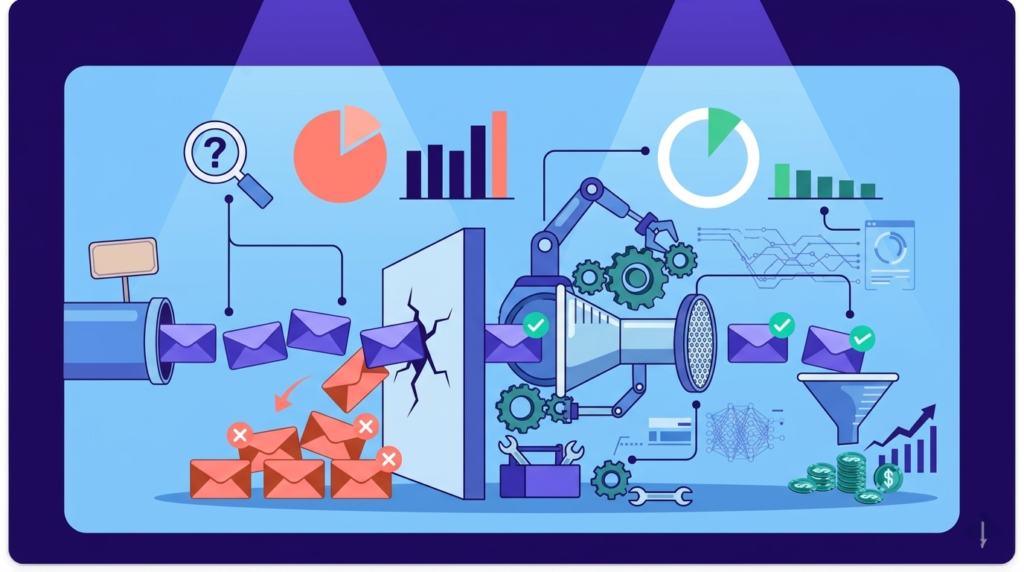
A bounced email is a cold emailer’s worst nightmare. It is an email wasted, a credit gone, a sending limit used, and most importantly, it can damage your domain reputation. Unlike low reply rates or poor open rates, a bounce is a direct signal to email providers that something is wrong. If it happens too […]
LinkedIn Automation Guide (2026): Tools, Limits & Safety

LinkedIn is the most effective outbound channel for B2B, but manual outreach does not scale. Sending connection requests, tracking replies, and consistently following up become difficult as volume increases. Most outreach fails not because of targeting or messaging, but because of inconsistent execution. LinkedIn automation solves this by handling repetitive actions such as sending requests […]
140+ Spam Trigger Words to Avoid: Complete Guide 2026

Why Language Still Determines Inbox Placement If you care about inbox placement at scale, understanding how filters interpret language matters far more than memorizing a list of “bad words.” Most silent deliverability failures come from copy. Certain phrases repeatedly appear in low-trust outreach, and inbox providers learn to associate that language with senders whose emails […]