

Most people ask about the send time after they’ve done the hard work. Copy is ready, offer is dialed in, list is built. It feels like the last piece of the puzzle.
It isn’t.
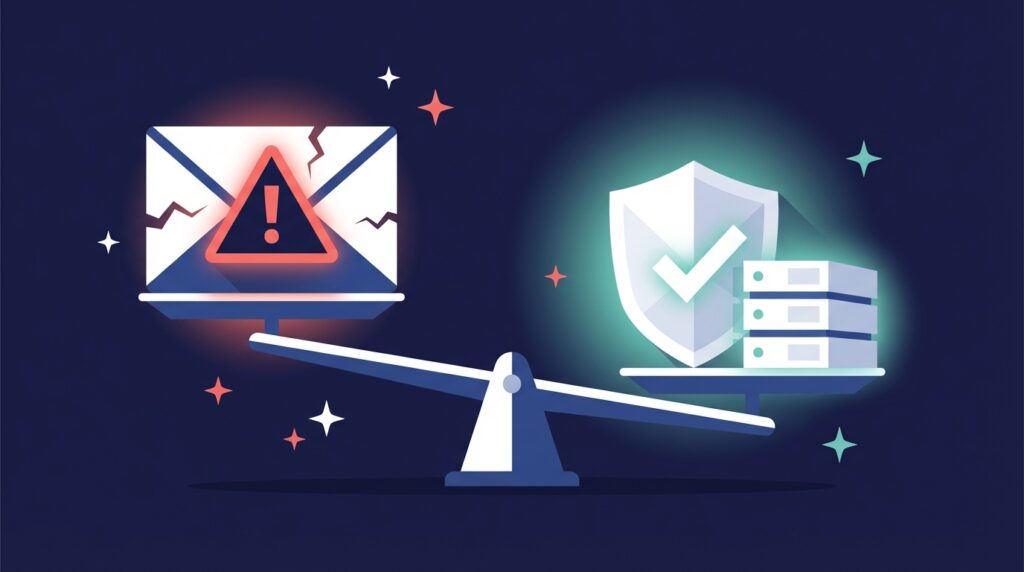
Send time is one of the weakest levers in cold email. Your offer, your targeting, and your technical setup will determine your results. Whether you send at 9 AM or 11 AM barely moves the number.
That said, there are a few timing principles worth knowing. Not because they unlock some hidden reply rate, but because violating them signals to inbox providers and prospects alike that you’re running on autopilot. Get them right once and stop thinking about them.
Cold Email Blast vs. Marketing Email Blast: Why Timing Rules Are Different
You’re thinking “the best time to send emails,” because you’ve seen marketing emails do the same. These include newsletters, promotional offers, or event announcements.
Cold emailing is different. Your recipients do not know you. Their response is less about the time of day and more about the relevance, personalization, and value of your message. While timing can still matter in certain niches, its impact is far smaller than that of opt-in marketing campaigns.
Here’s the difference between the two:
| Feature | Marketing Blast (Newsletters, Promos) | Cold Email Blast |
|---|---|---|
| Audience | Opted-in subscribers who expect emails from you | People who did not opt in and may not know your brand |
| Timing Impact | High: send-time can significantly influence open and click rates | Low: send-time has minimal influence compared to offer, targeting, and deliverability |
| Timing Matters | Recipients are more likely to open during predictable engagement windows (e.g., mid-morning) | Recipients’ engagement depends more on relevance and personalization than send time |
| Best Practice | Test different days/times to maximize conversions | Prioritize high-quality targeting, compelling offers, and inbox placement over timing |
| Risk of Misapplication | Low — applying cold email rules here won’t hurt much | High — applying marketing timing rules here can distract from factors that actually drive results |
How Much Does Send Time Affect Cold Email Reply Rates?
Send time only helps a little bit.
If you do not send all your emails at the same exact time, with minor variations (40:02 PM, 06:28 PM), you will reduce the risk of looking like a bot. However, this is not a holy grail. Nothing matters if your offer’s weak, your targeting’s off, or your deliverability’s already in the gutter; no 10:17 A.M. will help. Even the so-called best time to send an email blast is not going to fix that. Send time is just a small optimization layer.
Best Time to Send Cold Email: Practical Rules That Actually Hold Up
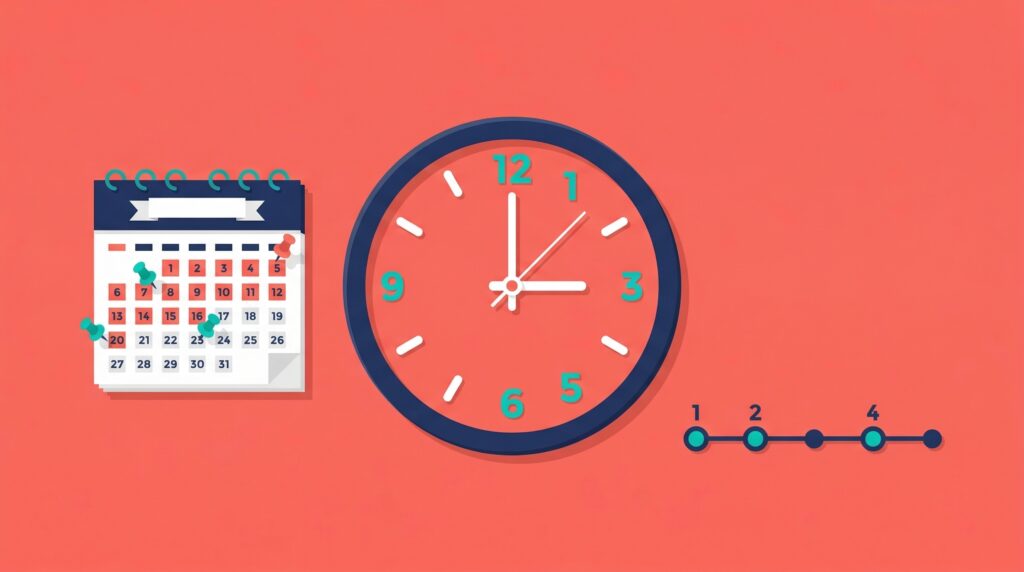
Allow us to clear a doubt: the best daytime to send an email blast is not about finding a magic moment during which a person will respond for sure, but rather about showing you understand how your prospect’s day works. When you respect their time, your emails feel less like noise and more like something worth opening.
Best Days to Send Cold Email (and Days to Avoid)
B2B leads are most responsive when they’re in work mode. Mondays through Fridays in their timezone keep you relevant to their schedule and avoid weekend inbox clutter that gets buried by Monday morning catch-up.
Send in the local morning or early working hours
Early hours are often considered the best time to send an email blast because they give you a chance to land in the inbox before the day’s chaos sets in. People tend to triage their emails over coffee or right before starting their main tasks, so you’re more likely to be noticed.
Do avoid major holidays and vacation periods
If your email hits when someone is on vacation or deep in holiday mode, it’s likely to be ignored or deleted. The exception: if your offer ties directly into the holiday or season and you send it before the break starts, it can work well.
Do avoid lunch windows (12–2)
Midday sends often compete with out-of-office distractions. Lunch breaks, personal errands, and informal meetings make this a dead zone for attention.
Don’t obsess over micro-hours
It doesn’t matter much if you send your email at 09:03 AM or 09:17 AM. As long as your sending times aren’t exactly the same/predictable, you’re ready.
What Not to Waste Time Optimizing
Lead list quality, deliverability, and warm-ups matter far more than the best time to send an email blast. Even a perfectly timed send can’t save a pitch that doesn’t match the prospect’s needs or lacks a compelling reason to act.
Why You Should Stagger Your Cold Email Sends (Technical Reason)
When you hit “send” on a large batch of cold emails at the exact same second, it creates a perfect, machine-like pattern. Email Service Providers (ESPs) can spot that kind of automation pretty quickly. You don’t want to be the one doing that. Send 1 email every 15 or so minutes from each account. That way, when you send 20-25 emails/account, they would be distributed throughout the day.
Instead, it is recommended to introduce small timing variations in your sending times. When you send over a few minutes instead of in one big blast, you make your activity look more like a human sending emails naturally. That little bit of randomness helps keep your sending reputation clean and reduces the risk of your messages landing in spam. It’s important to remember this isn’t a growth hack. You’re not suddenly going to double your reply rate because you staggered sends. This is a basic deliverability hygiene move.
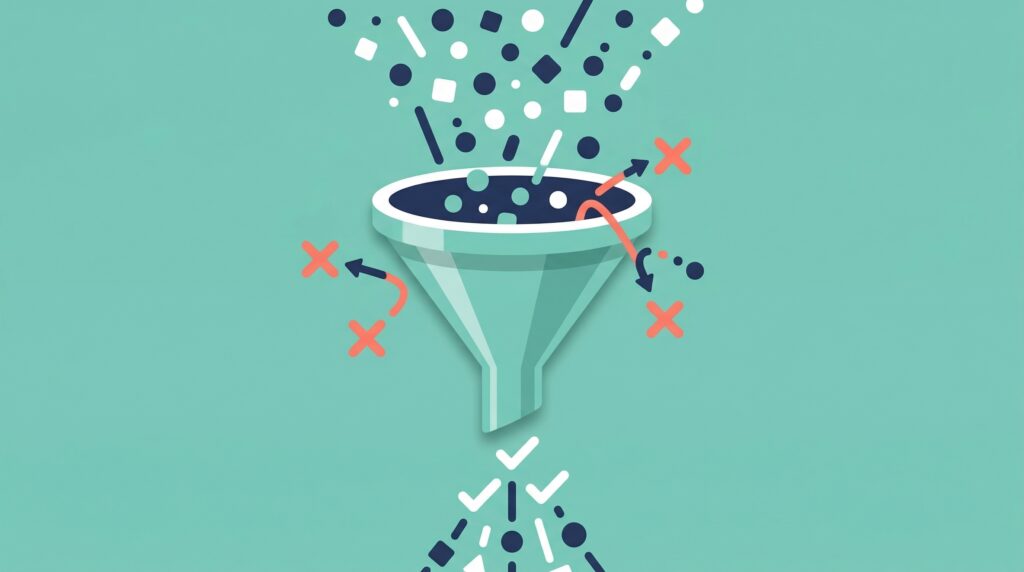
What to Optimize Instead of Send Time
If you want to learn how to send an email blast that gets results, your timing is only part of the equation. Ultimately, you want conversions, not silence. Focus here:
- Offer: Your prospect should understand the value you bring in seconds. Clarity beats cleverness.
- Lead list: Target the right roles with verified email addresses and ensure every contact is relevant to your solution.
- Technical setup: Proper SPF, DKIM, and DMARC authentication, along with warmed domains and inboxes, ensures your emails actually land.
- Segmentation & personalisation: Speak to each persona’s needs, challenges, and context instead of blasting generic messages.
- Campaign capacity: Use your sending power to reach fresh, qualified leads. Don’t waste volume on endless follow-up chains that go nowhere.
Cold Email Pre-Send Checklist
Before you figure out how to send an email blast on Outlook or learn how to send an email blast on Gmail, make sure these are in place:
- Timezone data segmented.
- SPF/DKIM/DMARC + warm-up confirmed.
- Emails validated.
- Offer clarity confirmed.
- No major holidays in the target region. (Unless your offer targets said holiday, you need a pre-holiday email)
Metrics to Track After Sending Your Email Blast
- Primary: reply rate.
- Secondary: bounce type
- Compare timing cohorts only if testing; if results are similar, stop testing.
- No major holidays in the target region. (Unless your offer targets said holiday, you need a pre-holiday email)