

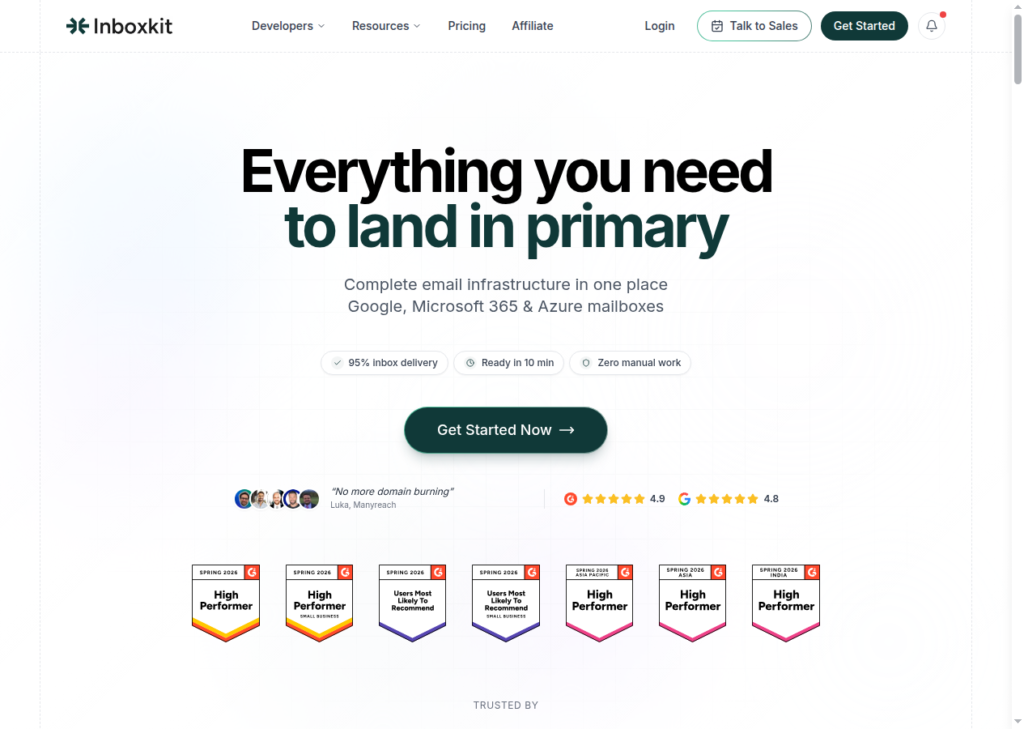
Very few inbox providers offer all the different types of inboxes. InboxKit is special. It provides Google, Microsoft, and Azure inboxes and runs warmup. Their setup is the most complete I’ve seen among cold email inbox providers. However, there are a couple of loopholes that I will explain in this InboxKit review.
The information mentioned in this review is sourced from G2 + Trustpilot + user insights on Reddit. I’ve read through the documents on InboxKit and consolidated everything into this review.
Key Takeaways
What does every cold emailer expect from an inbox provider? Different types of inboxes? Built-in warmup? InboxKit fills most of the checkboxes. It provides Google, Microsoft, and Azure inboxes, warmup your inboxes, and monitor inbox reputation. The starting plan is $39/month with 10 inboxes.
- Inbox: Google, Microsoft, and Azure
- USP: API available on every plan
- Deliverability: 95% inbox placement
- Risk: Paid add-ons - Warmup at $3/inbox, and InfraGuard is free for the 1st month
- Starting Plan: $39/month for 10 inboxes
- Support: Dedicated reps, founder-level involvement, and a Slack channel on higher tiers
About InboxKit
InboxKit is a cold email inbox service provider that resells Google, Microsoft, and Azure inboxes sourced from an official reseller. Inboxkit guarantees “95% inbox placement” but offers no methodology to test it. It offers built-in warm-up, priced at $3/inbox, and Infraguard for real-time monitoring & alerts. If you want to automate your campaigns, you can refer to the InboxKit API docs for full access.
How InboxKit Works
InboxKit Features
Multiple Inbox Provider
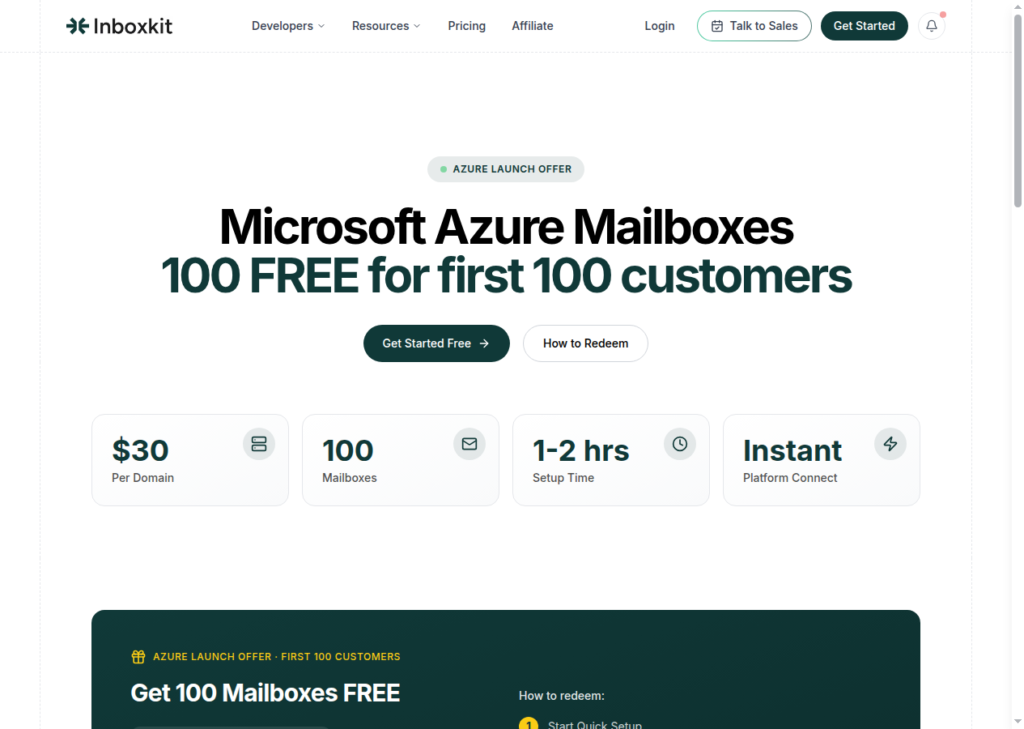
InboxKit provides official Google, Microsoft, and Azure inboxes. These are Indian inboxes sourced from official Indian resellers.
InfraGuard Deliverability Monitoring
You can monitor your domain performance using InfraGuard. It tracks the domain’s reply rate, inbox placement, and warmup reputation. If a domain is flagged, the user is alerted. It is billed at $3/domain.
Full REST API with Every Plan
InboxKit offers a full REST API on every plan. An agency can script bulk integration, pull inbox analytics, and feed updates on its own tech stack.
Isolated Warmup
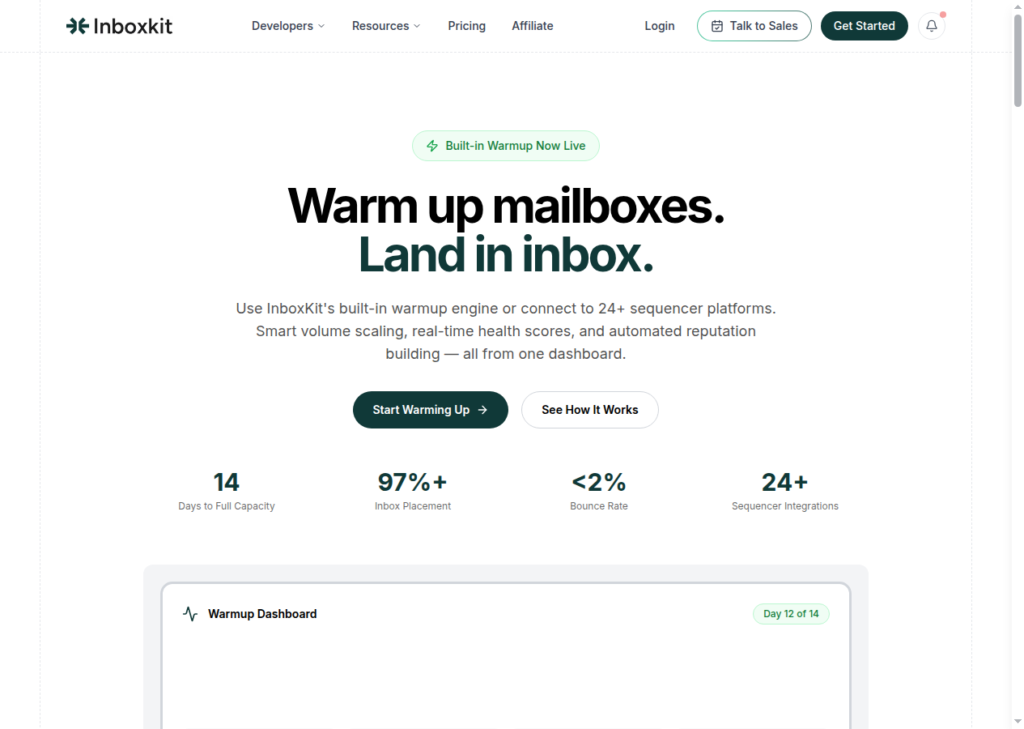
With InboxKit isolated warmup, you can build a sender inbox reputation. It tracks inbox and spam rate and manages the reputation.
Pros
Quick Setup
InboxKit sets up your inboxes very quickly. It auto-configures SPF, DKIM, and DMARC of +200 inboxes via Cloudflare in about ten minutes.
“Official” Inbox Provider
Unlike most resellers, InboxKit provides official Google, Microsoft, and Azure inboxes. They source the inboxes from official Indian resellers. You can get 10 Google/Microsoft inboxes for $39/month.
Developer-Grade Control with Full API
InboxKit offers the full REST API on each plan. It is very useful in setting up, managing, and monitoring your campaigns in bulk. You can add inboxes, track their performance, and automate the reporting. All you have to do is create a script, and it will perform end-to-end operations within minutes.
Built-in Warmup
Inboxkit offers in-built warmup at an additional cost. However, the warmup lacks ESP % (What % of emails go to Google vs Outlook) and you cannot send emails in different languages.
Cons
High Add-ons Cost
Warmup is currently billed at $3/inbox per month. If you buy the monthly ‘Professional’ plan, which includes 10 inboxes, you’re paying $39 + $30 = $69 for the first month. In the second month, the Infraguard cost, i.e. $3/domain is added on top of additional cost. Total cost incurred in the second month – $39 + $30 + $9 = $78 (suppose you host 10 inboxes on 3 domains).
“95%” Inbox-Placement Claim
InboxKit markets “95% inbox placement” across its site, but it does not provide the methodology to substantiate the claim. Achieving “95% inbox placement guaranteed” is tough, even with “official” inboxes.
Indian Origin Accounts
All inboxes are sourced from official Indian resellers. These accounts have a lower deliverability historically compared to US origin accounts.
The Credibility of Warmup
Their “isolated” warmup pool doesn’t have any methodology. Although it is still better than the sequencer warmup, the process is not made public. For example, the topic or language is not defined. If you’re warming an inbox for D2C healthcare, it is important to use healthcare-specific terminology in the copy.
InboxKit Pricing
InboxKit offers three plans, billed monthly, quarterly, and annually.
| Plan | Monthly | Quarterly | Annual | Inbox Slots | Additional Inbox (M/Q/A) |
|---|---|---|---|---|---|
| Professional | $39 | $35 | $31 | 10 | $3.50 / $3.40 / $3.10 |
| Agency (Most Popular) | $99 | $90 | $81 | 30 | $3.25 / $3.00 / $2.70 |
| Enterprise | $299 | $290 | $250 | 100 | $2.99 / $2.90 / $2.50 |
Each plan includes –
- Email Warmup = $3/inbox per month
- InfraGuard – Billed from the 2nd month i.e. $3/domain per month
- Official admin panel (1 per domain) with 2FA
- 24+ platform integrations
- Unlimited team members & workspaces
- Full API access with webhooks
- Email & chat support
InboxKit vs Aerosend
InboxKit and Aerosend are similar. Offers the best inboxes, built-in warmup, deliverability monitoring, and much more.
The only difference: InboxKit is a reseller and charges extra for warmup. You can buy Google, Microsoft, or Azure inboxes and pay extra to warmup the inboxes.
Aerosend builds a dedicated server with aged IPs for your domains. It includes a complimentary premium warmup.
InboxKit guarantees 95% inbox placement. Aerosend isolates every 10 domains on a dedicated server and runs a premium warmup to ensure that your deliverability rate is high.
InboxKit charges $3/domain to monitor your deliverability. Aerosend includes biweekly inbox placement tests and applies a 5-metric burn-detection algorithm to flag and replace affected domains.
Here is how each cold email inbox service provider compares:
| Dimension | InboxKit | Aerosend |
|---|---|---|
| Infrastructure model | Google, Microsoft, and Azure inboxes from Official reseller | Dedicated server per 10 domains, aged IPs, isolated |
| Service model | Self-managed | Managed |
| Warmup | Built-in and billed at $3/inbox per month | Complimentary premium warmup, included |
| Inbox placement testing | InfraGuard billed at $3/domain from 2nd month | Biweekly IPTs for every client, included |
| Burn detection | Bounce and health scoring via InfraGuard (paid add-on) | 5-metric burn-detection algorithm, included |
| Entry price (unit) | Monthly Professional Plan – $39/month, i.e. ~$3.90/inbox | $4/mailbox first 150, $2/mailbox beyond (blended drops with scale) |
| API / programmatic control | Full REST API + webhooks on every plan | None |
| Support | Email and chat entry, dedicated Slack with SLA at Enterprise | 24/7 monitoring; dedicated Slack and priority support at Growth tier |
Price/Mailbox Breakdown (~5,000 emails/day)
| Requirements | InboxKit | Aerosend |
|---|---|---|
| Inboxes needed | ~125 (at 40/day warmed target) | 200 |
| Send rate per Inbox | up to 40/day (warmed target) | 20-25/day |
| Plan | Enterprise annual (100 slots) + 25 additional inbox + warmup | Starter banded into Growth |
| Per-inbox rate | $2.50/inbox + $3/inbox warmup = $5.50 effective | $3.50 (blended) |
| Monthly total | ~$687/mo (125 × $5.50) | ~$700 |
| Service model | Self-managed | Managed |
InboxKit Support
Support is available via both chat and email. You can email InboxKit support at support {at} inboxkit {dot} com.
The dedicated Slack channel has been added to the Enterprise plan.
I like the customer support the most. Their support is very good and involved, with a dedicated representative who can even do biweekly calls if necessary. It’s a same-day experience with good deliverability. Everything can be done from start to finish in a few hours, unlike other vendors that might take one to two weeks.
Walter W., G2
The Verdict
If you want to run a bulk cold email campaign and require a multi-inbox setup that monitors your deliverability, you can opt for InboxKit. It sets up your inboxes, runs warmup, and monitors your domains.
On top of this, full API access on every plan + top-notch support earns it a respectable 4 out of 5.
