


Most cold emails never reach the inbox. Not because the copy is bad, but because the sender has zero reputation. Email warm-up fixes that by gradually building trust with inbox providers before you scale outbound. But not every warm-up tool works the same way.
This guide breaks down what email warm-up actually does, what to look for in a tool, and the top options worth considering in 2026.
TL;DR
Email warm-up builds sender reputation so your cold emails land in the inbox, not spam. Start slow, increase volume gradually, and generate real engagement signals before scaling outreach.
Best Email Warm-Up Tools
- Warmup Inbox — Simple, reliable warm-up with a large inbox network
- PlusVibe — Private warm-up network with human-like AI engagement
- Smartlead.ai — Scalable warm-up for multiple inboxes and teams
- Mailwarm — Strong deliverability monitoring and spam tracking
- Lemwarm (by Lemlist) — Built-in warm-up for Lemlist users
- Warmy.io — AI-driven warm-up and deliverability optimization
- TrulyInbox — Affordable, simple warm-up with natural sending patterns
- InboxAlly — Advanced spam recovery and reputation training
What Is Email Warm-Up and How Does It Work?
Email warm-up is the process of gradually earning trust for a new or inactive email account before you scale outbound sending. Instead of sending hundreds of cold emails on day one, the warm-up starts with very low daily volumes and increases them slowly while generating positive engagement, such as opens and replies. This controlled ramp-up signals to inbox providers that your sending behavior is legitimate and consistent. Without a warm-up, even well-written emails are likely to be filtered because the sender has no history to back them up.
Why Email Warm-Up Affects Deliverability
Email warm-up matters because inbox providers distrust sudden volume from unknown senders. When a brand-new email address suddenly sends a large number of emails, it looks indistinguishable from spam. Warm-up solves this by creating predictable sending patterns and engagement over time. As volume increases gradually, mailbox providers begin associating your domain and inbox with normal, human-like behavior. The payoff is simple: higher inbox placement and fewer deliverability surprises once real campaigns go live. Warm-up also protects your domain long-term. A damaged sender reputation is hard to recover from, especially for startups relying on outbound for early traction. Warm-up gives your outreach a stable foundation instead of gambling with deliverability.
Free vs Paid Email Warm-Up Tools: What Is the Difference?
Free warm-up options usually come with limits. Smaller warm-up pools, capped daily volume, and minimal diagnostics. They work well for warming one or two inboxes or testing early outbound motion. Many cold email platforms include basic warm-up as part of their plans, which is often enough at a low scale.
Paid warm-up tools go deeper. Larger networks of real inboxes, smarter engagement patterns, inbox placement tracking, and automated recovery from spam placement. They are designed for teams managing multiple inboxes, rotating domains, or running outbound continuously. The value is not just faster warm-up, but more predictable deliverability as volume grows.
10 Things to Look for in an Email Warm-Up Tool
1. Gradual and Adaptive Sending Volume
A good warm-up tool should start with very low daily sending and increase volume gradually based on inbox response. Static or aggressive ramp-ups increase spam risk. Adaptive systems adjust sending speed if inbox placement drops or engagement weakens.
2. Real Inbox Network, Not Bots
Warm-up emails should interact with real, active inboxes across Gmail, Outlook, and other providers. Bot-driven or low-quality networks can harm reputation rather than improve it. The larger and more diverse the inbox pool, the stronger the trust signals.
3. Human-Like Engagement Signals
Warm-up is not just about sending emails. The tool should generate realistic engagement, like opens, replies, thread continuation, and marking emails as important. Some tools also simulate reading time or conversation depth, which improves sender credibility.
4. Spam Recovery and Inbox Monitoring
Strong warm-up tools actively monitor where emails land. If messages hit spam, the tool should automatically rescue them by marking them as important or moving them to the inbox. This feedback loop helps correct reputation issues early.
5. Provider-Specific Warm-Up
Inbox providers behave differently. Gmail, Outlook, Yahoo, and custom SMTPs all have unique filtering logic. A reliable warm-up tool allows provider-specific warming so you build a reputation where it matters most.
6. Domain and Authentication Checks
Warm-up tools should surface problems with SPF, DKIM, and DMARC before you scale sending. Broken authentication undermines warm-up efforts, no matter how good the engagement looks. Early alerts prevent long-term deliverability damage.
7. Customization and Control
Look for tools that let you control daily volume, ramp-up speed, reply rate, and warm-up duration. One-size-fits-all warm-up often fails at scale. Customization lets you align warm-up behavior with your outbound strategy.
8. Support for Multiple Inboxes
If you plan to scale outbound, the tool should handle multiple inboxes easily. Shared warm-up pools, centralized dashboards, and bulk controls reduce operational overhead as you add domains and mailboxes.
9. Clear Deliverability Insights
Good warm-up tools show clear signals, such as inbox vs. spam placement, engagement trends, and reputation health. You should not be guessing whether the warm-up is working. Visibility matters, especially before scaling campaigns.
10. Seamless Integration with Outreach Stack
Warm-up should fit naturally into your outbound workflow. Tools that integrate with cold email platforms or run in parallel without conflict reduce friction and prevent accidental volume spikes.
Top 8 Email Warm-Up Tools for 2026
1. Warmup Inbox
Warmup Inbox is an email warm-up service focused on improving deliverability and keeping outreach emails out of spam.
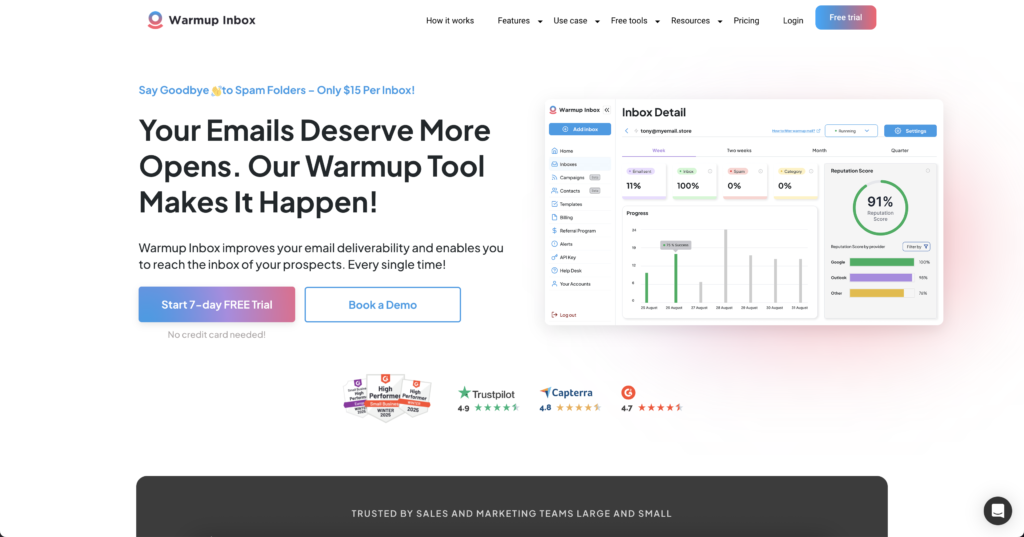
It works by automatically sending and replying to emails through a large network of real inboxes, which gradually builds your sender reputation so that your messages land in prospects’ primary inboxes. The platform emphasizes ease of use through simple email account connection and promises consistently higher open rates by avoiding spam filters.
Pricing
The Basic plan starts at $15 per month and includes 75 daily warm-up emails. The Pro plan costs $49 per month for 250 daily warm-up emails, and the Max plan is priced at $79 per month for 1,000 daily warm-up emails. A 7-day free trial is available. Advanced features like ESP-specific warm-up and scheduling are only available on the Pro plan at $49/month per inbox.
Pros
- Simple setup, minimal configuration required
- Network of 20,000+ real inboxes across major providers.
- Reputation scoring with community benchmark comparison
- Affordable entry point for single-inbox warm-up
Cons
- Most of the warm-up network consists of Google Workspace accounts, which can limit results when warming Outlook inboxes
- Costs add up quickly when managing multiple inboxes
2. PlusVibe
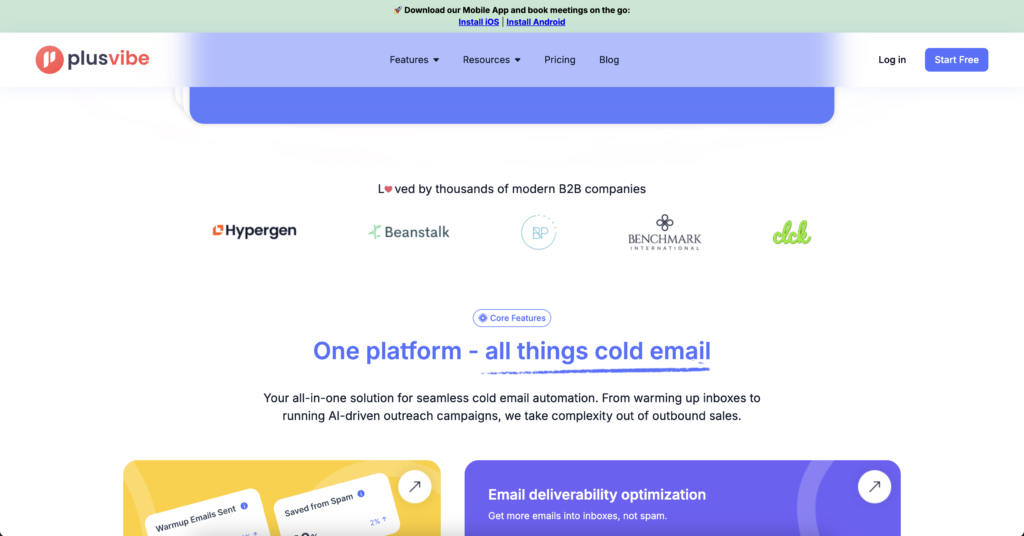
PlusVibe is an AI-powered cold email outreach platform that includes a robust email warm-up system. It offers a private, secure warm-up network where every user gets an isolated warm-up environment, ensuring that your domain is not exposed to risky third-party networks or shared IPs. The tool uses AI to mimic real human conversations and engagement during warm-up. It sends emails and generates positive signals, such as opening messages, replying, scrolling, and marking emails as important or not spam, all in a randomized, natural manner. These behaviors signal to email providers that your messages are legitimate, helping avoid spam filters.
Pricing
PlusVibe starts at $30 per month. The Business plan is $64.20 per month and includes 150,000 emails, 3,000 enrichment credits, and advanced warm-up features. The Agency plan is $415 per month for teams managing multiple clients. A 14-day free trial is available with no credit card required.
Pros
- Private network of over 250,000 accounts for warm-up, reducing shared pool risks
- Unlimited inbox warm-up included on all plans
- Affordable entry point relative to competitors
- Built-in email verification and AI personalization
Cons
- Primarily built for cold outreach, not a standalone warm-up tool
- Advanced analytics and multi-channel features are limited compared to enterprise tools
- UI has received mixed reviews for usability
3. Smartlead.ai
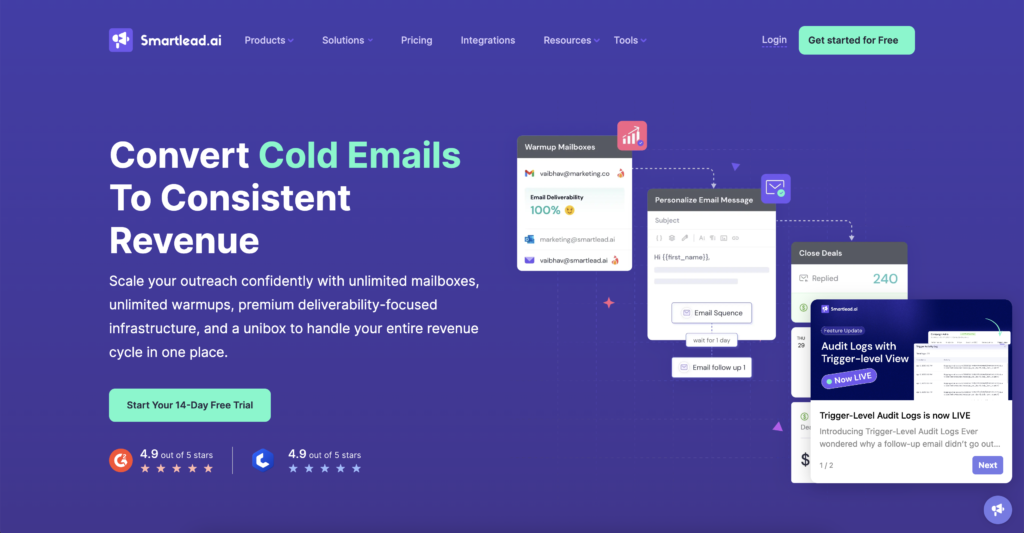
Smartlead is a cold email campaign platform that prominently features an AI-driven email warm-up to ensure high deliverability. Smartlead allows users to warm up unlimited email accounts, and its AI warm-up can be activated with a single click. The system automatically adjusts warm-up volume and reply rates over time for each inbox, mimicking human conversations to steadily boost sender reputation. This allows teams managing multiple mailboxes to warm them all concurrently without manual effort.
Pricing
The Basic plan is $39 per month ($32.50 per month on annual billing) for 2,000 leads and 6,000 emails. The Pro plan is $94 per month for 30,000 leads. Custom plans start from $174 per month. All plans include unlimited email accounts and warm-up.
Pros
- Unlimited warm-up and unlimited mailboxes on all plans
- Warm-up runs automatically alongside live campaigns
- Strong analytics and deliverability tracking included
- Trusted by over 31,000 businesses at scale
Cons
- Warm-up is a feature within a broader outreach platform, not a dedicated tool
- The Basic plan caps at 2,000 active leads, which is limiting for fast-growing teams
- Adding agency clients costs $29 per client on top of the base plan
4. Mailwarm
Mailwarm is an email warm-up tool designed to improve deliverability by generating consistent, human-like sending activity. It gradually increases email volume while creating engagement signals like opens, replies, and thread interactions, helping mailbox providers recognize your emails as legitimate.
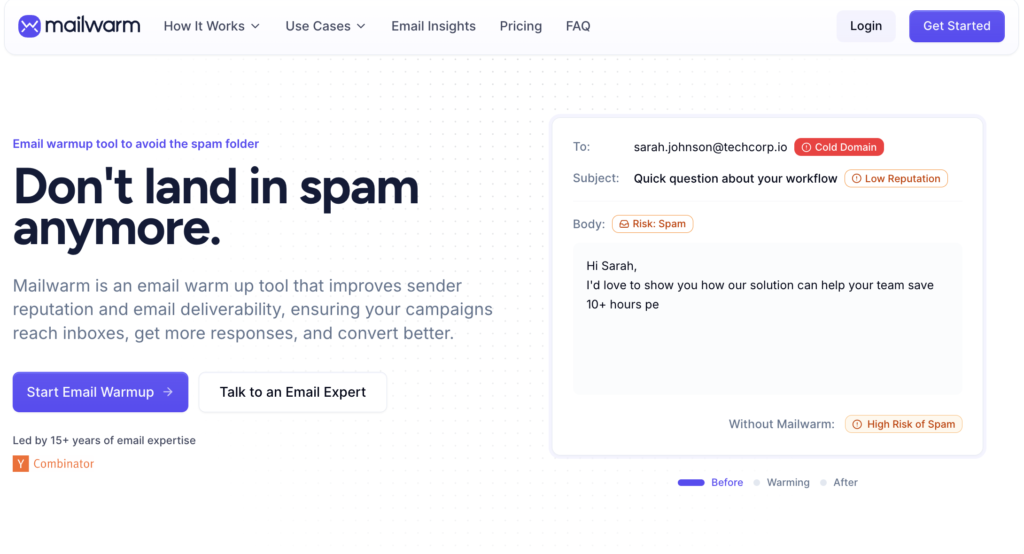
The platform also includes deliverability monitoring and spam placement tracking, giving visibility into where emails land and helping teams optimize performance before scaling outreach.
Mailwarm supports Gmail, Outlook, Microsoft 365, and custom SMTP inboxes, and is well-suited for teams managing multiple inboxes or running outbound campaigns at scale.
Pricing
Mailwarm starts at $69 per month per inbox. The Growth plan is $159 per month for up to three inboxes, and the Scale plan is $479 per month for up to ten inboxes. There is no free trial.
Pros
- Clean, straightforward setup
- Supports a wide range of providers, including custom SMTP
- Deliverability monitoring and spam placement tracking included
- Mailwarm has a network of 50,000+ real inboxes across providers such as Gmail, Outlook, and Yahoo.
Cons
- No free trial, making it hard to evaluate before committing
- Pricing may seem steep given the limited daily volume, especially when other tools offer more for less.
5. Lemwarm (by Lemlist)
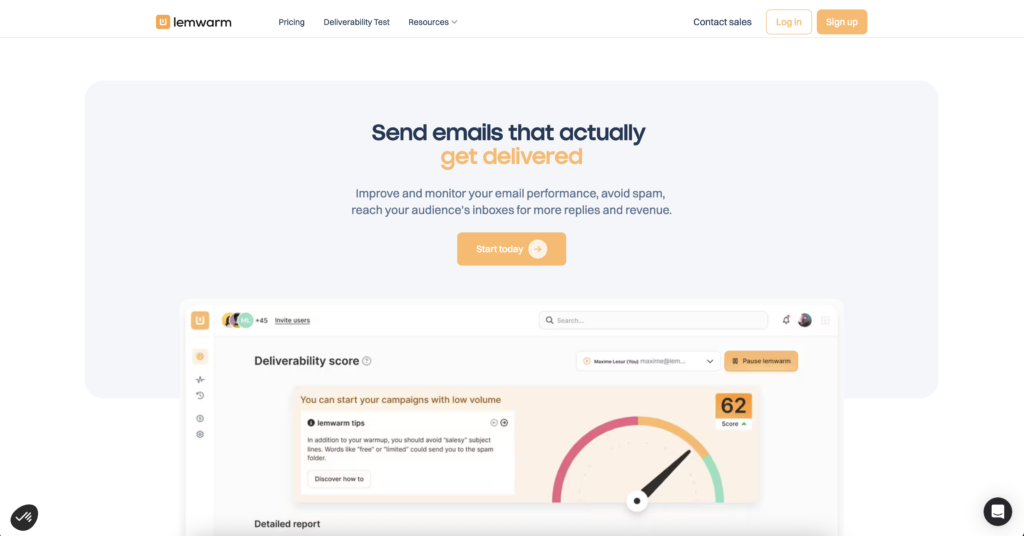
Lemwarm is the email warm-up and deliverability solution provided by Lemlist. It is a fully automatic warm-up tool designed to ensure cold emails avoid the spam folder. For Lemlist sales engagement platform users, Lemwarm is integrated as a feature. This allows Lemlist customers to benefit from an automatic warm-up built into the platform, making it easier to keep their domains healthy.
Pricing
The Essential plan starts at $29 per month per inbox. The Smart plan is $49 per month per inbox. A 14-day free trial is available through Lemlist.
Pros
- Included free within Lemlist, making it the obvious choice for existing users
- DNS monitoring and deliverability alerts built in
- Simple setup, runs automatically once configured
Cons
- Per-inbox pricing makes it expensive at scale. Warming ten accounts costs $290 per month on the base plan
- Limited customization compared to dedicated warm-up tools
- Best suited for Lemlist users; less compelling as a standalone purchase
6. Warmy.io
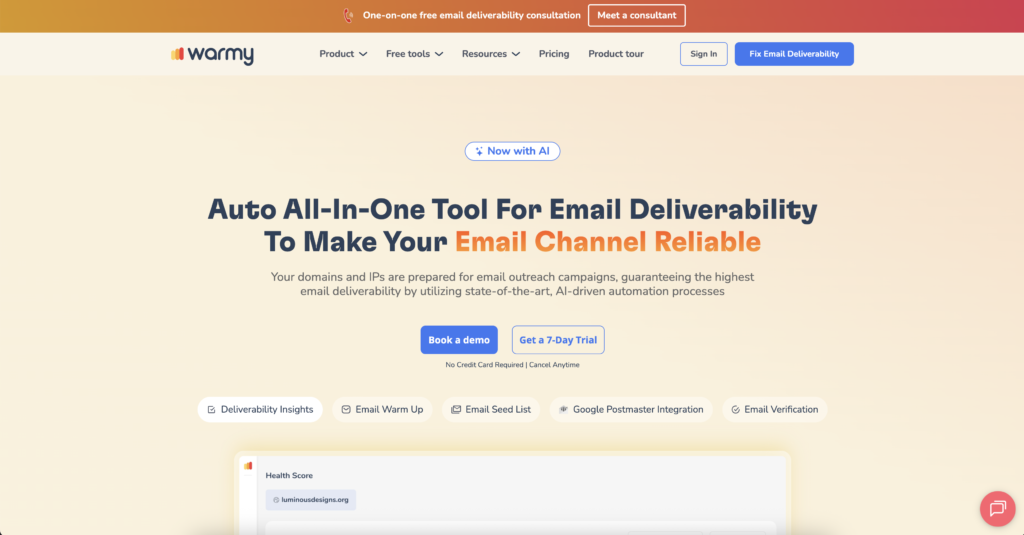
Warmy presents itself as an all-in-one email deliverability tool that uses AI-driven automation to maximize inbox placement. It is designed to fine-tune your sending reputation behind the scenes, ensuring that outreach emails reach recipients’ primary inboxes rather than spam. Warmy uses sophisticated algorithms and AI to automatically adjust your warm-up process. It gradually boosts your sender reputation to improve open and click rates across providers like Gmail, Outlook, Yahoo, and others. The system actively works to help your messages bypass spam filters and build trust with email services.
Pricing
Warmy.io offers four standard plans. The Starter plan is $49 per month for one inbox with basic AI warm-up. The Business plan is $129 per month covering five inboxes with analytics included. The Premium plan is $189 per month for ten inboxes with advanced customization. The Expert plan is $279 per month for up to 20 inboxes with higher volume and limited API access. Custom and agency plans are available for teams with higher volume needs. A 7-day free trial is available with no credit card required.
Pros
- Strong AI-driven customization, including language and topic-specific warm-up
- Domain health dashboard with SPF, DKIM, and DMARC checks built in
- Inbox placement testing is included in higher plans
- Responsive customer support
Cons
- Cost per account remains high even after volume discounts, making it impractical for teams managing more than a few inboxes
- SMTP-based warm-up delivers less consistent results than Gmail or Outlook-connected accounts
- Advanced features like language and topic customization are locked to higher-priced plans
7. TrulyInbox
TrulyInbox is an email warm-up tool that improves sender reputation through automated, human-like interactions. The platform emphasizes simplicity, affordability, and scalability, positioning itself as an accessible solution for teams looking to improve inbox placement without complex setup.
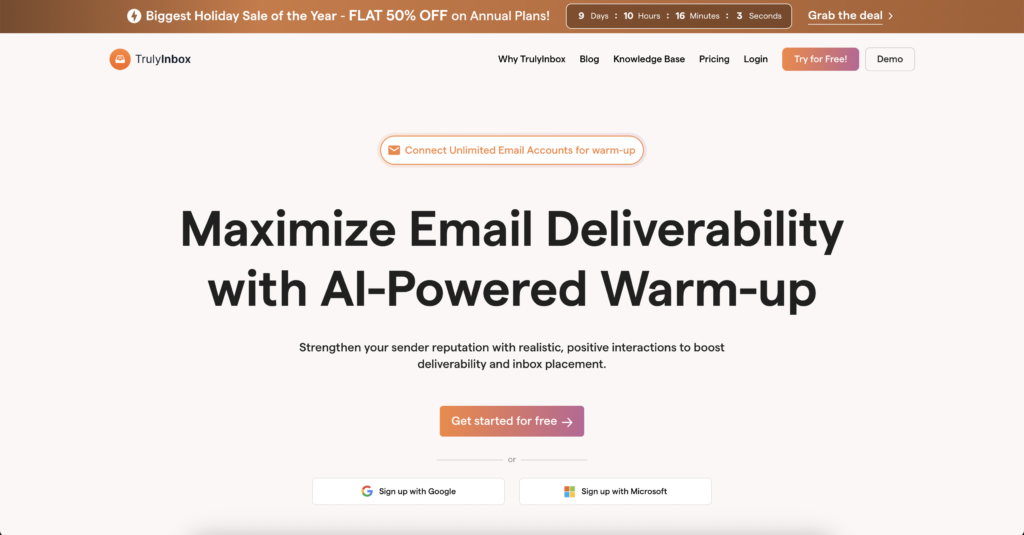
TrulyInbox uses AI to send warm-up emails in a natural pattern. Messages are sent one at a time, at varying intervals, to mimic real human behavior and avoid bot-like signals. These interactions generate positive engagement that strengthens the sender’s reputation and helps emails land in primary inboxes instead of spam.
Pricing
The free plan includes one email account and 10 warm-up emails per day. Paid plans start at $22 per month billed annually with unlimited email accounts. A 7-day free trial is available on all paid plans with no credit card required.
Pros
- Unlimited accounts on all paid plans, strong value for agencies
- Free plan available to test core functionality
- Simple setup with minimal technical knowledge required
- Affordable relative to per-inbox competitors
Cons
- Fewer advanced features compared to tools like Warmy or InboxAlly
- Reporting is basic, limited to deliverability score and placement trends
- Not ideal for senders who need deep diagnostic data
8. InboxAlly
InboxAlly is an email warm-up and deliverability platform designed to improve inbox placement by actively strengthening sender reputation. The tool focuses on generating consistent, positive engagement signals that train mailbox providers to treat your emails as trusted and wanted.
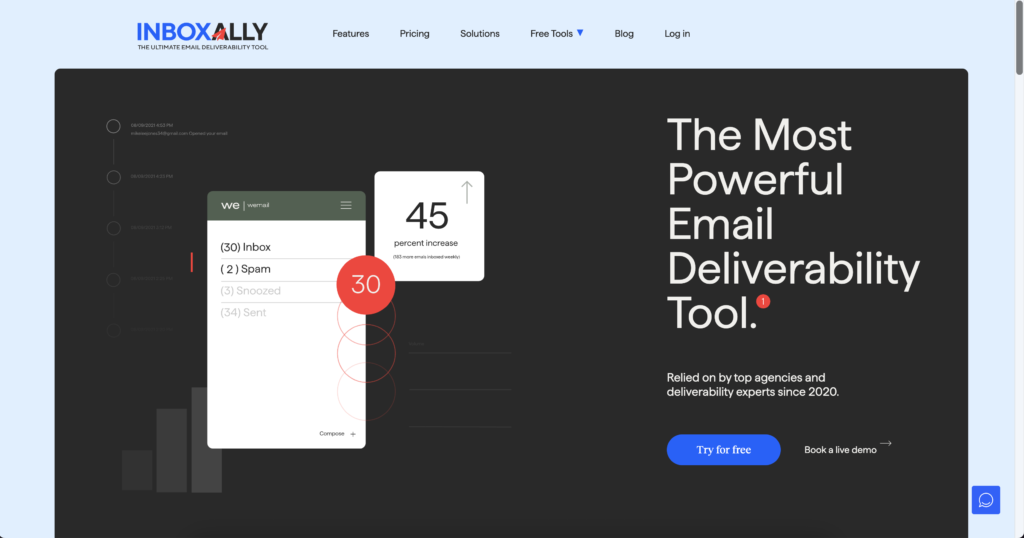
InboxAlly works by creating authentic interactions with your emails. These include opening messages, replying to them, marking emails as important, and moving them out of the spam folder when needed. Over time, this repeated engagement signals to providers like Gmail, Outlook, and Yahoo that your emails belong in the primary inbox rather than spam.
Pricing
The Starter plan is $149 per month for 100 daily seed emails. The Plus plan is $645 per month, and the Premium plan is $1,190 per month. All plans include a 10-day free trial with no credit card required.
Pros
- Comprehensive deliverability suite beyond basic warm-up
- Inbox placement testing across Gmail, Outlook, and Yahoo included
- Suitable for high-volume senders and reputation repair
- No DNS access required, five-minute setup
Cons
- Plans range from $149 to $1,190 per month, placing it among the most expensive tools in this category
- Reporting is relatively basic, and live support is limited on lower-tier plans
- Less suited for small teams or low-volume senders, where the cost is hard to justify
Every tool on this list solves the same core problem in a different way. How you choose depends on your scale, your stack, and how seriously you treat deliverability.
Cold Email in 2026 Is an Infrastructure Game
Inbox providers are not reading your subject lines. They are reading your sending behavior. Sudden volume spikes, weak engagement, inconsistent patterns. That is what gets you filtered, no matter how good the email is.
A warm-up exists to address this before it becomes a problem. It builds the sending history that inbox providers need to see before they let your emails through. Skip it, and you’ll start every campaign with a deliverability deficit that compounds over time.
Here is what actually matters when choosing a tool: match it to your scale.
If you’re running one or two inboxes, a simple warm-up tool with a solid inbox network is enough. But managing ten or more domains with rotating mailboxes? You need adaptive volume controls, spam recovery, and centralized monitoring.
Three things to do before you send a single cold email:
- Lock down your DNS. SPF, DKIM, DMARC. No warm-up tool can compensate for broken authentication.
- Start warm-up at least two to three weeks before your first campaign. Rushing this defeats the entire purpose.
- Keep warm-up running even after campaigns go live. Reputation is not a one-time achievement. It decays without consistent positive signals.
Cold email in 2026 rewards the disciplined, not the aggressive. Landing in primary inboxes is more than just good copy; running better infrastructure is crucial. Warm-up is the first layer of that infrastructure, and the one most people still get wrong.