

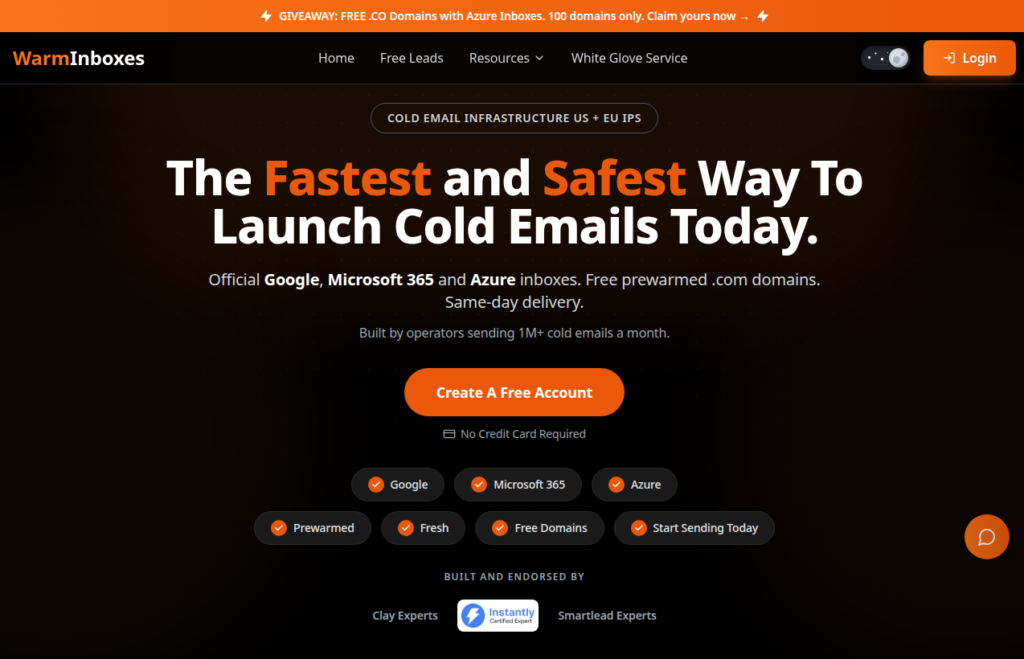
Warm Inboxes offers what very few cold outreach tools offer- warmed up inboxes and domains. It offers the flexibility that many GTM managers would love – you can send from day 1. With Google, Microsoft, and Azure inboxes available, you can diversify your cold outreach stack.
This Warm Inboxes review covers the features, latest pricing, support quality, and the estimated cost of sending ~5,000 emails/day.
Key Takeaways
Warm Inboxes is a multi-inbox provider offering – Google, Microsoft, and Azure inboxes. They are available in both – fresh and pre-warmed. The setup is automated and done-for-you. The starting price per inbox is $3 for fresh inboxes.
- Inboxes: Google, Microsoft, and Azure
- USP: pre-warmed inboxes are available
- Deliverability: Mixed reviews
- Risk: No burn or domain-health monitoring
- Starting Plan: Google and Microsoft inboxes are billed monthly for $3.5 and $3 per inbox
- Support: 24/7 WhatsApp support
About Warm Inboxes
Warm Inboxes is a cold-email inbox provider offering Google, Microsoft, and Azure inboxes. They are available in both fresh and pre-warmed inboxes. If you want to send from day 1, you can opt for pre-warmed inboxes billed monthly for $8/inbox.
The setup is automated and done-for-you. You can connect the inboxes to your sequencer.
The only drawback – Warm Inboxes does not provide ongoing warmup or inbox monitoring. Once you start sending, you need to manage warmup and check your deliverability yourself.
How Warm Inboxes Works
Warm Inboxes Features
Multi-Inbox Provider
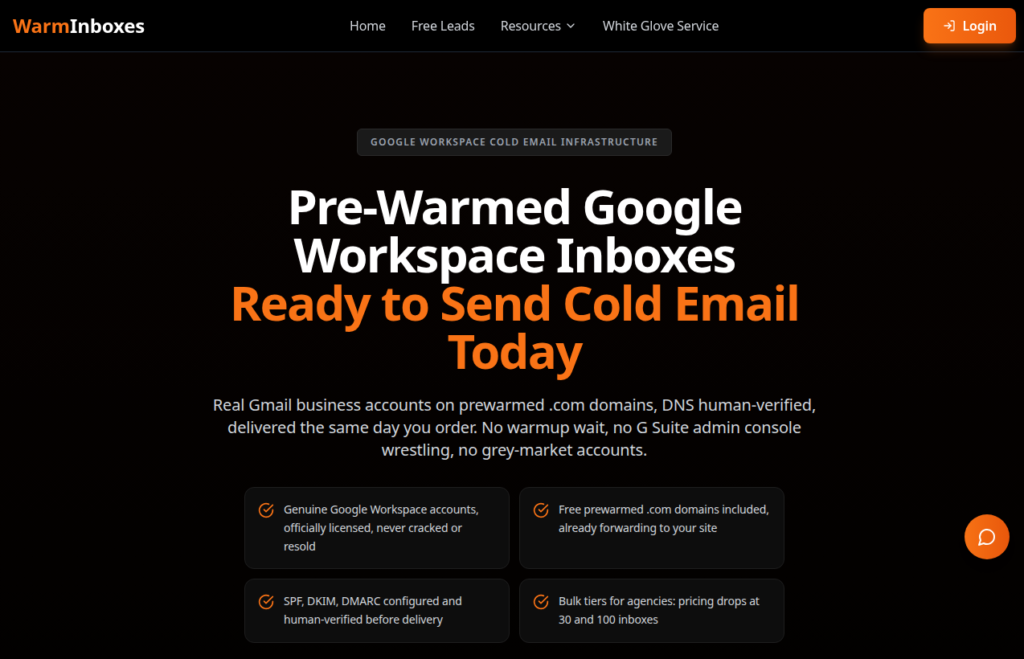
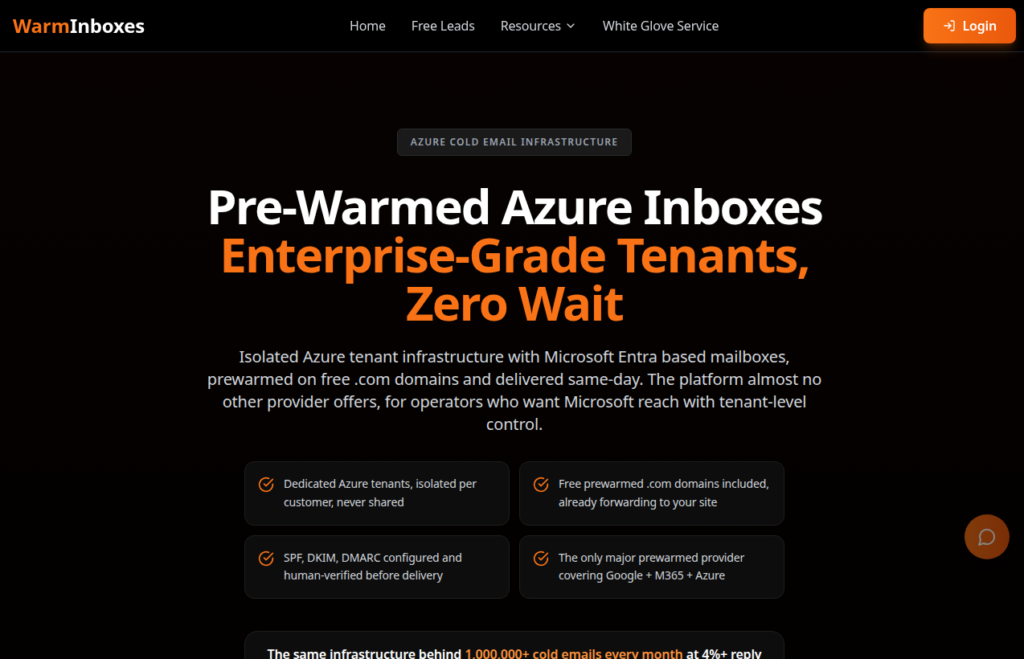
Warm Inboxes offer diversity, which every GTM professional wants. It offers Google, Microsoft, and Azure inboxes. This lets you build your diversified cold outreach stack using multiple inboxes from a single provider. Now you don’t have to rely on or track invoices from different providers.
You can also buy both fresh and pre-warmed inboxes.
Pre-warmed Inboxes
Warm Inboxes offers pre-warmed inboxes for $8/mo; it is ready to use from day one. Now you don’t have to wait 14-21 days for the warmup period.
Free Domains
Warm Inboxes offers a free .com or .co domain with a pre-warmed subscription.
Automated DNS Setup
The setup is automated and done-for-you. Your SPF, DKIM, and DMARC, are set up for you.
You can export the inboxes to your sequencer using CSV, IMAP, SMTP, or OAuth. However, Warm Inboxes does not offer a proper public API.

Pros
Multi-Inbox Provider
Warm Inboxes offers Google, Microsoft, and Azure inboxes. This gives you more options without using three different providers.
Offers Pre-warmed Inboxes
Pre-warmed inboxes are ready to use on the first day. You do not have to wait 14-21 days for warmup.
Cons
No Monitoring or Burn Detection
Warm Inboxes doesn’t offer burn detection, domain monitoring, or inbox-placement monitoring. So you will never know how your inboxes are performing in real time.
No Warmup Methodology
You can buy pre-warmed Google, Microsoft, and Azure inboxes, but the warmup methodology is not defined. Whether they are warmed up with the same inbox type or what’s the sending frequency, these things are not mentioned.
Also, there’s no ongoing warmup.
Warm Inboxes Pricing
Warm Inboxes offers fresh and pre-warmed inboxes. Here’s the latest pricing –
| Inbox | Category | Plan | No. of Inboxes | Price/Inbox/mo | Total Cost |
|---|---|---|---|---|---|
| Pre-warmed | Quarterly | 3 | $6.00 | $18/mo | |
| Pre-warmed | Monthly | 3 | $8.00 | $24/mo | |
| Microsoft | Pre-warmed | Quarterly | 3 | $6.00 | $18/mo |
| Microsoft | Pre-warmed | Monthly | 3 | $8.00 | $24/mo |
| Azure | Pre-warmed | Quarterly | 100 (per tenant) | $0.50 | $50/mo per tenant |
| Azure | Pre-warmed | Monthly | 100 (per tenant) | $0.69 | $69/mo per tenant |
| Fresh | Yearly | 1 to 100+ | $2.00 | $2.00 × inboxes/mo | |
| Fresh | Monthly | 1 to 100+ | $3.50 | $3.50 × inboxes/mo | |
| Microsoft | Fresh | Yearly | 1 to 100+ | $2.00 | $2.00 × inboxes/mo |
| Microsoft | Fresh | Monthly | 1 to 100+ | $3.00 | $3.00 × inboxes/mo |
| Azure | Fresh | Monthly | 25 to 100 (per domain) | Flat per domain | $50/mo per domain |
Note: Fresh inboxes are billed monthly, quarterly and yearly. Pre-warmed inboxes are billed monthly and quarterly.
Aerosend: Best Warm Inboxes Alternative
Warm Inboxes and Aerosend are both cold-email inbox providers, but they handle deliverability differently.
Warm Inboxes provides pre-warmed inboxes and claims to replace burned inboxes when you contact support. However, it does not monitor your inbox placement or domain health.
Aerosend actively monitors your deliverability and sends burn alerts. It also conducts biweekly inbox placement tests to identify issues before they affect your campaigns. It also manages ongoing warmup through WarmupInbox instead of leaving it to your sequencer.
Here’s the brief comparison between both cold email service providers –
| Compare | Warm Inboxes | AerosendPrivate infrastructure |
|---|---|---|
| Inbox Available | GoogleMicrosoftAzurePre-warmedFresh and pre-warmed options on all three | Private infrastructureBuilt for cold email, so no Google or Outlook bans |
| Isolation | ~Azure tenant onlyNot disclosed for Google and Microsoft | ✓DedicatedNew isolation every 10 domains / 30 inboxes, never shared |
| Warmup | ~Pre-warmed onlyNo ongoing warmup; warmup method not disclosed | ✓Included, ongoingComplimentary premium warmup, matched to who you email |
| Monitoring | ✕Not includedNo domain or inbox-placement monitoring | ✓Six metricsEvery domain scored daily and surfaced to you |
| Deliverability | ✕Self-managedNo placement tests; you check deliverability yourself | ✓Our responsibilityBiweekly inbox placement tests, included |
| Domain Burn Alerts | ✕Not offeredClaims to replace burned inboxes when you contact support | ✓IncludedBurnt domains flagged within 5 minutes, replaced in one click |
| Pricing | From $0.50/inboxAzure pre-warmed, quarterly, 100 per tenant; Google fresh from $2 | $4 / inbox$2 per inbox past 150 · 30 inboxes = $120/mo |
| Ready To Test? | Visit Warm Inboxes Website ↗ | Try Aerosend For Free |
Price/Mailbox Breakdown (~5,000 emails/day)
| Requirements | Warm Inboxes | Aerosend |
|---|---|---|
| Mailboxes needed | ~333 | 200 |
| Send rate per mailbox | ~15/day (Google) | 20-25/day |
| Plan | Fresh Google 100+ (Quarterly Pricing Plan) | Starter + Growth |
| Per-mailbox rate | $2.50 | $3.50 (blended) |
| Monthly total | ~$835 | ~$700 |
| Service model | Self-managed | Managed |
Warm Inboxes Support
The support is only accessible via WhatsApp.
The Verdict
Warm Inboxes offers pre-warmed as well as fresh Google, Microsoft, and Azure inboxes.
But it doesn’t provide inbox monitoring or detect domain burns. Therefore, you have to rely on external tools for ongoing warmup and monitor placement.
However, if you want a provider to handle warmup, monitoring, and burn detection for you, a managed provider like Aerosend is a better fit.
To know how you can improve your deliverability, schedule a call now with Namit, Smartlead Hall of Famer and Co-Founder at Aerosend.
