




Every Azure cold email provider is reviewed on two things – cost/inbox and IP.
SparkInboxes offers 100 Azure inboxes on a single domain, billed monthly at $35 per 500 emails a day. And about the IP? It’s not defined.
In this SparkInboxes review, I’ll break down the risks and benefits of using 100 Azure inboxes for cold outreach and how many inboxes you need to send at scale.
Key Takeaways
SparkInboxes offers the cheapest Azure inboxes at $0.35/inbox. The bundle includes 100 inboxes per domain, with fast setup, a 15-minute onboarding call, and warmup settings for your sequencer.
- Inbox: Azure
- USP: 100% Free Inbox Replacements
- Deliverability: Low
- Risk: High Burn Risk
- Starting price: $35/mo per 500 emails/day
- Support: Via Email, and LinkedIn
About SparkInboxes
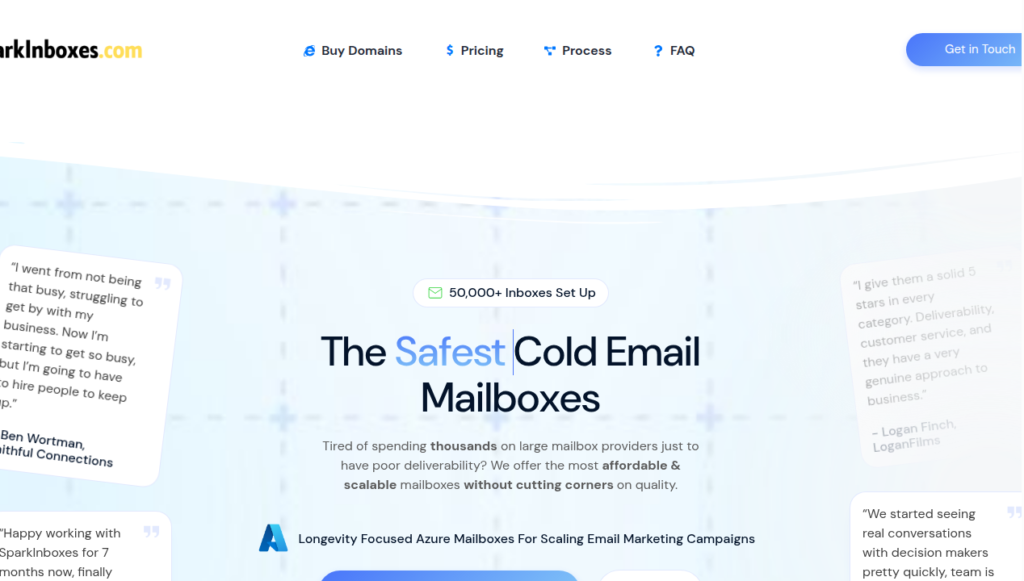
SparkInboxes is a cold email inbox provider offering Azure inboxes.
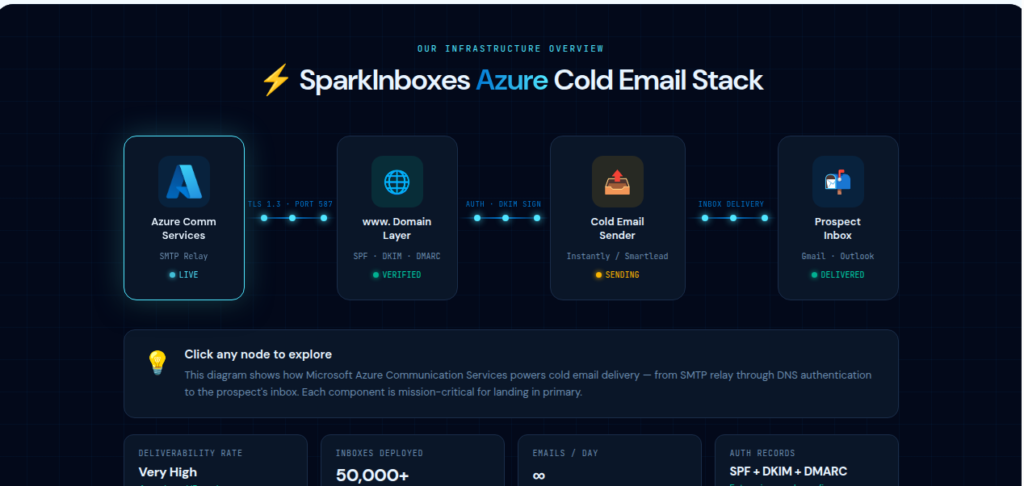
Like every Azure inbox seller, SparkInboxes offers tenant-level isolation, i.e., one domain per IP. You can purchase one domain that hosts 100 Azure inboxes for $35/mo per 500 emails a day.
The setup is done-for-you, which includes domain registration, DNS, technical configuration, and integrating the inboxes into your sequencer. Everything is done in ~24 hours.
One thing SparkInboxes does configure is the warmup setting for your sequencer, with a recommended minimum of 14-21 days. It does not run that warmup for you.
It does not include monitoring, burn alerts, or inbox placement tests. So, to monitor deliverability, you have to rely on external tools or do it yourself.
How SparkInboxes Works
SparkInboxes Features
Fully Managed Setup
SparkInboxes handles domain registration, DNS, technical setup, and connects the inboxes into your sequencer, live within 24 hours.
Free Inbox Replacements
If an inbox gets flagged, SparkInboxes replaces it for free. But the replacement arrives after the inbox is already gone, and nothing tells you why. So you can’t prevent it; it only replaces it after it’s burned.
Rotating IPs
SparkInboxes claim to offer rotating IPs. But there are two major flags in – IP source is not disclosed, and if they’re rotating the IPs, are they aged or fresh? It’s not disclosed either.
Pros
Done-for-You Setup
The setup is done within 24 hours. It includes domain configuration, DNS setup, and warm-up settings for the sequencer.
Free Replacements
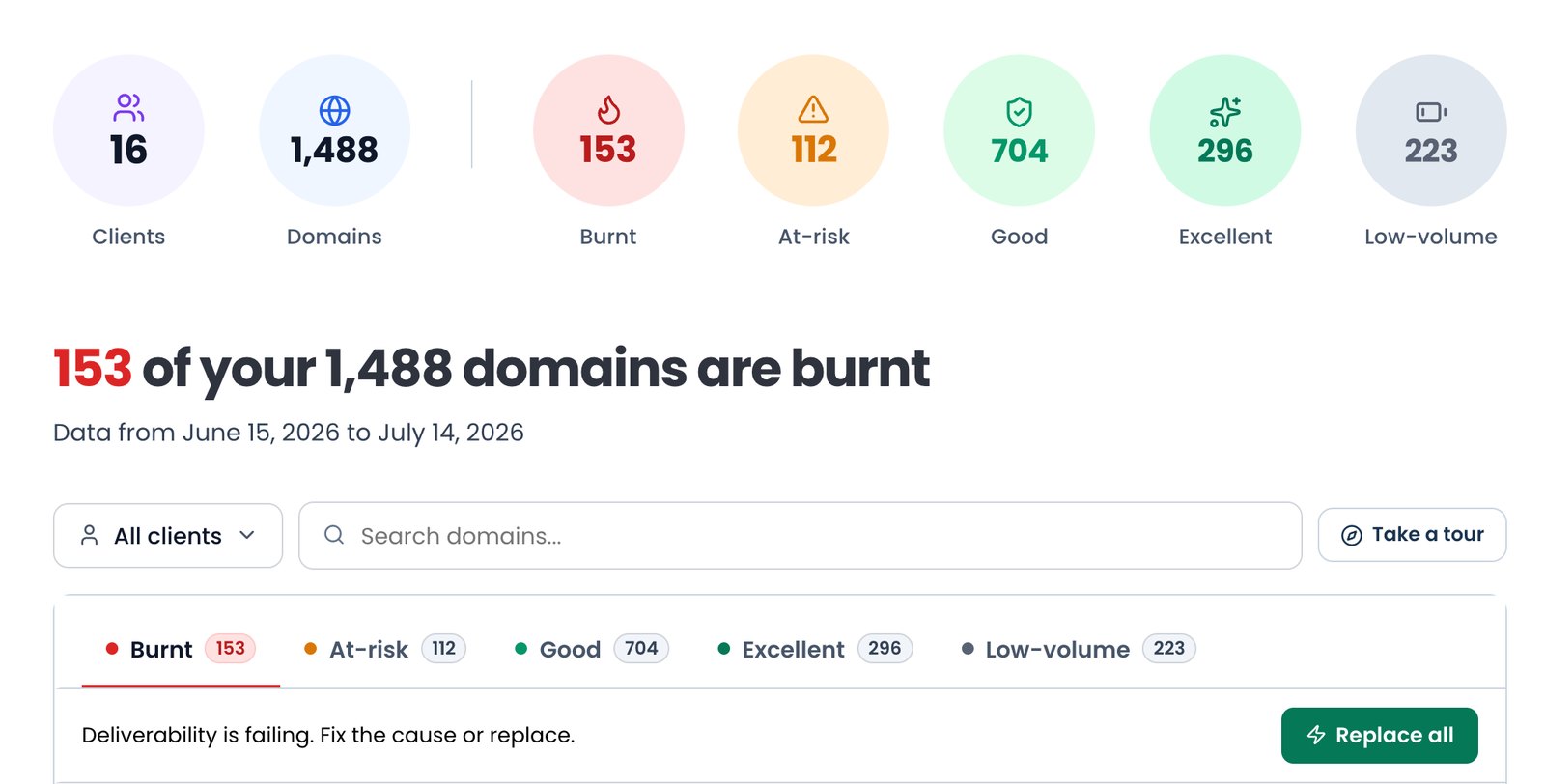
If your inboxes get flagged, SparkInboxes claims that they will provide replacements for free. But this isn’t an advantage; Azure inboxes tend to burn faster, so it is a requirement.
Cons
100 Azure Inboxes Per Domain
Adding 100 Azure inboxes in one domain is very aggressive for Microsoft-routed sending. Because if one of your inboxes gets flagged, it can take down other inboxes with it, and ultimately the whole domain and your campaign.
No Warmup
SparkInboxes configures the warmup settings into your sequencer but does not really conduct it independently. So you’re paying for the infrastructure alone and running the warmup where everyone does, on your sequencer.
No Deliverability Monitoring
There’s no burn detection, no inbox placement testing, and no per-domain reputation reporting. So you have to monitor your domains yourself once the setup is complete.
One-Time Domain Setup Fee
For every domain you buy, SparkInboxes charges $4 per domain as a one-time setup fee.
Zero Track Record
SparkInboxes has zero independent reviews on G2 and Trustpilot. Therefore, there is no way to verify how the inboxes perform after the setup.
SparkInboxes Pricing
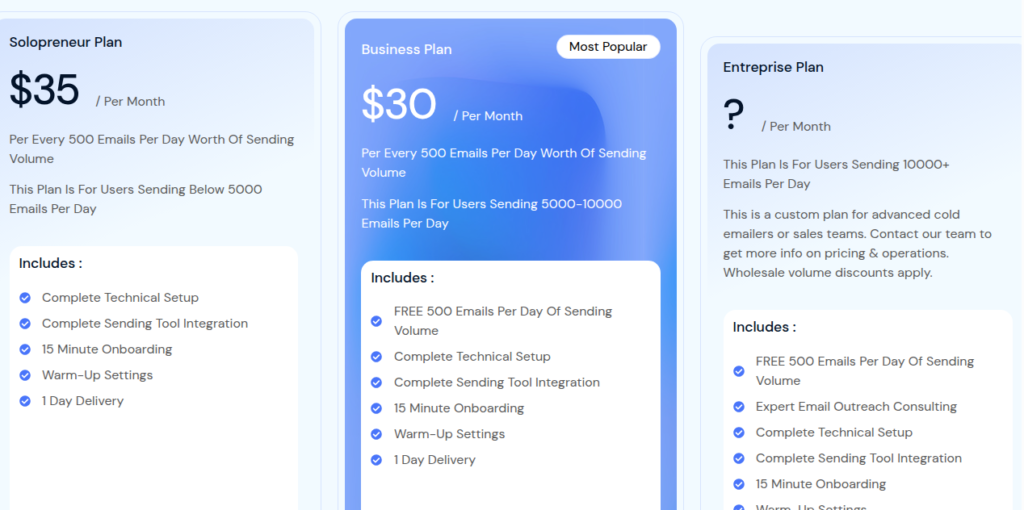
| Plan | Price/Mo per 500 emails/day | Inboxes/Domain | Who it is for |
|---|---|---|---|
| Solopreneur | $35 | 100 | Under 5,000 emails/day |
| Business (Most Popular) | $30 | 100 | 5,000 to 10,000 emails/day |
| Enterprise | Custom | 100 | 10,000+ emails/day |
Solopreneur100$35
- Price/Mo per 500 emails/day
- $35
- Inboxes/Domain
- 100
- Who it is for
- Under 5,000 emails/day
Business (Most Popular)100$30
- Price/Mo per 500 emails/day
- $30
- Inboxes/Domain
- 100
- Who it is for
- 5,000 to 10,000 emails/day
Enterprise100Custom
- Price/Mo per 500 emails/day
- Custom
- Inboxes/Domain
- 100
- Who it is for
- 10,000+ emails/day
Aerosend: Best SparkInboxes Alternative
SparkInboxes offers Azure inboxes, and each inbox costs $0.30-$0.35. It sets everything up for you in under 24 hours and integrates with your sequencer.
It provides 100 Azure inboxes per domain, and that’s the risk. Because if you have this many inboxes in a domain, then there is a high chance that if one inbox gets burned, it can take down every inbox in that domain.
The free replacement is the entire safety net, and it only appears when all your inboxes are already burnt.
Here’s the brief comparison between SparkInboxes and Aerosend
| Compare | SparkInboxes | AerosendPrivate infrastructure |
|---|---|---|
| Inbox Available | Azure100 Azure inboxes on a single domain, billed monthly | Private infrastructureBuilt for cold email, so no Google or Outlook bans |
| Isolation | ✕100 inboxes per domainPer-domain isolation is claimed but not verifiable, and 100 inboxes on one domain concentrates the risk | ✓DedicatedNew isolation every 10 domains / 30 inboxes, never shared |
| Warmup | ✕Settings only, you run itRecommends 14-21 days, but the warmup runs in your own sequencer's generic pool | ✓Included, ongoingComplimentary premium warmup, matched to who you email |
| Monitoring | ✕Not includedNo per-domain reputation reporting; you monitor your own domains after setup | ✓Six metricsEvery domain scored daily and surfaced to you |
| Deliverability | ✕No placement testingNo inbox placement tests, and the IP source behind the rotating-IP claim is not disclosed | ✓Our responsibilityBiweekly inbox placement tests, included |
| Domain Burn Alerts | ~Free replacement, after the factReplaces a flagged inbox at no cost, but only once it is already burned and with no stated cause | ✓IncludedBurnt domains flagged within 5 minutes, replaced in one click |
| Pricing | From $35 / month$35/mo per 500 emails a day under 5,000/day, $30 from 5,000 to 10,000/day; domains $4 one-time | $4 / inbox$2 per inbox past 150 · 30 inboxes = $120/mo |
| Ready To Test? | Visit SparkInboxes Website ↗ | Try Aerosend For Free |
Price/Mailbox Breakdown (~5,000 emails/day)
| Requirement | SparkInboxes | Aerosend |
|---|---|---|
| Inboxes Required | ~1000 | 200 |
| Send Rate/Inbox | ~5 emails per day | ~20-25/day |
| Plan | Business plan | $4/inbox for first 150, then $2 |
| Per-Inbox Cost | $0.30 | $3.50 (blended) |
| Total Monthly Cost | ~$300 | ~$700 |
SparkInboxes Support
For support, you can reach SparkInboxes through email, LinkedIn, or by booking a call.
However, there are no independent user reviews on G2 or Trustpilot to judge the quality and response time.
The Verdict
SparkInboxes is a fair option if you want to send at scale and at a cheaper sticker price. However, Azure inboxes have a poor sending reputation, and SparkInboxes doesn’t offer proper warmup. It only offers warmup setting, which you have to run through your sequencer.
Also, there is a $4 one-time setup fee for each domain.
So you’ll be running your own warmup. Also, there are no inbox placement tests, and 100 inboxes on one domain means one burn takes out a lot of capacity.
But with Aerosend you’ll get a complete cold email infrastructure including premium warmup, 6-metric burn detection, and biweekly inbox placement tests, all managed for you.
