

Unlike most cold email inbox providers that cram domains on a shared IP, Slicey does the opposite. It offers 100 Azure inboxes per domain within each tenant. You can easily send 500 emails/day, about 4x the volume a domain safely handles.
The isolation is real! But warmup?
In this Slicey review, I’ll explain what Slicey is, who it’s for, and the risks.
Key Takeaways
Slicey is a done-for-you cold-email inbox provider offering Azure inboxes with real domain-level isolation. The 100-inboxes-per-tenant-per-domain model is cheap and quick to set up. You pay one flat per-domain price, and everything is managed for you.
- Inbox: Azure
- USP: Isolated tenant per domain
- Deliverability: Mixed
- Risk: Fast-burn exposure as 100 inboxes hosted on a domain
- Starting Plan: $49/domain/mo
- Support: Founder-direct WhatsApp and call access with campaign consultation
About Slicey
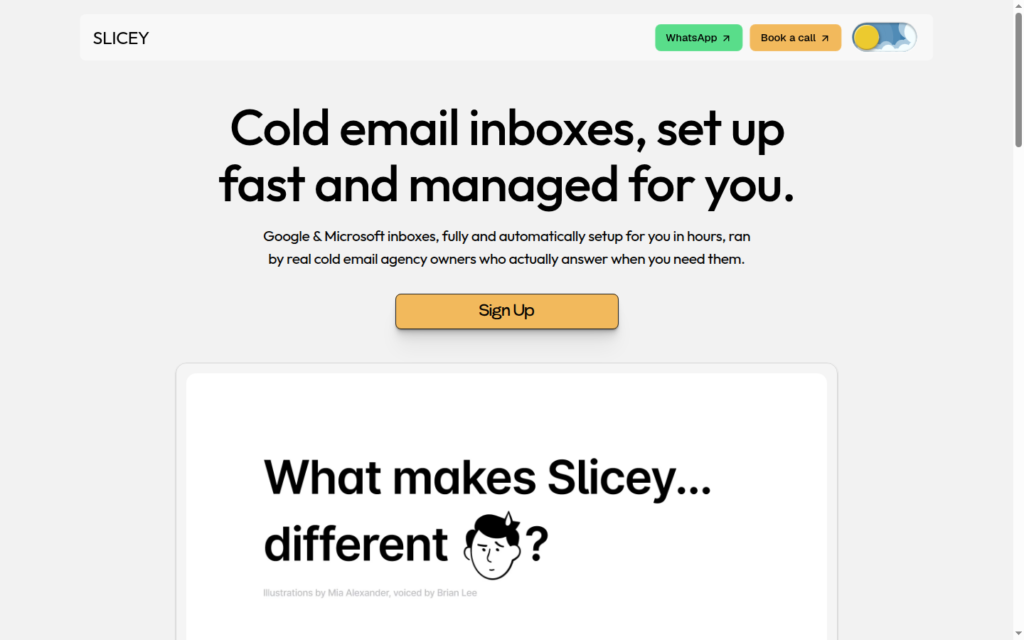
Slicey is a done-for-you cold-email inbox provider offering Azure inboxes. You get 100 Azure inboxes/domain, billed monthly for $49/domain. You can send up to 15,000 emails/mo/domain. The setup is quick, and the inboxes are provisioned and connected to your sequencer.
Slicey offers an unlimited domain swap policy. But you need to warmup your fresh inboxes every time, and Slicey doesn’t run a warmup service.
Also, deliverability tracking is available on Slicey, and you can monitor your domains.
Another distinct feature that few cold email providers offer: Campaign Consultation. Slicey manages your campaigns and offers suggestions.
How Slicey Works
Slicey Features
Deliverability Tracking With Autoswapping
Slicey offers “deliverability tracking with autoswapping” but didn’t disclose what it tracks or how often it checks. So this is reactive rotation on burn, replacing a domain after it degrades, not proactive burn detection with leading indicators.
Unlimited Domain Swap
When a domain burns, Slicey swaps it for a fresh one at no extra charge, unlimited. That is a real convenience for cold emailers using Azure inboxes. But every swapped-in domain is a fresh domain and has to go through warmup.

Pros
Genuine Domain Isolation
Slicey hosts each domain on its own Azure tenant, so ten domains behave like ten separate businesses. Tenant-level isolation is rare among Azure cold email inbox providers. Your domains do not share a reputation with strangers.
Cheap, Fast Capacity
Slicey offers $49/domain, and each domain includes 100 Azure inboxes. So the cost per inbox is $0.49, which is very cheap, and everything is live in hours.
Unlimited Domain Swapping
On Slicey, you can easily replace the burnt domain.
Founder-Direct Support
You get the founder on WhatsApp and a booked call. Direct access to the person who runs the infrastructure is important when something needs fixing fast. On top of that, campaign consultation is included in the plan.
Cons
Fast-Burn Volume
Each domain consists of 100 Azure inboxes and sends roughly 500 emails/domain/day. It is 4x over the daily safe limit.
No Warmup
Slicey doesn’t offer warmup. You need to run the warmup through your sequencer.
Reactive Monitoring, No Published Criteria
“Deliverability tracking with autoswapping” sounds proactive. But Slicey never states what it measures or when a swap fires. It’s a grey zone; nobody knows how the domain got burnt. It only detects once the domain has already degraded, not before. You are left to monitor your domains with external tools.
Slicey Pricing
| Category | Billed | Domain | Inboxes/domain | Price | Price/Inbox |
|---|---|---|---|---|---|
| Standard | Monthly | 1 | 100 | $49 | ~$0.49 |
Aerosend: Best Slicey Alternative
Slicey offers 100 Azure inboxes/domain and hands you the inboxes and steps back. It leaves warmup to you and offers easy domain swaps.
Whereas Aerosend runs dedicated private infrastructure and takes responsibility for placement. It offers complementary premium warmup using WarmupInbox inbox and monitors deliverability.
Here’s the brief comparison between Slicey and Aerosend:
| Compare | Slicey | AerosendPrivate infrastructure |
|---|---|---|
| Inbox Available | Azure100 inboxes per domain, one tenant per domain | Private infrastructureBuilt for cold email, so no Google or Outlook bans |
| Isolation | ✓Tenant per domainEach domain on its own Azure tenant, 100 inboxes | ✓DedicatedNew isolation every 10 domains / 30 inboxes, never shared |
| Warmup | ✕Not includedEvery swapped-in domain also needs warmup | ✓Included, ongoingComplimentary premium warmup, matched to who you email |
| Monitoring | ~Reactive, criteria unpublishedTracking with autoswap; what it measures is undisclosed | ✓Six metricsEvery domain scored daily and surfaced to you |
| Deliverability | ✕Left to youCampaign consultation included; no inbox placement tests | ✓Our responsibilityBiweekly inbox placement tests, included |
| Domain Burn Alerts | ~Reactive autoswap onlySwaps a domain after it degrades, not before | ✓IncludedBurnt domains flagged within 5 minutes, replaced in one click |
| Pricing | $49 per 100$49/domain monthly for 100 Azure inboxes, ~$0.49 each | $4 / inbox$2 per inbox past 150 · 30 inboxes = $120/mo |
| Ready To Test? | Visit Slicey Website ↗ | Try Aerosend For Free |
Price/Mailbox Breakdown (~5,000 emails/day)
| Requirements | Slicey | Aerosend |
|---|---|---|
| Inboxes Required | ~1,000 | 200 |
| Send rate per mailbox | ~5/day | 20-25/day |
| Per-mailbox rate | ~$0.49 | $3.50 (blended) |
| Monthly total | ~$490 | ~$700 |
| Service model | Self-managed | Managed |
Slicey Support
Support runs through WhatsApp and a booked call. The Founder, Karim, takes up campaign consultation, which is included in the plan.
The Verdict
Is Slicey worth it? If you’re looking to diversify and can monitor deliverability, it is. It is a good option for cold emailers looking to test Azure inboxes. Slicey is cheap, setup is quick, and per-domain isolation is good for starters.
But if managed deliverability matters to you more, Aerosend offers dedicated private infrastructure which includes warmup and proactive burn monitoring.
To know how you can improve your deliverability, schedule a call now with Namit, Smartlead Hall of Famer and Co-Founder at Aerosend.
