

SimpleInboxes is a multi-inbox provider offering Google, Microsoft, and AWS inboxes. Setup is quick and done-for-you. You can organize them into separate workspaces for each client or campaign.
Separate workspaces keep things tidy, but they won’t help with inbox placement. For that, you need an infrastructure that offers warmup and monitoring as well.
I forgot about the isolation! What is the inbox per domain ratio? That’s very important as well.
In this SimpleInboxes review, I’ll be evaluating the infrastructure on isolation, warmup, monitoring, domain alerts, price per inbox, and support quality.
Key Takeaways
SimpleInboxes is a multi-inbox provider with no minimum order. The setup is automated and fast. But for best inbox placement, warmup and monitoring are missing. Therefore, deliverability success is low.
- Inbox: Google + Microsoft + AWS Accounts
- USP: Developer API plus an MCP endpoint
- Deliverability: Thin
- Risk: No warmup and deliverability monitoring
- Starting Price: $2.50/inbox/mo for Google inboxes
- Support: Dedicated Account Manager on WhatsApp
About SimpleInboxes
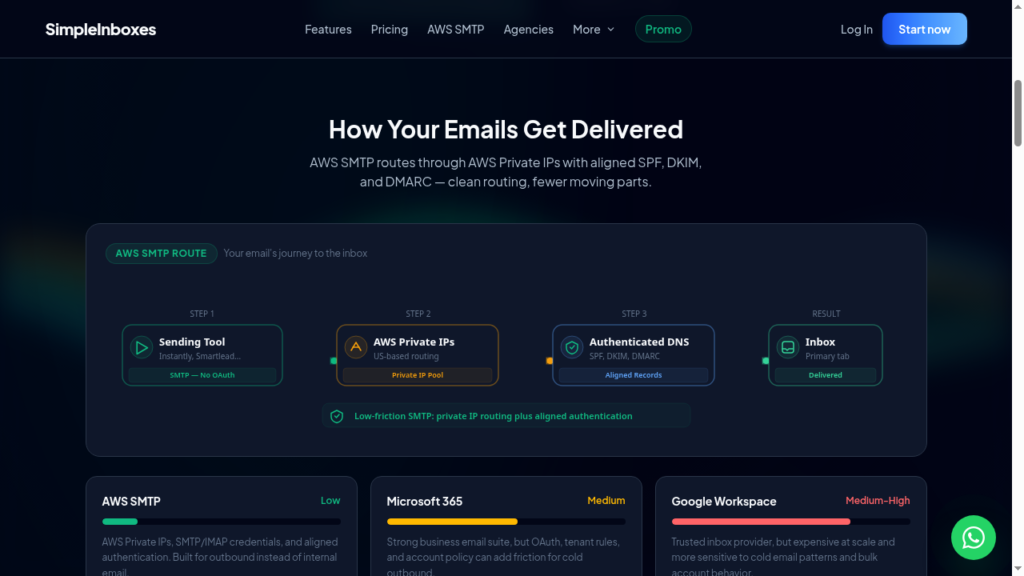
SimpleInboxes offers Google, Microsoft, and AWS accounts.
Setup is fast; in under 15 minutes, you’ll get API and admin panel access with each domain.
They put at most 3 Google or Microsoft inboxes on each domain. Fewer inboxes per domain is safer, because one bad inbox can’t hurt as many others.
There is no minimum order, and you’ll also get a dedicated account manager no matter the size of your order.
Now the downside –
They source these inboxes from official Google and Microsoft resellers.
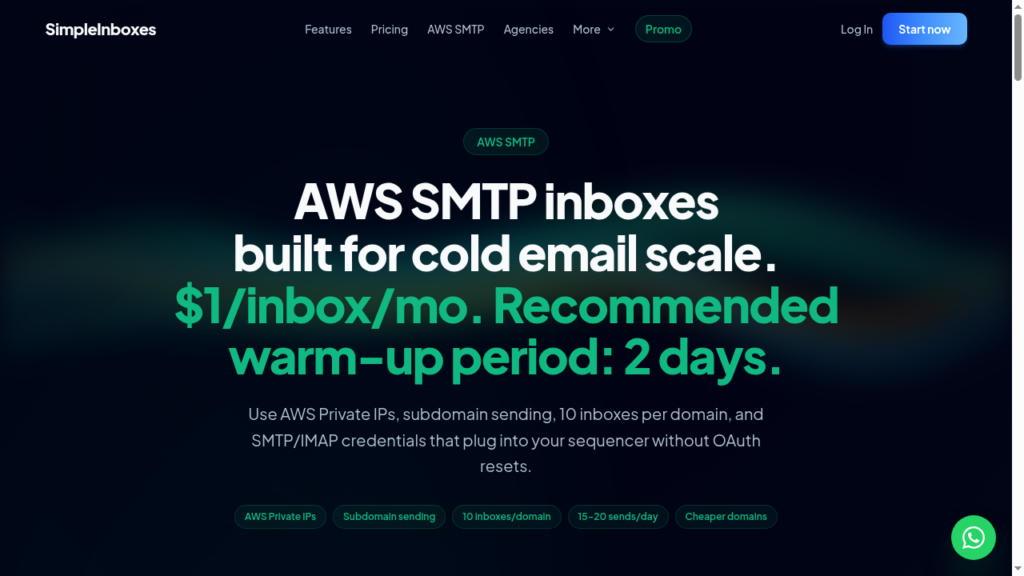
It doesn’t include warmup it only suggests a recommendation for Google and Microsoft for a 14-day ramp-up and for AWS a 2-day ramp-up. So you have to run the warmup through your sequencer or buy from external sources.
It also doesn’t include deliverability monitoring, so you’ll need to manage it yourself.
How SimpleInboxes Works
SimpleInboxes Features
Multi-Inbox Provider
SimpleInboxes offers Google, Microsoft, and AWS inboxes. Having multiple inbox types means you can spread your sending across multiple ESPs. So you can mix them in a single order. Quick note: The origin of accounts is unknown.
Admin Level Workspaces
With Agency mode, you get admin panel access, so you can separate billing, domains, and controls. Where you easily manage your campaigns.
Developer API and MCP Endpoint
SimpleInboxes provides a REST API and an MCP endpoint that connects to LLMs. You can place orders or make changes to your setup with one prompt.
Done-For-You DNS
SimpleInboxes handles SPF, DKIM, DMARC, and MX records for you. The setup is fast, and your accounts are ready for cold outreach in under 15 minutes.
Domain Recovery Pool
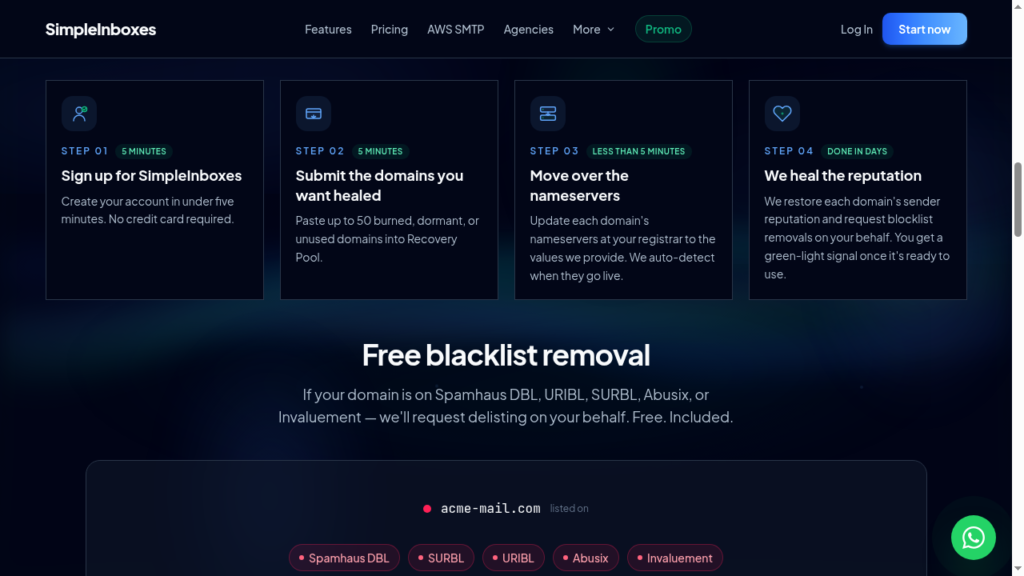
When a domain is burnt, the best practice is to replace it, not put it in a recovery model. But SimpleInboxes says you can park a burned domain in its recovery pool. Let its reputation recover, and reactivate it in one click. However, it doesn’t explain how its recovery pool works. So it’s hard to verify the quality of recovered domains.

Pros
Multi-Inbox Available for Campaign Diversification
Multiple inboxes from SimpleInboxes let you mix and match sending across different ESPs. But the account origin is unknown.
Cheap Inboxes
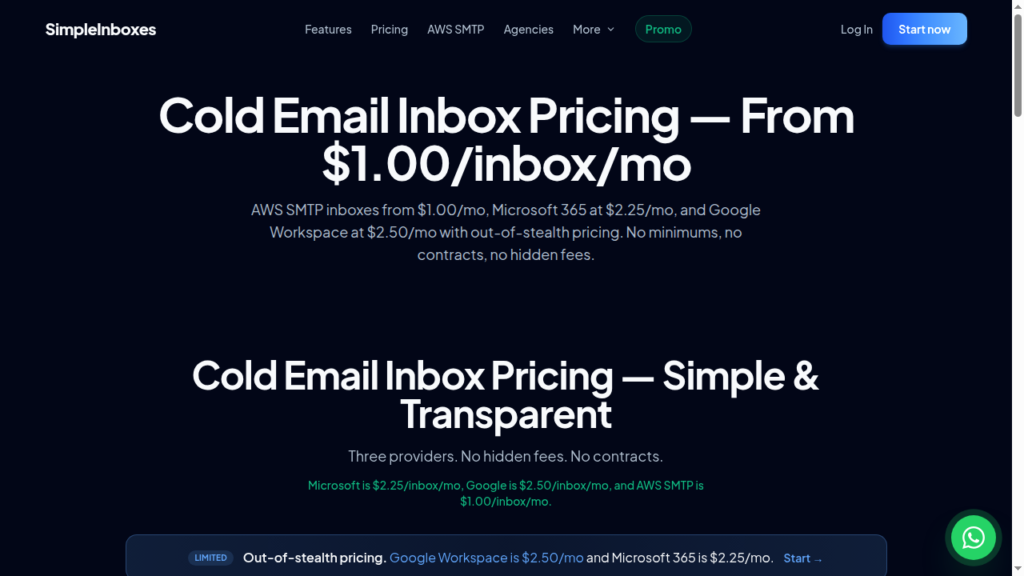
Google inboxes cost $2.50/inbox, Microsoft costs $2.25/inbox, and AWS accounts cost only $1/inbox. Since they’re sourced from official resellers, they’re cheaper than buying straight from Google or Microsoft.
Clear Published Isolation Ratio
The isolation for Google and Microsoft accounts on SimpleInboxes is capped at three inboxes per domain. Hosting fewer inboxes per domain is safer from both deliverability and price POV.
No Minimum Order
You can buy just one inbox, pay monthly, and cancel anytime. You aren’t locked in if it doesn’t work for you.
Easy-to-Follow API Documentation
The SimpleInboxes API documentation is clear and easy to follow. So, developers can manage inboxes with code, or through tools like Claude and Slack, without clicking around a dashboard.
Fast Setup
SimpleInboxes claims to deliver fully set up inboxes with SPF, DKIM, and DMARC record configuration within 15 minutes.
Cons
No Deliverability Monitoring
Since there is no deliverability monitoring on SimpleInboxes, there’s no way to know whether your emails land in the inbox or in spam.
No Burn Alerts
SimpleInboxes also doesn’t warn you when a domain starts going bad. You’d usually only notice when people stop replying, and by then the damage is done. You’ll need a separate tool to watch this.
Account Origin is Not Verified
SimpleInboxes sources inboxes from official Google and Microsoft resellers, and the account origin is unknown.
Unproven Domain Recovery Pool
A burned domain means it has lost its sender reputation, and Google and Microsoft have stopped trusting that domain. SimpleInboxes says it can fix a burned domain so you can use it again. Usually the only real fix is to replace it with a new one. SimpleInboxes shares no proof, results, or examples that its pool works, so there is no way to verify it.
Shared AWS Accounts
AWS accounts have never performed well in the past. While building Aerosend, we tested 10+ AWS providers. AWS was one of the worst ones.
No Track Record, Thin Trust Surface
SimpleInboxes has no public reviews and little history to show how it performs over time. The simpleinboxes.com domain was only registered in February 2026. With little outside proof, you’re mostly relying on what the company says about itself. For example, the website claims a 99% inbox placement rate, but there’s no proof behind it.
SimpleInboxes Pricing
| Inbox | Price/inbox | Inboxes/domain | Recommended warmup |
|---|---|---|---|
| Microsoft | $2.25 | up to 3 | 14 days |
| $2.50 | up to 3 | 14 days | |
| AWS SMTP | $1.00 | up to 10 | 2 days |
Aerosend: Best SimpleInboxes Alternative
SimpleInboxes offers Google, Microsoft, and AWS accounts. It claims to provide US IPs, but the origin of the accounts is unknown.
If you need a dedicated setup for your campaign, go for the Agency Plan. It offers an isolated workspace with separate domains and controls.
But it has some downsides –
- No deliverability monitoring
- You can run warmup through your sequencer
- The “domain recovery pool” is unproven
But if you want complete infrastructure that is built around inbox placement, check out Aerosend.
It offers dedicated infrastructure with aged, geo-mapped IPs. So you don’t need to wonder where the inboxes come from.
Premium warmup using WarmupInbox is also included in the cost + biweekly inbox placement tests + domain burn alerts.
You can easily launch cold email campaigns with confidence and track your domains’ performance in real time.
Here is a detailed comparison of SimpleInboxes and Aerosend:
| Compare | SimpleInboxes | AerosendPrivate infrastructure |
|---|---|---|
| Inbox Available | GoogleMicrosoftAWS SMTPOfficial reseller accounts; origin unknown | Private infrastructureBuilt for cold email, so no Google or Outlook bans |
| Isolation | ~Per-domain cap only3 inboxes/domain on Google/MS; shared SES on AWS | ✓DedicatedNew isolation every 10 domains / 30 inboxes, never shared |
| Warmup | ✕Not includedRecommends 14-day or 2-day ramp via your sequencer | ✓Included, ongoingComplimentary premium warmup, matched to who you email |
| Monitoring | ✕Not includedYou manage deliverability monitoring yourself | ✓Six metricsEvery domain scored daily and surfaced to you |
| Deliverability | ~Claimed, unverifiedClaims 99% inbox placement; no placement tests included | ✓Our responsibilityBiweekly inbox placement tests, included |
| Domain Burn Alerts | ✕Not offeredOffers an unproven domain recovery pool instead | ✓IncludedBurnt domains flagged within 5 minutes, replaced in one click |
| Pricing | From $2.25/inboxMicrosoft $2.25, Google $2.50, AWS SMTP $1; no minimum | $4 / inbox$2 per inbox past 150 · 30 inboxes = $120/mo |
| Ready To Test? | Visit SimpleInboxes Website ↗ | Try Aerosend For Free |
Price/Mailbox Breakdown (~5,000 emails/day)
| Requirements | SimpleInboxes | Aerosend |
|---|---|---|
| Inboxes Required | 250 | 200 |
| Send Rate/Inbox | ~15-20/day | ~20-25/day |
| Plan | Google – 150 inboxes Microsoft – 100 inboxes | $4/inbox for first 150, then $2 |
| Per-Inbox Cost | Google – $2.50 Microsoft – $2.25 | $3.50 (blended) |
| Total Monthly Cost | ~$600 | ~$700 |
SimpleInboxes Support
SimpleInboxes has dedicated account managers on WhatsApp within 1 hour, whether you buy 3 inboxes or 300. But no independent user reviews to verify the quality or response time of their support.
The Verdict
If you only need Google, Microsoft, and AWS accounts, provisioned super quick for you, SimpleInboxes is the right option for you. But you’ve to manage your own warmup and monitoring.
But if you want the complete setup – dedicated IPs, premium warmup and monitoring to manage your campaigns – then Aerosend is the right option for you.
