

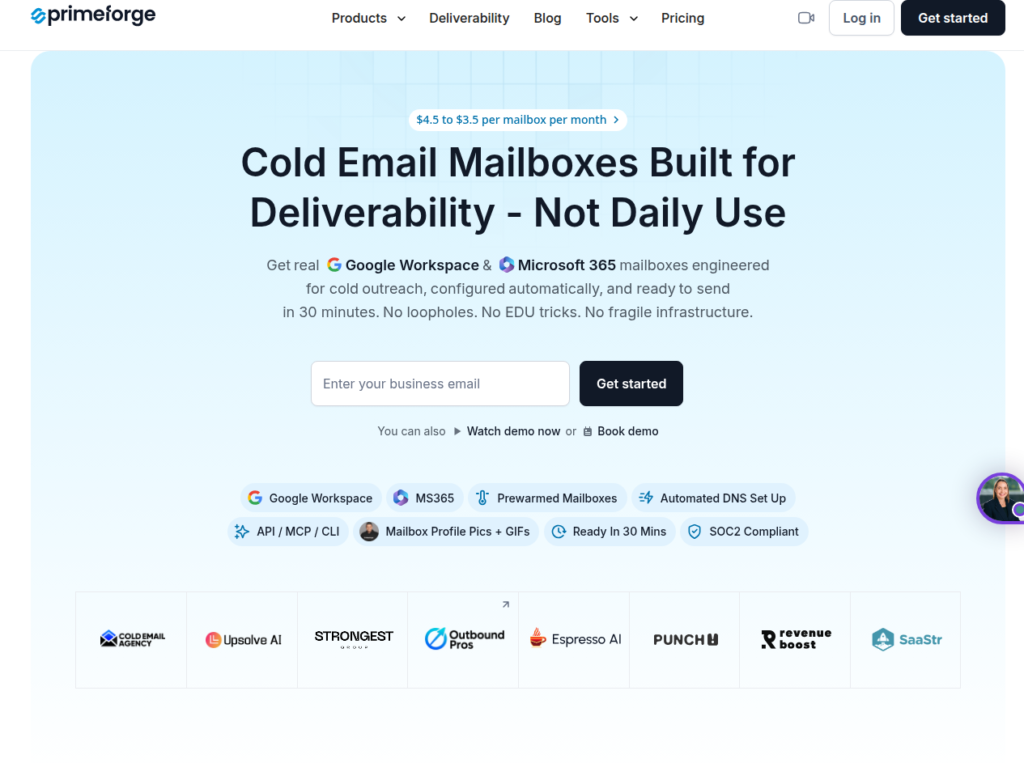
Do you want to send cold email from the same ESPs your prospects use? With Primeforge multi-inbox setup – Google and Microsoft, you can ESP-match your lead list and improve inbox placement.
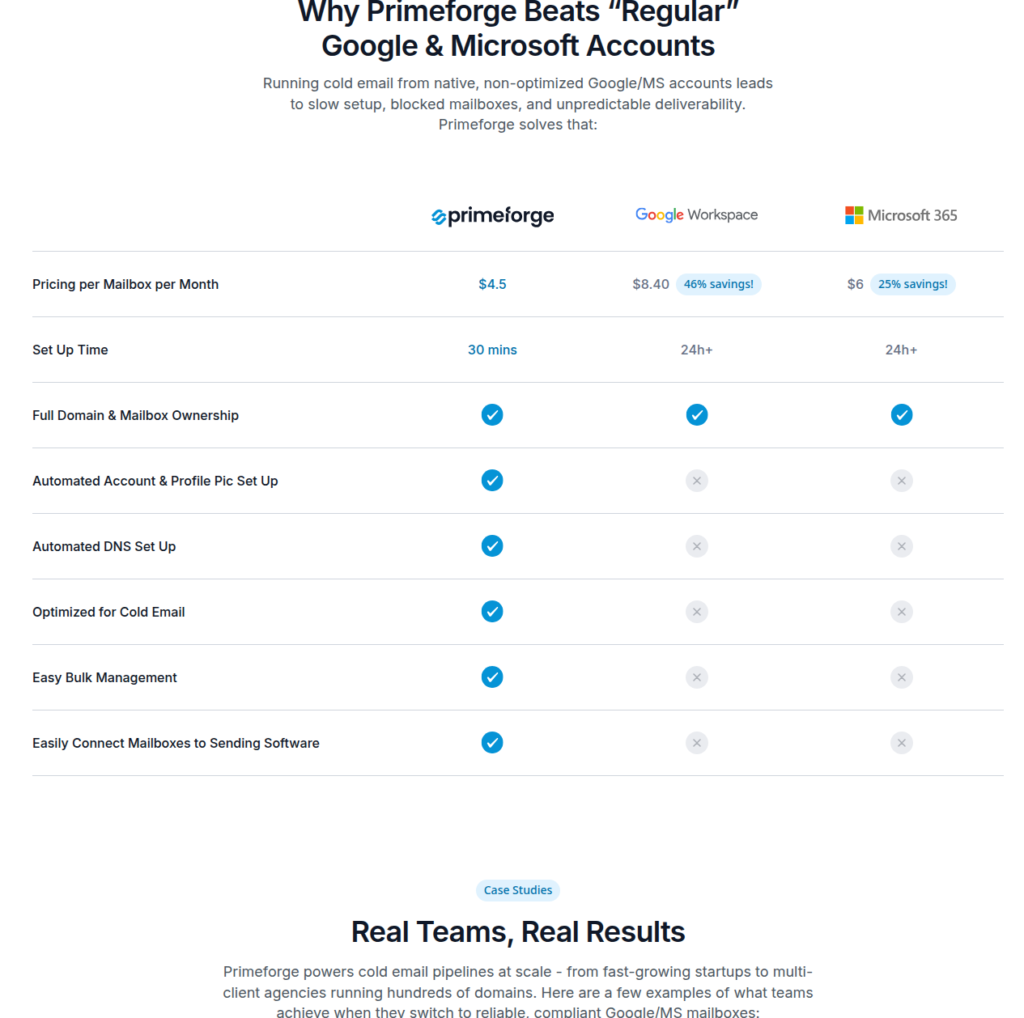
You have to buy a minimum of 10 inbox slots, with each costing $4.5/month.
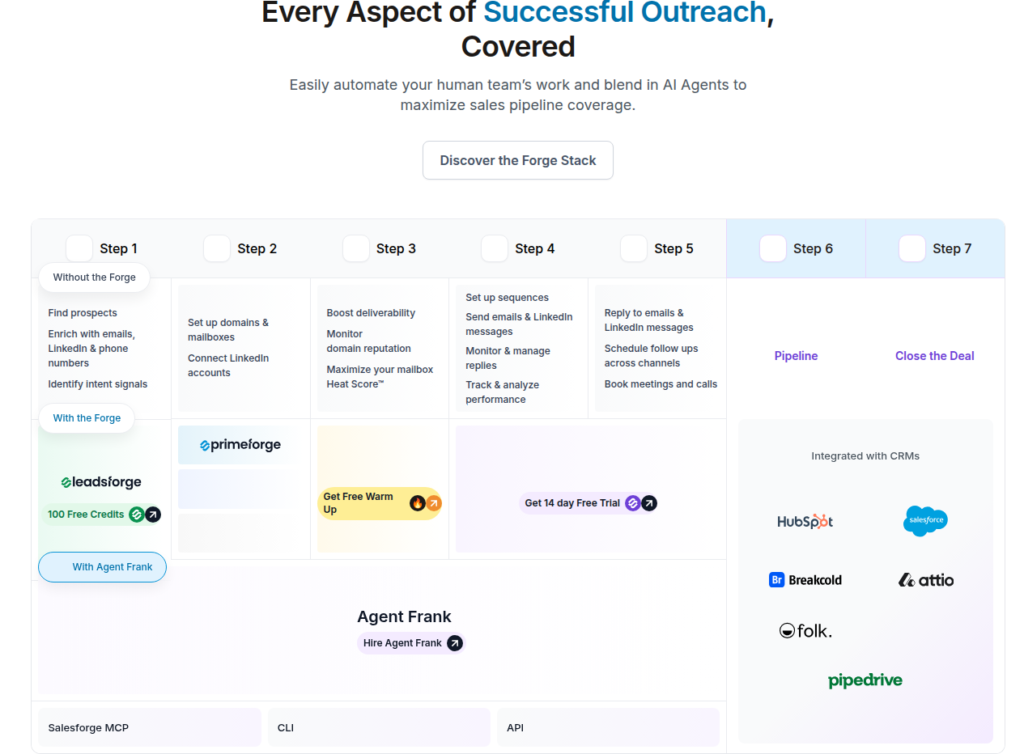
It also ships an API, MCP, and a CLI, which simplifies the integration to Sequencer.
Buy the domains, it wires up the DNS, generates the inboxes, and exports them straight into your Sequencer.
Key Takeaways
Primeforge is a multi-inbox ESP with US-based IPs – Google and Microsoft, each billed at $4.5/month. The setup is quick and automated with Primeforge API. If you want to send cold email instantly, you can purchase pre-warmed inboxes. But ongoing warmup and monitoring are not available.
- Inbox: Google and Microsoft
- USP: Pre-warmed, deliverability-optimized inboxes (Cost not shared)
- Deliverability: Mixed but reasonable
- Risk: Ongoing warmup requires separate Warmforge subscription
- Starting Plan: $4.50/inbox/month (Minimum 10 inbox slots)
- Support: Very Good

About Primeforge
Primeforge is a part of Frank Sondors’ Salesforge family, and sells real Google Workspace and Microsoft 365 inboxes built for cold outreach.
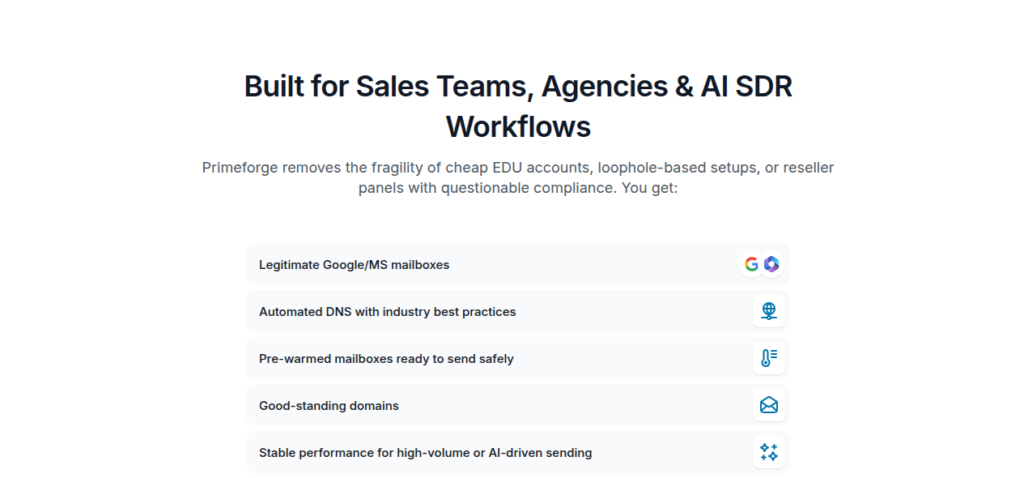
The inboxes are hosted on US-based IPs and are sold as reusable slots (minimum 10, 3 mailboxes per domain, which you can buy for $14/year, and you own them).
Setup is quick and automated with Primeforge API. It auto-configures SPF, DKIM, DMARC, and forwarding. The inboxes go live in about 30 minutes, then you export them to any sequencer.
They arrive pre-warmed, so you skip the usual two-week ramp. Ongoing warmup requires runs through the separate paid Warmforge or your own sequencer.
How Primeforge Works

Primeforge Features
Google and Microsoft Inboxes on US-based IPs
Indian-origin genuine Google and Microsoft inboxes for $4.5/inbox/mo configured for cold sending. Primeforge also offers ESP matching. You can send from a Google inbox to a Google lead and Microsoft to Microsoft.
Pre-Warmed Inboxes at Delivery
Your inboxes arrive pre-warmed, so you skip the two-week ramp and start sending from day one. But for ongoing warmup, you have to buy Warmforge subscription or do it from your sequencer.
Quick Setup with Primeforge API
Buy a domain and Primeforge wires up SPF, DKIM, DMARC, and forwarding. With Primeforge API, you can export DNS-configured inboxes to your Sequencer. The whole process takes only about 30 minutes, and your inboxes are ready for cold outreach.
Pros
Fast Automated Setup
You buy domains and Primeforge wires up SPF, DKIM, and DMARC. It spins up your Google or Microsoft inboxes, and pushes them to a sequencer. In about 30 minutes, your send-ready inboxes are live for cold outreach.
Owned Domains
You can buy domains directly from the platform for $14/year. And they’re yours.
Developer Control with Primeforge API
With every plan, you’ll get access to Primeforge API, which simplifies inbox provisioning and integrating with Sequencer at scale.
Responsive Support
Across numerous G2 and Trustpilot reviews, Primeforge support is ranked highly and fast, staffed by actual people, with a dedicated Slack channel.
Cons
Deliverability Lands On You
Primeforge offers only the inboxes. Supposedly, if Microsoft tightens compliance on high-volume senders into Outlook, and when your mail stops landing, the fix is yours to find.
Indian-Origin Google Inboxes
Primeforge sells Indian-origin Google inboxes. Compared to US-origin Google inboxes, these inboxes have witnessed low deliverability success.
No Built-In Burn Monitoring
You get DNS and config tooling plus a config-time placement test. What you don’t get is anything watching your domains after setup. If the performance of an inbox declines, it will be your job to spot + diagnose + fix.
No Ongoing Warmup
You’ll receive pre-warmed inboxes, but ongoing warmup is not included. You do it yourself, on every one of those inboxes. It’s another tool and process you have to set up.
Price is Inbox-Only
Thirty inboxes run $135 a month, and that is the inbox only. Warmup you run, monitoring does not exist, domain protection is registration only: each is billed on top or left to you. The amount you sign up for is the start of the bill, not the end.
Primeforge Pricing
| Inboxes | Billed | Price/Inbox/mo | Price/Domain/yr |
|---|---|---|---|
| 10 | Monthly | $4.50 | $14 |
| 10 | Yearly | $3.80 | $14 |
Aerosend: Best Primeforge Alternative
Primeforge offers Indian-origin Google and Microsoft inboxes at $4.50/inbox/mo. Warmup and monitoring are on you.
Aerosend offers dedicated infrastructure and takes full responsibility for where the mail actually lands. The inboxes cost $4, but include ongoing warmup, inbox placement tests, domain burn monitoring, and much more.
Here’s how the two line up side by side:
| Compare | Primeforge | AerosendPrivate infrastructure |
|---|---|---|
| Inbox Available | Google WorkspaceMicrosoft 365Pre-warmedIndian-origin Google inboxes on US-based IPs | Private infrastructureBuilt for cold email, so no Google or Outlook bans |
| Isolation | ✕Not published3 mailboxes per domain; no isolation ratio | ✓DedicatedNew isolation every 10 domains / 30 inboxes, never shared |
| Warmup | ~Pre-warmed onlyOngoing warmup needs paid Warmforge or your sequencer | ✓Included, ongoingComplimentary premium warmup, matched to who you email |
| Monitoring | ✕Not includedNothing watches your domains after setup | ✓Six metricsEvery domain scored daily and surfaced to you |
| Deliverability | ~Setup-time test onlyConfig-time placement test; ongoing deliverability is yours | ✓Our responsibilityBiweekly inbox placement tests, included |
| Domain Burn Alerts | ✕Not offeredSpotting a declining inbox is your job | ✓IncludedBurnt domains flagged within 5 minutes, replaced in one click |
| Pricing | $4.50/inbox/moMinimum 10 slots; $3.80 yearly; domains $14/yr | $4 / inbox$2 per inbox past 150 · 30 inboxes = $120/mo |
| Ready To Test? | Visit Primeforge Website ↗ | Try Aerosend For Free |
Price/Inbox Breakdown (~5,000 emails/day)
| Requirements | Primeforge | Aerosend |
|---|---|---|
| Inbox Required | ~200-250 (at ~20-25/inbox/day) | 200 |
| Send Rate Per Inbox | ~20-25/day | 20-25/day |
| Plan | $4.50/inbox slots + domains + Warmforge for warmup | Starter/Growth banded |
| Per-Inbox Rate | $3.50 (high volume) | $3.50 (blended) |
| Total Monthly Cost | ~$700-900 inboxes only, plus Warmforge + domains | ~$700 |
| Service Model | Self-managed | Managed |
Primeforge Support
Fast replies and real people, Primeforge offers “expert customer support.” The bigger accounts are moved to premium support- a Slack channel.
There’s no published SLA. No stated coverage hours either.
But the credibility of “expert” is doubtful.
The only good thing is that their chat support answers quickly, but they also give me wrong instructions when it came to the Cloudflare token.
GD, Trustpilot
The Verdict
Is Primeforge worth it? Yes, if you can run warmup and monitoring yourself.
Primeforge offers Indian-origin Google and Microsoft inboxes. The setup is quick, and you’ll get pre-warmed inboxes ready for cold outreach in 30 minutes.
$4.50/inbox; on top of that, you have to buy an additional subscription for ongoing warm-up and monitoring.
Aerosend offers dedicated infrastructure built around high deliverability success.
For $4/inbox, along with the inbox, you’ll get ongoing warm-up from Warmupinbox, domain burn monitoring, and inbox placement tests.
