

Most Mission Inbox reviews ask just one question: “Is the infrastructure actually isolated?”
The answer is “Yes”. Mission Inbox is among the few cold email service providers offering dedicated setup. These IPs are yours alone and not shared with anyone. So nothing can affect your deliverability except yourself.
But under isolation, how many domains are hosted on the IP address? Or, what’s the warmup process? Or, can MI Shield monitor inbox performance?
Mission Inbox never publishes the information.
The goal of the Mission Inbox review is simple: to evaluate the infrastructure, verify the actual pricing, and issue a verdict.
Key Takeaways
Mission Inbox offers isolated, dedicated IPs to provide you with a personal sending environment. It conducts pre-send quality checks, such as content and spam patterns, and offers deliverability insights. The setup is done for you, but you have to manage the warmup and inboxes.
- Inbox: Private Infrastructure
- USP: Genuine per-customer isolated server
- Deliverability: Good reviews
- Risk: No warmup, burn detection, or inbox-placement tests
- Starting Plan: 15 inboxes for $50/mo
- Support: Fast, Founder-led

About Mission Inbox
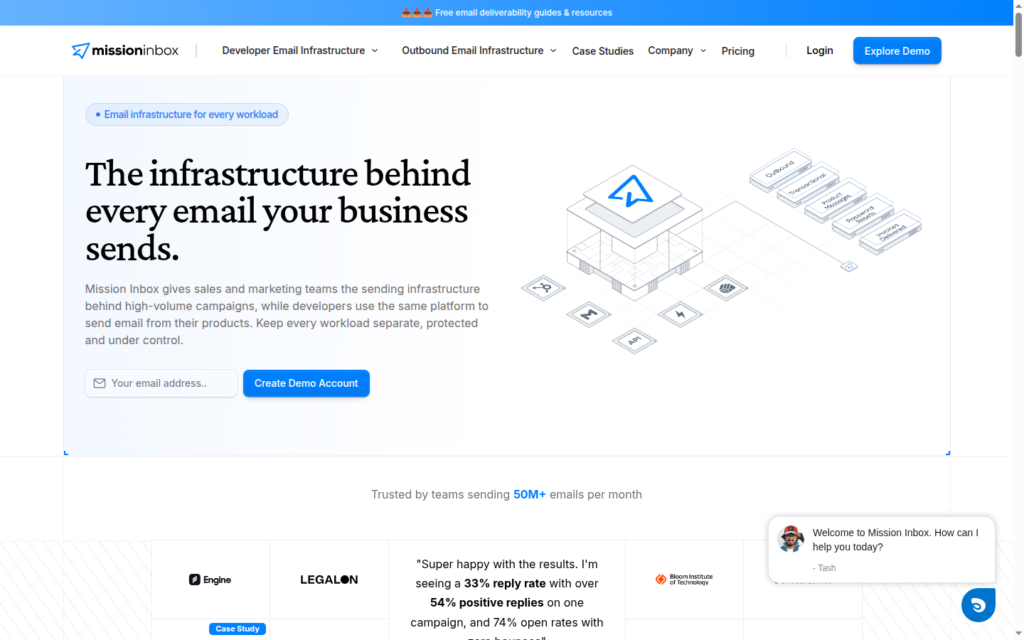
Mission Inbox is a private email infrastructure platform that offers dedicated IPs for cold outreach.
It is billed monthly for $50 and includes 15 inboxes. You can send ~5,000 with this setup.
Mission Inbox auto-configures DNS and exports inboxes to Sequencer in one click.
The inboxes are fresh, so you need to run warmup. Mission Inbox manages deliverability, keeps a close eye on your copy, and detects anomalies such as spam patterns.
How Mission Inbox Works
Mission Inbox does not publish an official demo video (only a Calendly booking exists on the site), so there is no walkthrough to embed here.
Mission Inbox Features
Dedicated IPs
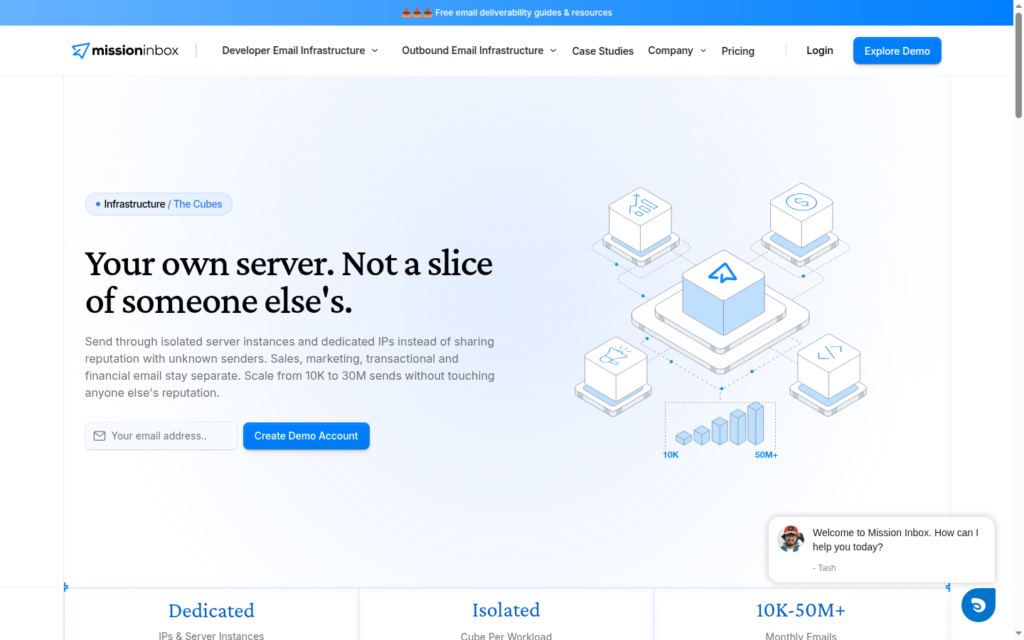
This is the core architecture of Mission Inbox. It offers a “Cube”, i.e., a dedicated server per customer. Each server is shipped with two to three dedicated IPs. With no sharing, no spammy neighbor can affect the IP you send from.
Instant Setup and DNS Auto-Push
Mission Inbox auto-configures DNS setup and supports CSV bulk creation. With API access, you can export inboxes to your Sequencer and start sending in minutes.
MI Shield For Spam Signals
MI Shield is an AI firewall that detects spammy signals across content, headers, and DNS. It conducts the check before an email leaves. If any email contains spammy signals, it is blocked.
Pros
Real Isolation
Mission Inbox offers dedicated infrastructure per customer. The isolation server “Cubes” and two to three dedicated IPs are yours alone. For a cold emailer, this isolation is important to maintain deliverability.
Owned Infrastructure
Mission Inbox owns its own sending infrastructure rather than reselling Google or Microsoft seats. You control the domains, DNS, inboxes, and sending infrastructure.
Fast Setup
Setup is quick! Your inboxes are ready in minutes. You can setup DNS configuration, bulk-create CSV, and export to your sequencer in one click.
Pre-Send Protection
MI Shield offers pre-send protection for every outbound email against spammy signals, including content, headers, and DNS. It checks each email before sending and blocks those likely to trigger spam filters.
Cons
No Ongoing Burn Detection
Mission Inbox’s protection runs pre-send only. MI Shield scans and blocks before an email leaves. But there is no ongoing post-send burn detection, inbox-placement tests, or automatic domain replacement. Once the mail is sent, nothing monitors domain performance.
Undisclosed Isolation Density
Mission Inbox offers isolation but never discloses the domain-per-IP ratio. You will get two to three dedicated IPs, but no stated domains-per-IP ratio. Also, IP age and geography are not stated on the site either.
No Warmup & Monitoring
Both the plans, Lite and Scale, do not include warmup and monitoring. It monitors the spammy signals pre-send. But after sending the email, it doesn’t monitor the inboxes.
Mission Inbox Pricing
| Category | Inboxes | Price/Mo | Price/Inbox |
|---|---|---|---|
| Lite | 15 | $50 | $3.3 |
| Scale | 30 | $199 | $6.3 |
Aerosend: Best Mission Inbox Alternative
Mission Inbox and Aerosend both offer dedicated infrastructure. The only difference: Aerosend provides warmup and burn monitoring, which is important if you want a higher deliverability rate.
Also, Aerosend publishes what Mission Inbox hides. Aerosend creates new isolation every 10 domains and 30 mailboxes, never shared.
Here’s the brief comparison between Mission Inbox and Aerosend:
| Compare | Mission Inbox | AerosendPrivate infrastructure |
|---|---|---|
| Inbox Available | Private infraOwned infrastructure, fresh inboxes, not Google/Microsoft seats | Private infrastructureBuilt for cold email, so no Google or Outlook bans |
| Isolation | ✓Dedicated per customer2-3 dedicated IPs; domains-per-IP ratio not disclosed | ✓DedicatedNew isolation every 10 domains / 30 inboxes, never shared |
| Warmup | ✕Not includedInboxes are fresh; you run warmup | ✓Included, ongoingComplimentary premium warmup, matched to who you email |
| Monitoring | ~Pre-send onlyMI Shield scans emails before send; nothing post-send | ✓Six metricsEvery domain scored daily and surfaced to you |
| Deliverability | ✕Infrastructure onlyNo inbox placement tests | ✓Our responsibilityBiweekly inbox placement tests, included |
| Domain Burn Alerts | ✕Not offeredNo post-send burn detection or domain replacement | ✓IncludedBurnt domains flagged within 5 minutes, replaced in one click |
| Pricing | $50 per 15Lite plan about $3.3/inbox; extra inboxes $3 each | $4 / inbox$2 per inbox past 150 · 30 inboxes = $120/mo |
| Ready To Test? | Visit Mission Inbox Website ↗ | Try Aerosend For Free |
Price/Mailbox Breakdown (~5,000 emails/day)
| Requirements | Mission Inbox | Aerosend |
|---|---|---|
| Inboxes Required | ~450 | 200 |
| Send Rate/Inbox | ~11/day | 20-25/day |
| Plan | Lite | Blended |
| Per-Inbox rate | ~$3.33 | $3.50 (blended) |
| Monthly total | ~$1,500 (inboxes only, before warmup, and monitoring tools) | ~$700 |
| Service model | Self-managed | Managed |
Mission Inbox Support
You can reach out to Mission Inbox support via WhatsApp, Chatbot, Sales Team, call, or email at hey {at} missioninbox {dot} com.
The support is founder-led, and Mission Inbox receives no 3-star-or-below support-specific reviews on G2.
Tony even got on a call with me on a Sunday evening at 9 pm. When I lost my clients’ inboxes overnight, Mission Inbox got them moved over and set up within 20 minutes.
Jessica D., G2 (5 stars)
The Verdict
Is Mission Inbox worth it? It depends on your requirements and skill set. If you can manage deliverability and run warmup, then Mission Inbox is totally worth it. $50 for 15 inboxes on a dedicated IP; it is built for high deliverability. The done-for-you setup and one-click integration prepare your inboxes within minutes.
But if you want the same isolated, dedicated model with post-send monitoring and warmup handled for you, that is where a managed provider like Aerosend fits.
