

Looking for a done-for-you setup for cold outreach?
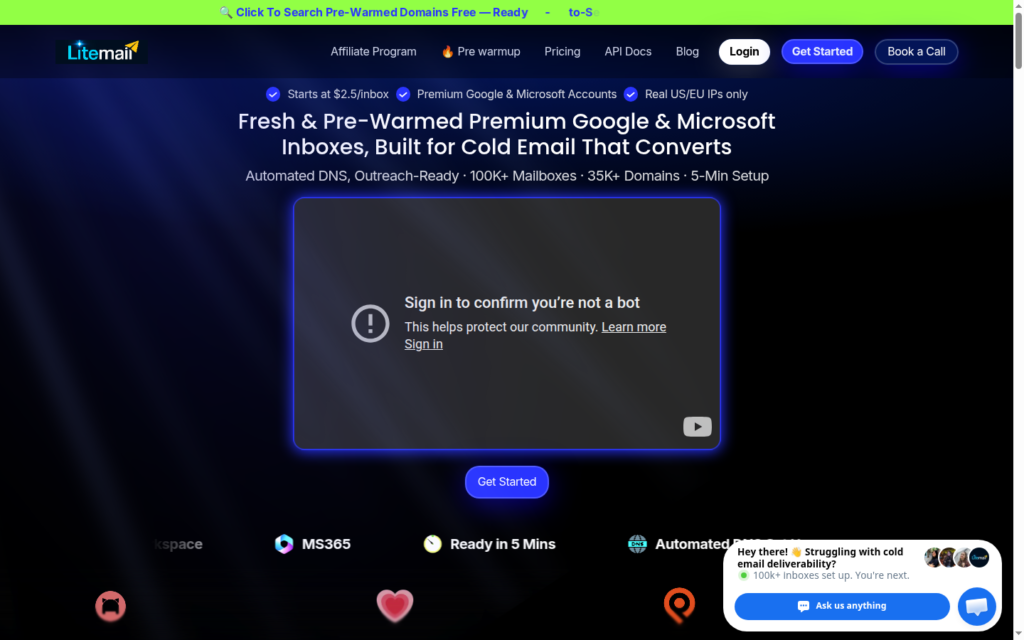
LiteMail is a cold email service provider offering both fresh and pre-warmed Google and Microsoft inboxes. The setup is fast. With quick DNS configuration and sequencer integration, your inboxes are ready for cold outreach within 5 minutes.
In this LiteMail review, I’ll explain the true pricing of Google and Microsoft inboxes, IPs used, and other features.
Key Takeaways
LiteMail offers both Google and Microsoft inboxes. Fresh and pre-warmed inboxes are billed monthly at $3.70 and $8/inbox. It comes with full admin access. The setup is automated and fast. Your inboxes are outreach-ready in ~5 minutes. But there’s no ongoing warmup or burn monitoring.
- Inbox: Google and Microsoft (Fresh and Pre-warmed)
- USP: Pre-warmed inboxes at $8
- Deliverability: Mixed
- Risk: No ongoing warmup or burn monitoring
- Starting Plan: $3.70/inbox/mo for fresh inboxes
- Support: Good

About LiteMail
LiteMail is a cold email service provider offering Google and Microsoft inboxes.
LiteMail sources Google and Microsoft inboxes from its official resellers. The IPs are US and EU, but the inboxes originate from Asia.
You can buy fresh or pre-warmed inboxes. If you want to run a cold email campaign the same day, you can buy pre-warmed inboxes, and they will be auto-configured and ready within 5 minutes.
LiteMail offers four plans: Starter, Growth, Pro, and Scale. The ‘Starter’ plan includes 10 Google and Microsoft inboxes and is billed monthly for $37.
How LiteMail Works
LiteMail Features
Automated Setup
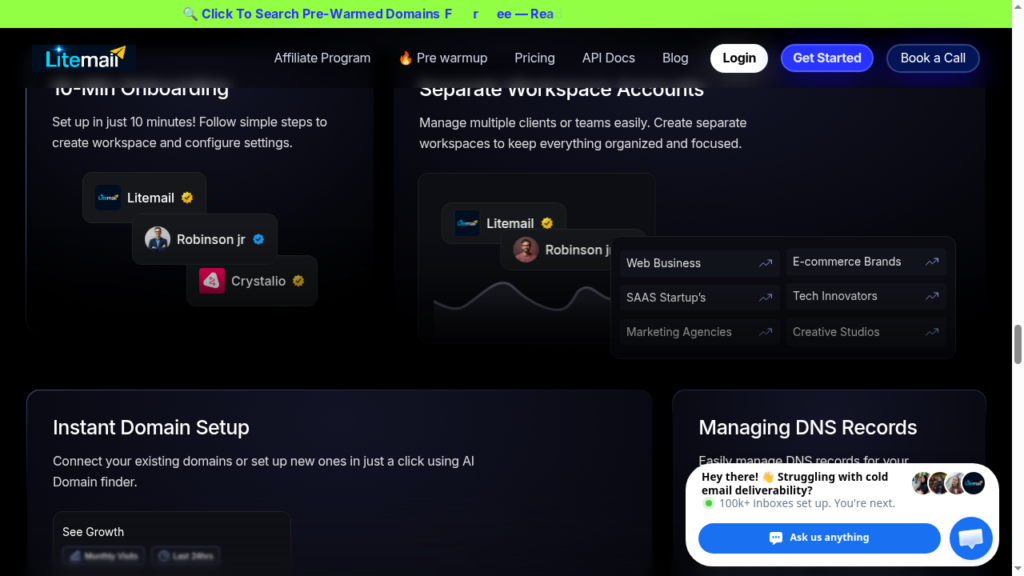
LiteMail offers done-for-you setup! SPF, DKIM, and DMARC are auto-configured upon order, and your inboxes are ready for cold outreach in ~5 minutes.
Pre-Warmed Inboxes
LiteMail offers pre-warmed Google and Microsoft inboxes so you can run your cold email campaign sooner. Pre-warmed Google and Microsoft inboxes are billed monthly for $8/inbox.
Isolated Workspaces
LiteMail offers a separate, isolated workspace for each client or campaign. Each workspace consists of one domain, per the vendor.
Pros
Pre-Warmed and Ready From Day One
The core reason cold emailers buy LiteMail is that pre-warmed inboxes come with weeks’ worth of sending history. All you have to do is load them into a sending tool and start a cold outreach campaign that same day.
“I am an agency needing to start my campaign right away with no time to wait 2-3 weeks warm up. Litemail has given me the best mailboxes to start my campaign right away.”
Martin Giura, Trustpilot
Done-For-You Setup
LiteMail handles the whole process – domain transfer, DNS records, and the connection into your sending tool. For a small team running short on bandwidth, LiteMail takes care of the configurations.
Cons
Inboxes Sourced from Official Resellers
LiteMail sources Google and Microsoft inboxes from its official resellers.
No Warmup Methodology Defined
LiteMail offers pre-warmed inboxes but never discloses the warmup methodology. So there is no way to know the credibility of the warmup.
No Burn or Deliverability Monitoring
LiteMail does not provide burn monitoring. The only way to know that your domains are burnt is when your reply rate dries up.
LiteMail Pricing
| Tier | Inbox | Price/mo | No. of Inboxes | Send cap/day | Extra mailbox |
|---|---|---|---|---|---|
| Starter | Fresh | $37 | 10 | up to 250 | $3.50 |
| Growth | Fresh | $97 | 30 | up to 750 | $3.25 |
| Pro | Fresh | $297 | 100 | up to 2,500 | $3.00 |
| Scale | Fresh | $849 | 300 | up to 7,500 | $2.85 |
| Starter | Pre-Warmed | $39 | 5 | up to 125 | $8 |
| Growth | Pre-Warmed | $99 | 15 | up to 375 | $6.6 |
| Pro | Pre-Warmed | $179 | 30 | up to 750 | $6 |
| Scale | Pre-Warmed | $299 | 60 | up to 1,500 | $5 |
Note: Domains are $15 a year.
“Honestly, I freaking love their customer service and pricing. Best prices around and soooo user friendly to set up.”
Roger PY, Trustpilot
Aerosend: Best LiteMail Alternative
LiteMail offers both fresh and pre-warmed Google and Microsoft inboxes. These inboxes are sourced from official resellers. So if the reseller is banned, your inboxes will also be discarded. The risk is there.
Also, LiteMail doesn’t offer ongoing warmup or burn monitoring. You have to rely on external tools to manage warmup and deliverability.
Unlike LiteMail, Aerosend creates dedicated infrastructure for a better deliverability rate. It offers both – warmup and burn monitoring. You can constantly monitor and run real-time diagnosis on your domains.
Here’s a brief comparison between LiteMail and Aerosend:
| Compare | LiteMail | AerosendPrivate infrastructure |
|---|---|---|
| Inbox Available | GoogleMicrosoftPre-warmedFresh or pre-warmed, sourced from official resellers | Private infrastructureBuilt for cold email, so no Google or Outlook bans |
| Isolation | ~Isolated workspaceOne domain per workspace, per the vendor | ✓DedicatedNew isolation every 10 domains / 30 inboxes, never shared |
| Warmup | ~Pre-warmed onlyNo ongoing warmup; warmup method not disclosed | ✓Included, ongoingComplimentary premium warmup, matched to who you email |
| Monitoring | ✕Not includedNo burn, blacklist or reply monitoring | ✓Six metricsEvery domain scored daily and surfaced to you |
| Deliverability | ✕Self-managedNo placement tests; you manage deliverability | ✓Our responsibilityBiweekly inbox placement tests, included |
| Domain Burn Alerts | ✕Not offeredYou learn of burns when replies dry up | ✓IncludedBurnt domains flagged within 5 minutes, replaced in one click |
| Pricing | From $3.50/inboxStarter $37 for 10; pre-warmed $8/inbox; domains $15/yr | $4 / inbox$2 per inbox past 150 · 30 inboxes = $120/mo |
| Ready To Test? | Visit LiteMail Website ↗ | Try Aerosend For Free |
Price/Mailbox Breakdown (~5,000 emails/day)
| Requirements | LiteMail | Aerosend |
|---|---|---|
| Inboxes Required | 200 | 200 |
| Send Rate/Inbox | 20-25/day | 20-25/day |
| Plan | Pro | Blended |
| Per-Inbox Cost | ~$2.97 | $3.50 (blended) |
| Total Monthly Cost | ~$594 | ~$700 |
| Service Model | Self managed | Managed |
LiteMail Support
Support is where LiteMail clearly wins. Across multiple reviews on Trustpilot, it is well praised.
Quick response, fast query resolution, named reps – Grace and Olivia, LiteMail support is very good.
“You get to communicate with real people that solve your problem immediately instead of an AI that keeps repeating the same thing.”
Ryan El Ghoul, Trustpilot
LiteMail support is accessible via in-app, and email.
The Verdict
LiteMail delivers genuine Google or Microsoft accounts. The setup is done for you, and the support is genuinely responsive in a way most tools in this category are not.
LiteMail is worth it if you’re running cold outreach at modest volume and want pre-warmed inboxes urgently. But it comes with a catch. You’ve to run warmup and manage your deliverability.
But if deliverability is your priority, you should opt for Aerosend. Not because I’m saying so. Aerosend offers dedicated infrastructure, fully isolated to provide a high deliverability rate.
Here’s how we improved Saravá cold email deliverability and reply rate – YouTube Video.
Schedule a 1-on-1 with Smartlead Hall of Famer and Co-Founder at Aerosend Namit Jindal – Book Your Call Now.
