

There are many cold email inbox providers offering Azure inboxes, and InfraSuite is one of them. And trust me! They all offer the same thing: multiple inboxes/domain, billed per domain, ~3-5 emails per inbox, etc.
But is InfraSuite any different? Not really. In this InfraSuite review, I’ve explained the cold outreach infra in detail + latest pricing + the risks with Azure inboxes.
Key Takeaways
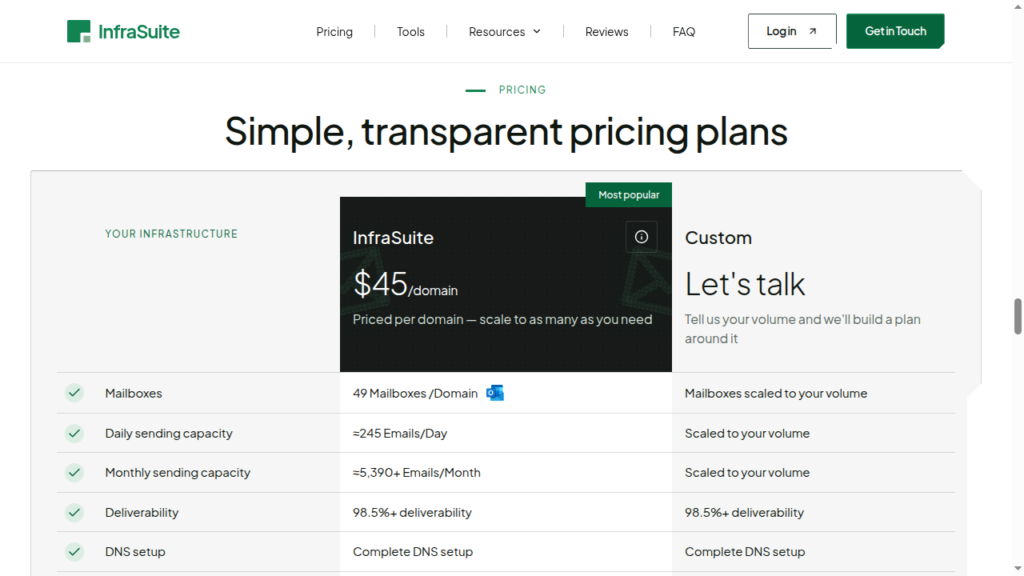
InfraSuite offers Azure inboxes for $45/domain, with each domain hosting 49 Azure inboxes. The setup is slow and connects to your sequencer. It offers warmup settings that you can configure on your sequencer and run the warmup. InfraSuite claims 98.5% deliverability on its website, but it offers no credible source to back it up.
- Inbox: Azure
- USP: None
- Deliverability: Weak
- Risk: Bad reputation of Azure inboxes
- Starting Price: $45/domain
- Support: Via Slack

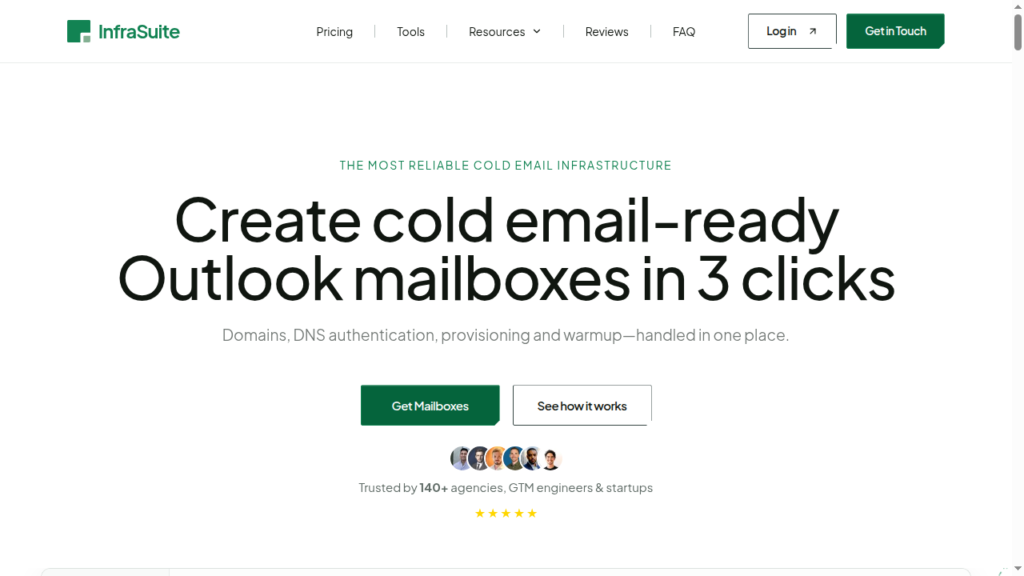
About InfraSuite
InfraSuite is a cold-email inbox provider offering Azure inboxes. It charges a one-time setup fee, but it isn’t disclosed how much.
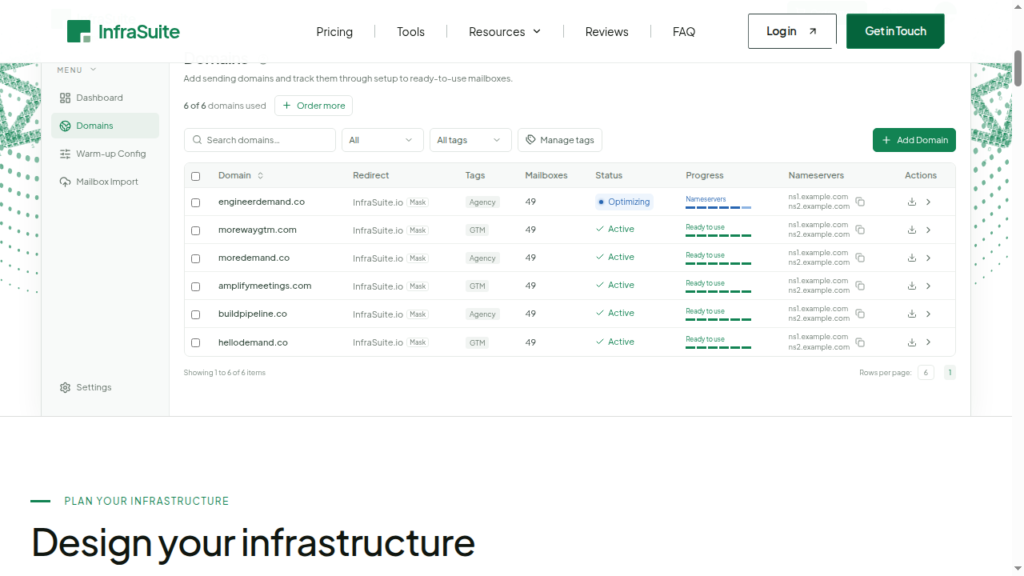
Also, you have to bring your own domains. It puts 49 inboxes on each domain, configures DNS settings for you, and then imports the inboxes into your sequencer.
You can send 5 emails/inbox/day, which means each domain sends up to 245 cold emails per domain per day. So if you are looking to scale, then you’ll need to buy a lot of domains.
However, it does not include warmup or monitoring. It only suggests a warmup setting, which runs through your own sequencer, and you have to manage your own monitoring.
How InfraSuite Works
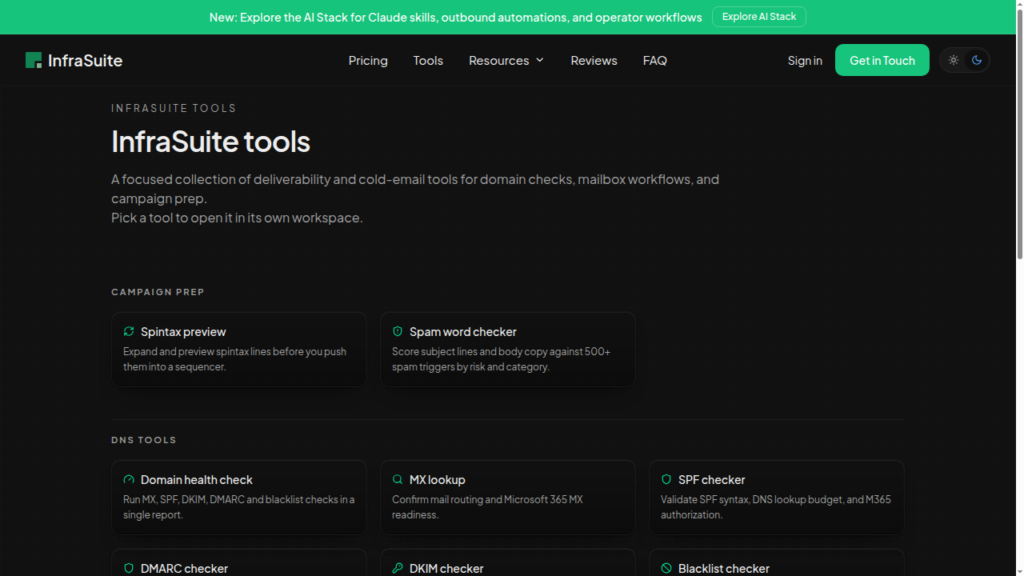
InfraSuite Features
Automated Setup
InfraSuite sets up SPF, DKIM, and DMARC for you in under 24 hours. But you have to bring your domains.
Warmup Configuration
A good warmup can help you increase your deliverability rate. But InfraSuite only configures warmup settings for you. You have to run the warmup through your sequencer.
Domain/Inbox Replacement
InfraSuite offers fast and easy burn domain replacement. However, with Azure inboxes, it is a requirement, not a bonus. Azure inboxes have a bad reputation and tend to burn fast. And you have to buy domains on your own.
Pros
Cheap Per Inbox Price
Compared to Google and Microsoft accounts, Azure accounts are relatively cheaper. On InfraSuite, you can host up to 49 Azure inboxes on a single domain, which is billed at $45/domain.
Cons
Deliverability Issue With Azure Inboxes
Azure inboxes have a bad deliverability reputation compared to Google, Microsoft, and private infrastructure.
49 Inboxes on One Domain
For a healthier setup, the industry-recommended setup is 25 Azure inboxes per domain. But InfraSuite hosts 49 inboxes on one domain, which can hurt your domain’s reputation if one is flagged.
Setup Fee
InfraSuite has mentioned that they charge a one-time setup fee. But they didn’t disclose how much the setup fee actually is. And it is not refundable.
No Warmup
InfraSuite doesn’t provide warmup. It only configures the warmup setting in your sequencer on its generic warmup pool. However, a 100% warmup score from a generic pool doesn’t tell you where your emails actually land. So it is not that relevant.
No Deliverability Monitoring
InfraSuite doesn’t include burn monitoring, inbox placement, etc. So you have to rely on external tools.
“98.5% Deliverability” is an Unverifiable Claim
On their homepage, InfraSuite claims a 98.5% deliverability rate. But it doesn’t showcase any claim or study to back it up. Also, their terms and services page states that they don’t guarantee a deliverability rate. So it contradicts its own claims.
Zero Reviews on G2 and Trustpilot
InfraSuite has zero independent reviews on G2 or Trustpilot. That makes it hard to judge how its inboxes perform after a month. The infrasuite.io domain was only registered in November 2025.
InfraSuite Pricing
| Plan | Price/Domain | Inboxes | Daily Sending Limit |
|---|---|---|---|
| InfraSuite | $45/domain | 49 | 5 emails/inbox |
Aerosend: Best InfraSuite Alternative
InfraSuite offers Azure inboxes for $45/domain; each domain hosts 49 inboxes. It sets the DNS records and configures the warmup setting in your sequencer. It also charges a one-time setup fee, but it didn’t disclose how much.
The downside: you run the warmup, and there are no inbox placement tests. If the domain burns, all 49 inboxes hosted under the domain will be affected.
Aerosend runs dedicated private infrastructure built for high deliverability. You get a fresh, aged IP that has never been used + warmup + biweekly inbox placement tests + 6-metric domain burn detection + inbox replacement, all included.
Here you can see a detailed comparison between InfraSuite and Aerosend:
| Compare | InfraSuite | AerosendPrivate infrastructure |
|---|---|---|
| Inbox Available | Azure49 inboxes per domain; bring your own domains | Private infrastructureBuilt for cold email, so no Google or Outlook bans |
| Isolation | ✕Shared tenant reputation49 mailboxes share one domain | ✓DedicatedNew isolation every 10 domains / 30 inboxes, never shared |
| Warmup | ✕Runs in your sequencerOnly configures warmup settings in your sequencer | ✓Included, ongoingComplimentary premium warmup, matched to who you email |
| Monitoring | ✕Not offeredYou rely on external tools | ✓Six metricsEvery domain scored daily and surfaced to you |
| Deliverability | ~Claimed, unverified98.5% claim; terms disclaim any deliverability guarantee | ✓Our responsibilityBiweekly inbox placement tests, included |
| Domain Burn Alerts | ✕Not offeredBurnt domain replacement offered, but no detection | ✓IncludedBurnt domains flagged within 5 minutes, replaced in one click |
| Pricing | $45 per 49 inboxes~$0.92/mailbox plus an undisclosed one-time setup fee | $4 / inbox$2 per inbox past 150 · 30 inboxes = $120/mo |
| Ready To Test? | Visit InfraSuite Website ↗ | Try Aerosend For Free |
Price/Mailbox Breakdown (~5,000 emails/day)
| Requirement | InfraSuite | Aerosend |
|---|---|---|
| Inboxes required | ~1,029 (21 domains) | 200 |
| Send Rate/Inbox | ~5/day | ~20-25/day |
| Plan | $45/domain, 49 inboxes | Blended |
| Per-inbox rate | ~$0.92 | ~$3.50 blended |
| Estimated monthly total | ~$945 | ~$700 |
InfraSuite Support
InfraSuite provides support via Slack.
However, it doesn’t publish response time or support hours, and no independent customer reviews mention the support.
The Verdict
If you want to send at scale and at a cheaper sticker price, Azure inboxes are good. However, the sending reputation is poor, and InfraSuite doesn’t offer proper warmup. It only offers warmup setting, which you have to run through your sequencer.
Also, there is a hidden cost: a “one-time setup fee” is included.
And you’ll be running your own warmup; there are no inbox placement tests, and 49 inboxes on one domain means one burn takes out a lot of capacity.
But with Aerosend you’ll get a complete cold email infrastructure including warmup, domain monitoring, and placement testing, all managed for you.
