

You must be going through a lot of HyperInbox reviews after the inbox provider paused all new signups. Given their current setup, which provides ready-to-use inboxes for launching campaigns, reviewing everything HyperInboxes offers is the right call.
This HyperInboxes review features everything you need to know about the Google inbox reseller.
Key Takeaways
HyperInboxes is a Google inbox reseller. It automates DNS configuration and offers fully set-up inboxes within 12 hours. Since they’ve paused new signups, you can’t buy domains and inboxes from HyperInboxes.
- Inbox: Google Inbox Reseller
- USP: Automated DNS Configuration
- Deliverability: Poor
- Risk: The company is in runoff
- Starting Plan: No plans exist
- Support: Email only
About HyperInboxes
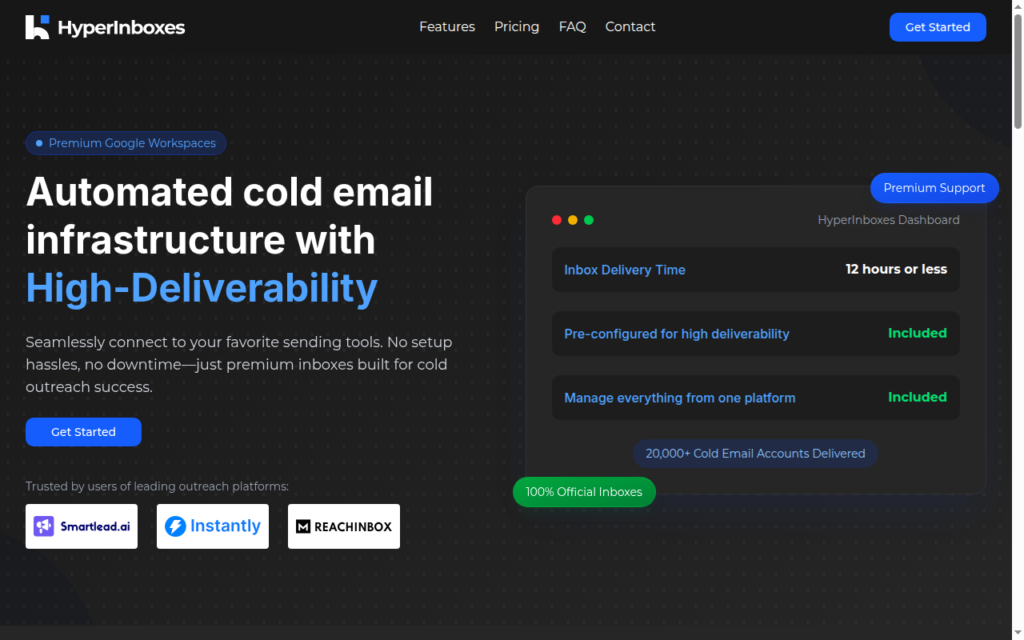
Hyperinboxes is a Google inbox reseller. Although on the website they’ve mentioned “100% official inboxes”, they are selling Indian-origin Google inboxes.
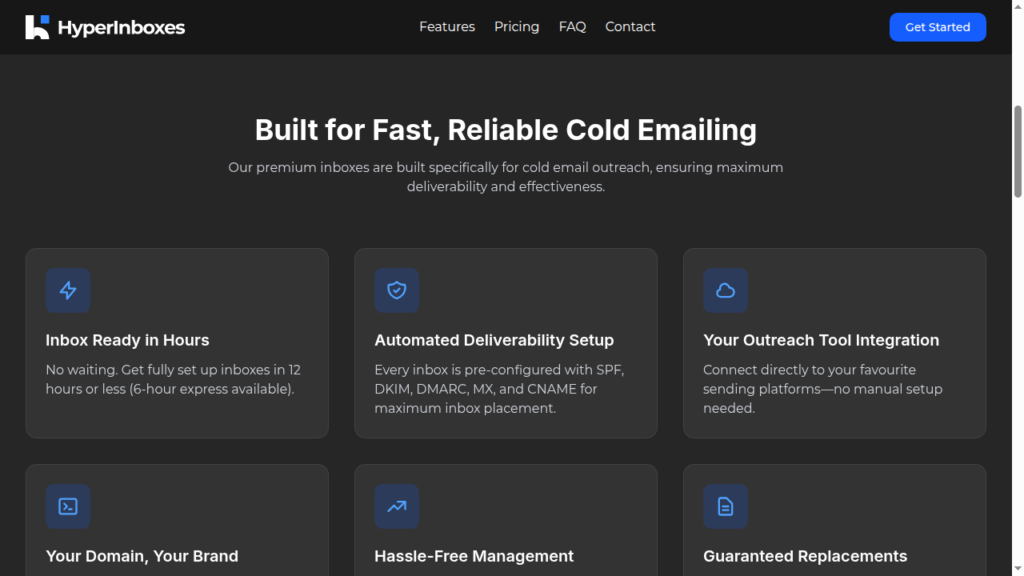
The inbox delivery time is 12 hours or less. The DNS configuration is fully automated. But if you’re in a hurry, you can order express delivery and get the inboxes in under 3-6 hours.
But you need domains for your inboxes, and there’s no option to connect your domains. You have to buy domains from HyperInboxes. You have to raise a request for sequencer-specific passwords to connect it to your sequencer.
They offer a warm-up, but the methodology is not defined.
How HyperInboxes Works
Back when buying was possible, here’s how you can buy inboxes from HyperInboxes.
Step 1: Place Your Order
Choose a plan that aligns with your sending frequency and purchase your domains.
Step 2: Automated Setup
HyperInboxes support team will handle all DNS, SPF, DKIM, and DMARC configurations for you.
Step 3: Start Sending in Hours
You’ll receive ready-to-use inboxes within 12 hours or less and launch your campaigns.
HyperInboxes Features
Fast Inbox Delivery
You’ll receive DNS-provisioned inboxes within 12 hours. You can also order express delivery and get the inboxes in under 3-6 hours.
Forced Domain Purchase
You can’t connect your existing domains. You need to purchase domains through HyperInboxes.
Free Inbox Replacement Guarantee
HyperInboxes replace inboxes for free if they hit technical issues, delivery problems, etc. They’ll replace the inbox “as long as there’s no policy violation from your side.”

Pros
Fast Setup
HyperInboxes handle DNS authentication and deliver fully set-up inboxes within 12 hours.
Inbox Replacement Guarantee
If an inbox is flagged for technical reasons or suspended, HyperInboxes replaces it at no cost. The only catch is that it should be for purely technical reasons. If it has happened because of your practices, then they are not obliged to replace the inboxes.
Cons
Indian-Origin Google Inboxes
HyperInboxes is a Google inbox reseller. It offers Indian-origin Google inboxes. Historically, Indian-origin Google inboxes have had lower deliverability success than US-origin Google inboxes.
Sign Up is Paused
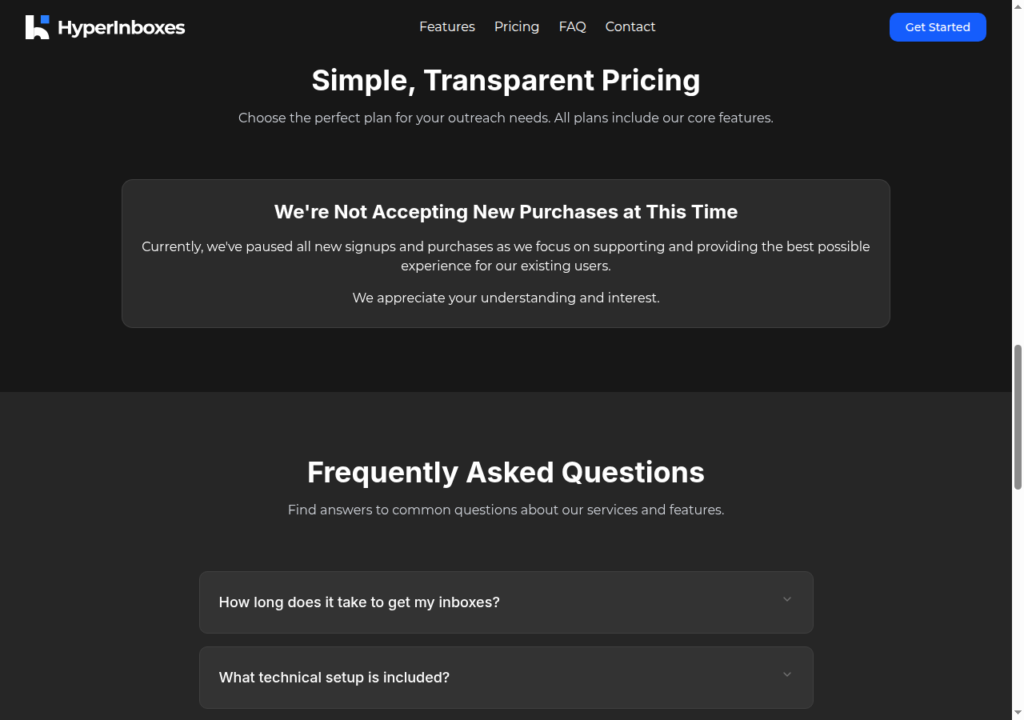
HyperInboxes has paused all new signups and purchases. Last year, Google banned several Google resellers, affecting multiple Google inbox providers.
No Deliverability Monitoring
HyperInboxes only offers a dashboard to manage your campaign. There’s no built-in deliverability monitoring dashboard or burn detection. To monitor deliverability for your inboxes, you need to invest in other tools.
Forced Domain Purchase
You cannot use your own domains. The FAQ states plainly that you must purchase new domains through HyperInboxes to proceed.
Slow Support
There are limited public reviews on Reddit, G2, and Trustpilot. But a Reddit user escalated that you can’t forward the domain from HyperInboxes. Each time he raised the request with support, he received a templated response.
All the domains I bought 2-3 weeks ago are via HyperInboxes, and the domain forwarding is broken (which caused issues in our outreach since people thought our website didn’t exist). I’m trying to work with support, but each ask is punted to 24-48 hr timeline, which is way too long.
r/coldemail user
HyperInboxes Pricing
HyperInboxes is not currently selling Google inboxes. However, here are the pricing plans from 10 months ago.
| Category | Inboxes | Price | Price / Inbox |
|---|---|---|---|
| Starter (pre-pause, no longer purchasable) | 10 | $29/mo | $2.90 |
| Growth (pre-pause, no longer purchasable) | 100 | $199/mo | $1.99 |
| Pro (pre-pause, no longer purchasable) | 300 | $499/mo | $1.66 |
| Additional mailbox (Starter) | per inbox | $2.00/inbox | $2.00 |
| Additional mailbox (Pro) | per inbox | $1.50/inbox | $1.50 |
Aerosend: Best Alternative for HyperInboxes
Hyperinboxes is a Google inbox reseller that offers Indian-origin Google inboxes.
But there’s no warmup or deliverability monitoring system in place. Therefore, there’s no way to manage the promised “High-Deliverability”.
But Aerosend takes full responsibility for the deliverability of your cold email campaigns. It offers a complete cold email setup designed to offer high delivery and reply rates.
Here’s how Aerosend manages high deliverability:
- Creates a dedicated server for 10 domains, i.e., 30 inboxes
- The inbox IPs are geo-matched based on your audience.
- Properly warms up the inboxes for 2-3 weeks using premium warmup services (Complimentary)
- Monitors domains’ reputation and runs biweekly inbox placement tests
- Free inbox replacement for flagged inboxes
I’ve jotted down the other differences between each cold email inbox service provider here:
| Compare | HyperInboxes | AerosendPrivate infrastructure |
|---|---|---|
| Inbox Available | GoogleIndia-originGoogle reseller; new orders currently paused | Private infrastructureBuilt for cold email, so no Google or Outlook bans |
| Isolation | ✕Not publishedReview finds no isolation details | ✓DedicatedNew isolation every 10 domains / 30 inboxes, never shared |
| Warmup | ✕Runs in your sequencerWarmup mentioned, but methodology not defined | ✓Included, ongoingComplimentary premium warmup, matched to who you email |
| Monitoring | ✕Not offeredDashboard only; monitoring needs other tools | ✓Six metricsEvery domain scored daily and surfaced to you |
| Deliverability | ~Claimed, unverified"High-Deliverability" promised with no system behind it | ✓Our responsibilityBiweekly inbox placement tests, included |
| Domain Burn Alerts | ✕Not offered | ✓IncludedBurnt domains flagged within 5 minutes, replaced in one click |
| Pricing | $29 per 10 inboxesPre-pause pricing; not purchasable now, domains extra | $4 / inbox$2 per inbox past 150 · 30 inboxes = $120/mo |
| Ready To Test? | Visit HyperInboxes Website ↗ | Try Aerosend For Free |
Price/Mailbox Breakdown (~5,000 emails/day)
| Requirements | HyperInboxes | Aerosend |
|---|---|---|
| Mailboxes needed | ~250 | 200 |
| Send rate per mailbox | ~20/day (their recommended safe rate) | 20-25/day |
| Plan | Pro-tier pricing scaled (~$1.66/inbox, pre-pause) | Starter then Growth |
| Per-mailbox rate | $1.66 (Pro, pre-pause) | $3.50 (blended) |
| Monthly total | ~$415 (pre-pause math; NOT purchasable today) | ~$700 |
| Service model | Self-managed | Managed |
HyperInboxes Support
Support is only available via email. You can reach out to HyperInboxes support at support {at} hyperinboxes {dot} com.
The Verdict
The company is in runoff, new purchases are paused, and you cannot buy it.
