


Bad email data kills deliverability. A list with 15% invalid addresses inflates bounce rates, damages your sender reputation with Gmail and Outlook, and corrupts the metrics you rely on to make decisions. Recovery takes months.
This guide breaks down the best email verification tools in 2026, what separates good from great, and how to choose the right one based on your sending volume, risk tolerance, and workflow.
TL;DR
Top Verification Tools at a Glance
What Separates Good Email Verification Tools From Great Ones?
Here is what separates average tools from truly reliable verification systems:
1. Accuracy Is Not Binary
Most verification tools claim 90–95%+ accuracy. This number is meaningless without context.
Accuracy depends on how the tool handles ambiguous and high-risk addresses, such as:
-
Catch-all domains
-
Role-based emails (info@, hello@, sales@)
-
Greylisted servers
-
Temporarily unavailable inboxes
Weak tools classify many of these as “valid” to inflate accuracy metrics. This increases bounce risk and harms deliverability.
Great tools prioritize decision quality over validation volume. They classify emails conservatively and provide granular categories, not just valid or invalid.
A reliable verification system typically separates emails into four categories:
-
Valid: The inbox exists and is safe to send to.
-
Invalid: The inbox does not exist or has previously hard-bounced.
-
Risky: The inbox may exist, but it carries an elevated risk. This includes role-based addresses, temporary email services, and addresses associated with spam traps or poor engagement.
-
Unknown: The server cannot definitively verify the inbox. This commonly occurs with catch-all domains that accept all messages regardless of validity.
This granularity is critical. Email validity is not binary. It exists on a spectrum of risk.
Tools that collapse everything into valid or invalid force you into blind decisions. Granular classification gives you control. You can exclude risky and unknown contacts, protect your sender reputation, and maintain clean performance data.
2. Catch-All Handling
Catch-all servers are configured to accept all emails sent to a domain, regardless of whether specific mailboxes actually exist.
Roughly 20–30% of business domains use catch-all configurations.
Basic verification tools cannot determine whether a catch-all address is real. They label it “unknown” and push the decision back to you.
That is not helpful.
Advanced verification tools go further. Instead of stopping at “unknown,” they apply additional intelligence, such as:
-
Domain reputation history
-
Company size and legitimacy signals
-
Email pattern consistency (e.g., firstname.lastname@)
-
Historical bounce data
-
Engagement or anti-spam signals
Using these inputs, they generate a probability-based assessment of whether the address is likely safe.
This becomes critical at scale.
If you verify 10,000 emails and 2,500 return as catch-all:
-
Do you send and risk damaging your reputation?
-
Do you suppress them and lose potential revenue?
Weak tools force you into a binary decision.
Strong tools provide actionable recommendations. They help you segment catch-all emails into safer and riskier subsets, allowing you to:
-
Send selectively
-
Isolate risk
-
Protect your domain
-
Preserve upside
At scale, catch-all handling serves as a reputation-control mechanism.
3. Real-Time vs. Bulk Verification
Bulk verification is what most people think of when they hear email verification.
You upload a CSV of 50,000 contacts, wait 10 minutes, and download a cleaned list. This is essential for cleaning existing databases and preparing campaign sends. But it is reactive. You are verifying data that has already been entered into your systems.
Real-time verification happens at the point of data entry. Someone fills out a form on your website, and the email is verified instantly before being written to your database. Someone imports a LinkedIn profile into your CRM, and the email is checked immediately. The best tools offer both methods with APIs that let you integrate real-time checks into your workflows. This creates a continuous verification process rather than periodic batch cleaning.
4. Integration Depth Matters
Every tool will tell you that it integrates with multiple platforms. What they will not tell you is that most of those integrations are shallow. They might technically connect to HubSpot, but all they do is export a CSV, verify it, and import it back. Deep integrations work bidirectionally and automatically.
When a new contact is added to your CRM, verification occurs in the background without manual intervention. When someone bounces, the CRM record is automatically updated with the bounce reason. This level of integration eliminates manual work and ensures verification is always happening, not just when someone remembers to run a batch process.
Best Email Verification Tools in 2026
Here’s a quick comparison table of the best email verification tools to help you evaluate features, pricing, and accuracy at a glance.
| Tool | Deliverability | Catch-all handling | Speed | Analytics & scoring | Per 1,000 | Best for |
|---|---|---|---|---|---|---|
| MillionVerifier | Strong, optimised for bulk cleaning | Refunds unknown & catch-all credits | Very fast | Basic | $3.70 | Budget option for high volume |
| Bouncer | Strong, ISO 27001 certified | Good detection | Fast | Good | $8 | Compliance & security-focused teams |
| Emailable | Moderate | Average | Extremely fast | Basic to moderate | $7.60 | Speed-focused general use |
| Kickbox | Strong, deliverability optimisation | Strong, Sendex risk modelling | Fast | Good | $10 | Enterprise & regulated industries |
| NeverBounce | Best-in-class, deliverability protection | Conservative, most catch-alls flagged risky/unknown | Very fast | Moderate | $8 | Agencies, cold email, domain reputation |
| Scrubby | Secondary cleaner only | Specialised, catch-all cleaning | Fast | Minimal | Varies | Catch-all list cleaning only |
| MailCleanUp | Strong, spam trap detection | Basic flagging, no probability scoring | Fast | Four-tier classification with documentation | $5, drops to $0.50 at 1M volume | Privacy-first & high-volume bulk on a budget |
| ZeroBounce | Strong, less conservative than NeverBounce | Excellent, industry-leading scoring | Fast | Excellent, AI score, activity data, blacklist monitoring | $10 | Analytics, diagnostics, enterprise insight |
| Clearout | Excellent, balance of safety & volume | Excellent, balanced filtering | Very fast | Moderate | $7 | Best overall accuracy & balance |
1. MillionVerifier
MillionVerifier is an email verification platform with non-expiring credits and real-time verification APIs, designed for teams with irregular verification needs. It has a unique pricing model: credits never expire. You buy them once and use them whenever needed. This is perfect for teams with sporadic verification needs rather than high-volume, constant use.
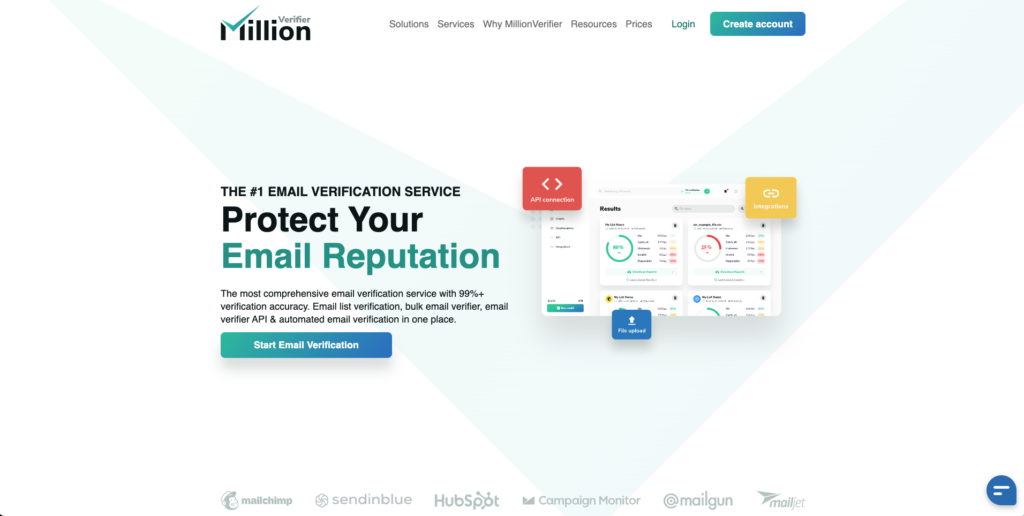
The real-time verification API can be integrated directly into website forms. Users type their email, and verification happens instantly. If they made a typo, you can prompt them to correct it before submission. This prevents bad data from entering your systems in the first place. The automated cleaning integrations work with major email marketing platforms to verify lists on a schedule without manual intervention. Set it and forget it. Catch-all handling is weak. MillionVerifier will flag them, but provides minimal guidance on whether the addresses are safe.
Real-world performance is strong, particularly for bulk cleaning workflows. It delivers reliable results for standard email validation use cases.
Catch-All Handling
A major advantage is its credit refund policy. MillionVerifier refunds credits for results classified as:
- Unknown
- Catch-all
This prevents wasted credits on inconclusive results, which significantly improves cost efficiency for large lists.
Infrastructure
The system is optimized for speed and bulk processing. It handles large volumes efficiently and maintains fast turnaround times. This makes it well-suited for high-volume senders and frequent verification workflows.
Pricing
Pricing is approximately $3.70 per 1,000 verifications. This is extremely competitive and among the lowest in the market. It offers exceptional cost efficiency.
Pros
- Best-in-class pricing
- Very fast processing
- Refunds credits for unknown and catch-all results
- Highly efficient for bulk verification
Cons
- Fewer enterprise-level diagnostics and reporting features
Verdict
MillionVerifier offers the best value among email verification providers. It is ideal for high-volume users who need fast, reliable cleaning at the lowest possible cost.
2. Bouncer
Bouncer is a budget-friendly email verification tool that uses direct SMTP validation to deliver enterprise-quality results at accessible pricing. The verification algorithm is solid. They hit SMTP servers directly rather than relying on third-party databases, so you get real-time validation rather than potentially stale data. The catch-all handling is better than average. They will not just mark addresses as unknown; they will give you a confidence score on whether the catch-all is worth sending to.
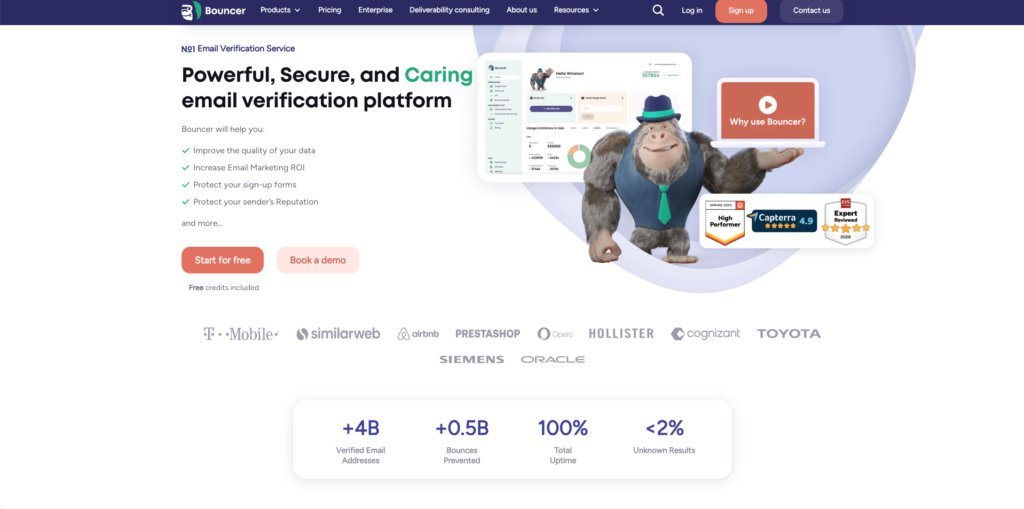
The deliverability kit is interesting for agencies. It lets you test inbox placement across different ESPs and verify that your authentication (DMARC, DKIM, SPF) is configured correctly. Most verification tools just check the email address. Bouncer also checks whether your infrastructure is set up to actually deliver. The interface feels dated and can be slow when processing large files. You cannot view results in the web interface; you have to download them. For teams used to modern SaaS UIs, this feels clunky.
Unique Strength
Bouncer’s key differentiator is its compliance and security posture. It is ISO 27001 certified, which reflects strict adherence to information security standards. This makes it particularly suitable for organizations with regulatory and data protection requirements.
Infrastructure
The platform is stable, reliable, and well-engineered. It supports both:
- Bulk email verification
- Real-time verification via API
This allows integration into both batch workflows and live signup validation systems.
Pricing
Pricing is approximately $8 per 1,000 verifications. This is competitive within the mid-range tier and reasonable given its compliance strengths.
Pros
- Strong verification accuracy
- ISO 27001 certified
- Strong data protection and privacy focus
- Reliable infrastructure
Cons
- Less advanced scoring and risk intelligence compared to ZeroBounce
Verdict
Bouncer is the best choice for security-conscious and compliance-driven organizations. It combines strong accuracy with industry-grade data protection standards.
3. Emailable
Emailable is built for teams that need fast turnaround times without sacrificing accuracy. Speed aside, Emailable is built for simplicity. The interface is clean and modern. Upload a list, and get results. The integration capabilities are genuinely impressive.
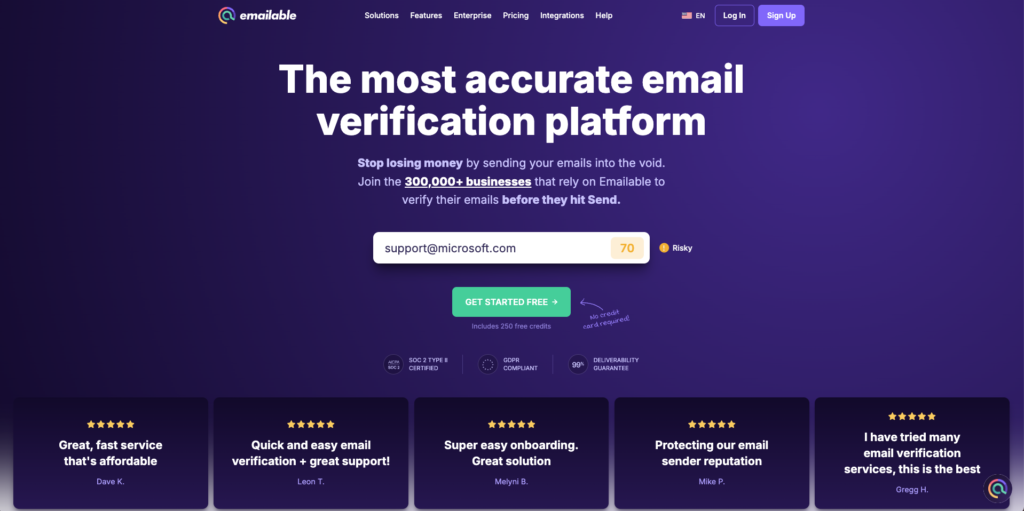
They offer 250 free credits at signup, more than double what most competitors offer. This gives you enough runway to test against your actual data before committing. Most tools hedge with accuracy claims. Emailable guarantees that verified emails will not bounce, and will credit you if they do. The catch-all handling is weaker than competitors like Bouncer or Zerobounce. It will flag them, but provide limited guidance on whether they are safe to send to. The API documentation could be more detailed for complex integrations.
It is sufficient for general list maintenance, but not ideal for high-risk or catch-all heavy lists.
Speed
Speed is a primary strength. Emailable can process 10,000 emails in under five minutes. This makes it well-suited for large lists and workflows where turnaround time is critical.
Infrastructure
The platform uses modern, scalable infrastructure. It handles bulk verification reliably and maintains consistent processing speeds. However, its filtering is less conservative, resulting in lower accuracy.
Pricing
Pricing is approximately $7.60 per 1,000 verifications. This places it in the mid-range segment. It offers reasonable value, especially for users prioritizing speed.
Pros
- Very fast processing
- Clean, intuitive user interface
- Scalable infrastructure
Cons
- Lower accuracy compared to top competitors
- Less effective for risky or catch-all heavy lists
Verdict
Emailable is a strong general-purpose verifier with excellent speed and usability. It is best suited for users who prioritize fast processing over maximum accuracy.
4. Kickbox
Kickbox is an email verification platform built for regulated industries, with GDPR and CCPA compliance and enterprise-grade security features. If you operate in healthcare, finance, or any regulated industry, Kickbox deserves your attention. They are GDPR- and CCPA-compliant, with robust data security policies that meet enterprise requirements.
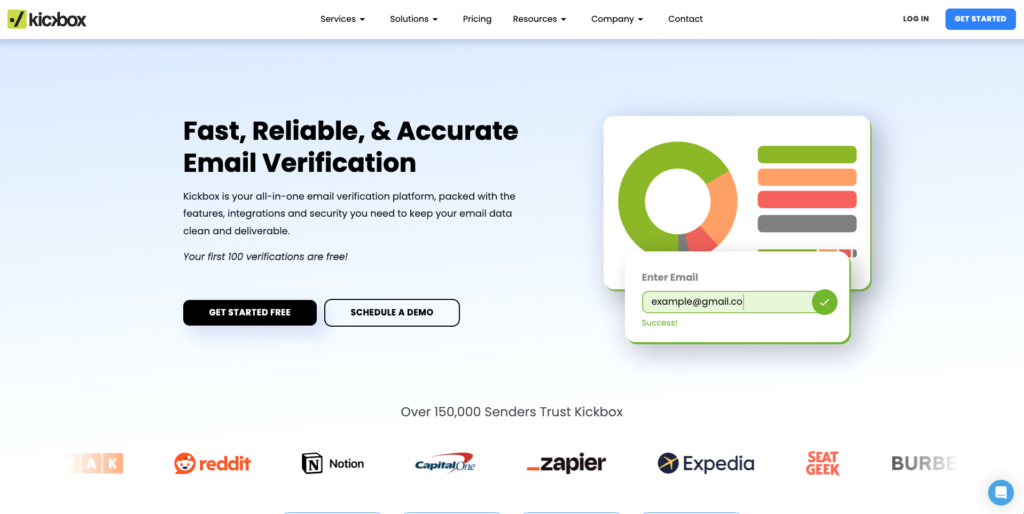
The Sendex score is their proprietary quality rating system. It goes beyond simple valid/invalid to give you a nuanced assessment of email address quality based on historical engagement data, domain reputation, and other signals. Security features include encrypted data transfer, automatic data deletion after 30 days, and SOC 2 compliance. For companies that cannot risk data breaches or compliance violations, these features justify the premium pricing. The API rate limits are more restrictive than alternatives, which matters for high-volume real-time verification. The customer support response time is slower, as per online reviews.
Catch-All Handling
Kickbox uses its proprietary Sendex score to assess email quality and risk. This scoring system evaluates behavioral and infrastructure signals to estimate the likelihood of deliverability. It provides useful risk modeling, especially for catch-all and uncertain addresses.
Infrastructure
Kickbox operates a highly reliable SMTP verification network. Its infrastructure is designed to support accurate validation and deliverability optimization. The platform is widely trusted in enterprise environments where inbox placement is critical. Kickbox emphasizes deliverability improvement. Its scoring and verification systems help users make informed sending decisions that protect sender reputation and inbox placement.
Pricing
Pricing is approximately $10 per 1,000 verifications. This places Kickbox in the premium pricing tier. It is more expensive than many competitors.
Pros
- Strong enterprise-grade infrastructure
- Very good accuracy
- Effective catch-all risk modeling using Sendex score
- Strong deliverability focus
Cons
- Higher cost than most competitors
- Less cost-efficient for large-scale bulk cleaning
Verdict
Kickbox is a strong enterprise-grade verifier with excellent deliverability intelligence. It is best suited for organizations that prioritize reliability and deliverability optimization, but its pricing is less competitive for high-volume users.
5. NeverBounce
NeverBounce is an enterprise email verification platform with automated list cleaning capabilities. They have a track record with enterprise customers who have validated those claims over years of high-volume usage. Before you pay to verify a list, NeverBounce analyzes it and tells you what percentage needs cleaning. This helps you understand whether verification is necessary or if your list is already clean.
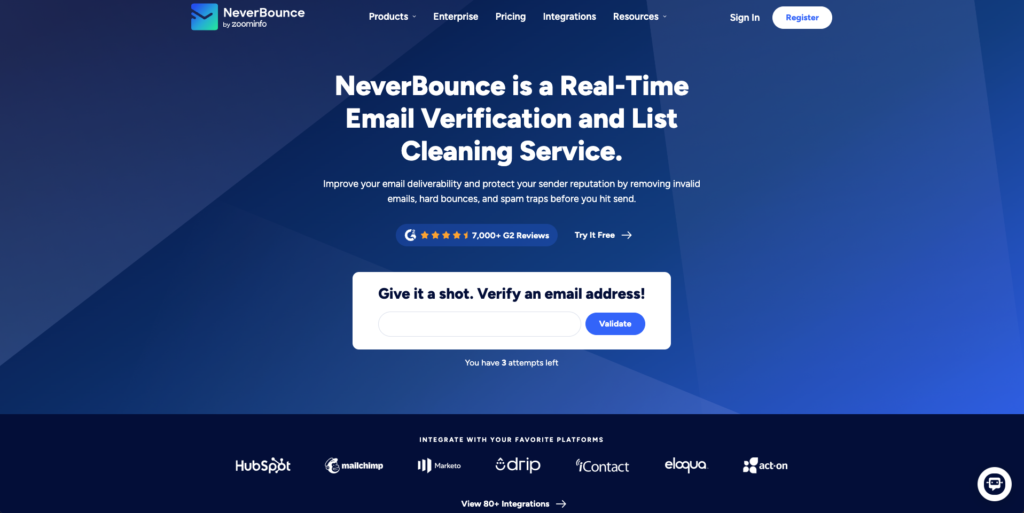
The automated cleaning features are built for teams that maintain large databases. You can set up NeverBounce to sync with your CRM and continuously validate addresses as they age. This shifts verification from a manual task you occasionally remember to an automated process that runs constantly. You will need to commit to a paid plan to properly evaluate Neverbounce. At scale, pricing is on the higher end compared to alternatives.
NeverBounce prioritizes:
- Minimizing bounce rates
- Filtering risky and uncertain emails
- Protecting sender reputation
Catch-All Handling
NeverBounce treats catch-all domains cautiously. Most catch-all addresses are classified as risky or unknown rather than valid.
This reduces usable list volume but provides strong protection for domain reputation. This approach is ideal when deliverability safety is more important than maximizing list size.
Speed and Scalability
NeverBounce is extremely fast and built for high-volume environments.
Typical performance:
- 10,000 emails processed in 3 to 10 minutes
- API latency is around 80 milliseconds per email
- Capable of verifying millions of emails at enterprise scale
It integrates easily into automated workflows and outbound systems.
Infrastructure Strength
NeverBounce operates one of the most mature and reliable verification infrastructures in the industry.
Key strengths include:
- Aggressive retry logic
- Advanced SMTP probing techniques
- Strong anti-blocking infrastructure
- Native CRM integration and automation support
These systems improve accuracy and consistency while avoiding detection or blocking.
Pricing
Pricing is approximately $8 per 1,000 verifications. This places it in the mid-range tier and offers strong value given its deliverability protection.
Pros
- Best-in-class deliverability protection
- Extremely reliable verification results
- Very fast processing speed
- Enterprise-grade scalability
- Excellent infrastructure maturity
Cons
- Conservative filtering reduces usable email volume
- May classify borderline emails as risky or unknown
Verdict
NeverBounce is the best overall verifier when deliverability protection is the primary objective.
It is especially well-suited for:
- Agencies managing multiple domains
- Outbound-heavy sales teams
- Cold email operators
- Organizations prioritizing domain health and sender reputation over list size.
6. Scrubby
Scrubby is a high-performance email verification API designed to stop bad data at the source. While other tools focus on cleaning old lists, Scrubby provides ultra-low latency validation at the point of capture. Integrate it into your registration forms to catch typos, disposable domains, and invalid addresses in real-time, ensuring your database stays clean from the very first keystroke.
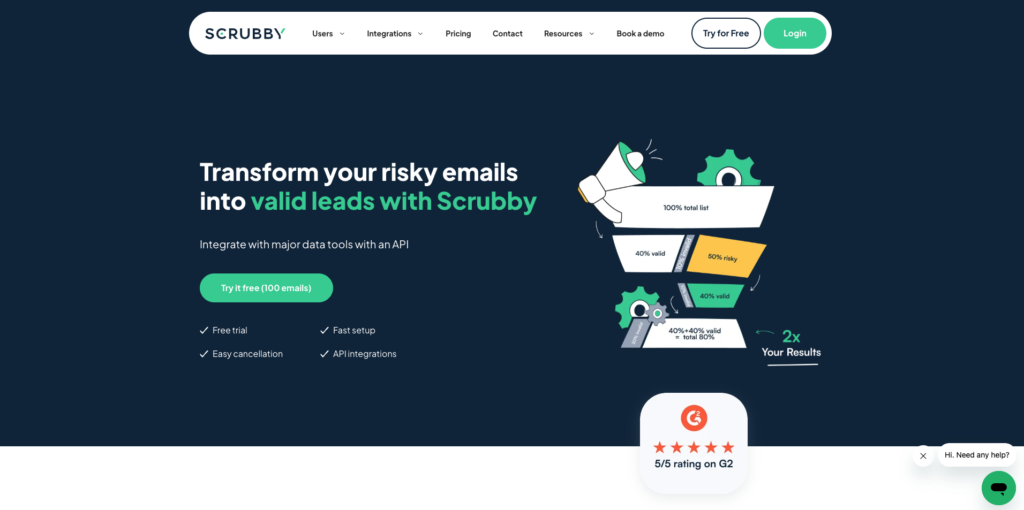 It focuses heavily on real-time verification rather than bulk cleaning. The API is designed to verify emails as users type them into forms, catching typos and invalid addresses before they enter your database. The pricing is usage-based, and the free tier limits 100 verifications, which is generous. This makes it attractive for startups and growing companies that do not want to commit to monthly subscriptions. Bulk verification is not its strength. If you need to clean a 50,000-contact database, Scrubby will work, but it is not optimized for this use case. The catch-all detection is basic compared to tools like Bouncer. The dashboard analytics are minimal, giving you verification counts but not detailed quality metrics.
Its core function is not full verification. Instead, it specializes in cleaning catch-all email lists. Catch-all addresses accept all incoming emails at the server level, which makes standard verification unreliable.
Scrubby addresses this problem using:
- Advanced heuristics
- Aggressive filtering logic
- Behavioral analysis of email patterns
These methods enable Scrubby to identify low-quality, risky catch-all addresses that conventional verifiers often classify as valid.
Positioning
Scrubby works best as a secondary cleaning layer. It is not designed to replace a primary verifier. Its role is refinement, not full validation.
Pros
- Strong performance in cleaning catch-all addresses
- Improves overall list quality when used after verification
Cons
- Not a complete email verification solution
- Does not replace primary verification tools
Verdict
Use Scrubby alongside a primary verifier. It is an effective specialized cleaner for catch-all lists, but not a standalone verification system.
7. MailCleanUp
MailCleanup is an email verification platform built around two principles: simplicity and privacy. The platform runs 12+ sequential checks, including spam-trap detection, syntax validation, domain health, MX record verification, and SMTP confirmation, while achieving up to 99% accuracy for verifiable addresses.
It is also among the most affordable options on this list. For senders who want clean, fast bulk verification without the overhead of yet another platform account, MailCleanup is worth serious consideration.

Unique Strength
Most email verification tools require you to create an account, store your data on their servers, and manage results through a dashboard. MailCleanup eliminates all of that. You upload your list, and the verified results are delivered directly to your inbox. That is the entire workflow.
For agencies handling client data or teams that treat data minimization as a compliance requirement, this model removes a real concern from the equation.
Result Classification
After verification, MailCleanup delivers detailed documentation alongside your cleaned lists. Every address is categorized into one of four classifications:
- Deliverable: The address is valid and safe to send to.
- Undeliverable: The address does not exist or has previously been hard-bounced.
- Accept-All: The domain accepts all incoming mail regardless of whether the specific inbox exists.
- Unknown: The server could not be conclusively verified.
The documentation explains what each category means and how to act on it. This is particularly useful for teams onboarding clients who need guidance on list hygiene.
Catch-All Handling
Accept-all and catch-all addresses are clearly flagged in the results documentation, but MailCleanup does not provide probability scoring or risk-tiered recommendations beyond that classification. If your list is heavily weighted with catch-all domains, pairing MailCleanup with a specialized secondary tool such as Scrubby is worth considering.
Infrastructure
The platform is purpose-built for bulk email verification and list cleaning. There is no real-time API and no native CRM integrations. Teams looking for continuous workflow automation or point-of-capture validation will need a different tool for that layer.
Pricing
Pricing starts at $5 per 1,000 verifications. Where MailCleanup separates itself is at scale. 100,000 verifications cost $90 ($0.90 per 1,000), and one million verifications cost $500 ($0.50 per 1,000). Most comparable email verification platforms charge four figures for that volume. For high-volume senders, this difference is structural, not marginal.
Pros
- No account required — zero data retention by design
- 12+ verification checks with up to 99% accuracy on verifiable addresses
- Detailed result documentation with four-tier classification included
- Most affordable pricing in the category at high volumes
- Zero learning curve — upload, verify, and receive
Cons
- No real-time API or point-of-capture form validation
- Accept-all handling lacks probability scoring or risk tiering
- No CRM integrations or automated workflow support
Verdict
MailCleanup is the right choice for high-volume senders who want fast, affordable bulk verification without creating another platform account or leaving data on a third-party server. As a privacy-first email verification platform, nothing on this list comes close to cost efficiency at scale.
8. ZeroBounce
ZeroBounce is an enterprise-grade email verification platform focused on deep data analysis and spam trap detection. It treats verification as a multi-dimensional problem rather than a simple yes/no question. What sets ZeroBounce apart is the depth of their checking. They scan for 30+ types of risky email addresses, including abuse accounts, spam traps, disposable services, and toxic domains. Their spam trap detection is genuinely sophisticated. They maintain their own database of known traps and update it constantly based on data from partner networks.
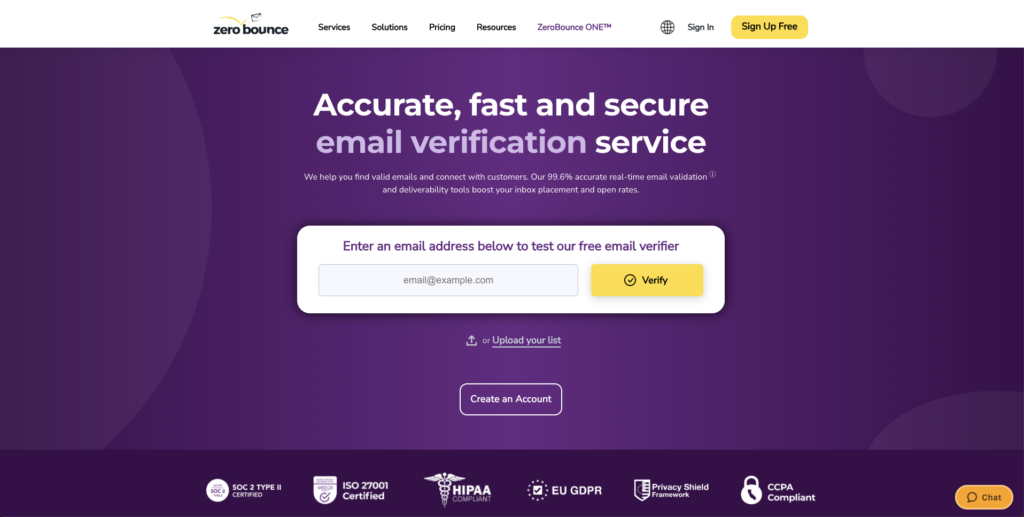
The AI scoring system is legitimately useful. Instead of just telling you an email is valid, they give you a quality score that factors in account age, domain reputation, and engagement history. This lets you segment your list by quality and adjust your approach accordingly. The data append feature is underrated. If you have an email address but are missing first name, last name, or location data, ZeroBounce can often fill in those blanks. This saves you from having to use a separate enrichment tool for basic fields. The free trial is limited. You get just enough credits to verify a handful of addresses. If you want to properly test it against your actual data, you will need to pay. And the pricing gets expensive at high volumes compared to some competitors.
ZeroBounce provides extensive insight into email quality, enabling better sending decisions beyond simple valid/invalid classification.
Catch-All Handling and Scoring Intelligence
ZeroBounce offers the industry’s most advanced scoring system. Its proprietary AI Score ranges from 0 to 10 and estimates deliverability risk.
Additional intelligence includes:
- Engagement activity data
- Inbox activity signals
- Blacklist monitoring
- Risk classification and scoring
This allows senders to segment lists based on quality, not just validity.
Infrastructure Strength
ZeroBounce operates enterprise-grade infrastructure with strong emphasis on security and intelligence. Key strengths include:
- Reliable SMTP verification network
- Strong compliance and security standards
- Advanced scoring and diagnostic systems
This makes it suitable for enterprise and high-volume senders who require deep visibility.
Speed
Verification speed is fast. API latency averages around 100 milliseconds, which supports real-time applications and large-scale integrations.
Pricing
Pricing is approximately $10 per 1,000 verifications. This places ZeroBounce in the premium pricing tier. The higher cost reflects its advanced analytics capabilities.
Pros
- Best analytics and scoring intelligence available
- Advanced deliverability diagnostics
- Strong enterprise infrastructure
- Excellent segmentation and risk analysis capability
Cons
- More expensive than most competitors
- Less conservative filtering compared to NeverBounce
Verdict
ZeroBounce is the best choice for organizations that prioritize analytics, scoring, and deliverability intelligence. It is ideal for data-driven senders who want deep insight, enterprise compliance, and advanced risk evaluation.
9. Clearout
Clearout is an email verification tool with deep Google Sheets integration, designed for teams that manage lead data in spreadsheets. If you live in Google Sheets or Excel, Clearout is worth serious consideration. The Google Sheets add-on lets you verify emails directly in your spreadsheet without exporting/importing files. This seems like a small thing until you are managing lead lists in Sheets and constantly verifying new additions. Being able to highlight a column and verify in-place is a massive time saver.

Beyond the Sheets integration, Clearout is a solid standalone verifier. It handles both email and phone validation, which is useful if you are doing multi-channel outreach. The catch-all handling is average. It will flag them, but does not provide much guidance on whether to send. The API documentation is thinner than competitors, which matters if you are building custom integrations.
Clearout is among the highest-performing verification providers. It performs particularly well on enterprise and corporate domains, where verification difficulty is greater and weaker systems fail.
This level of accuracy improves list quality while preserving usable volume.
Catch-All Handling
Clearout delivers excellent catch-all detection. Its system maintains an effective balance between:
- Preserving usable email volume
- Protecting sender reputation
It avoids excessive filtering while still controlling deliverability risk.
Infrastructure
Clearout uses modern, optimized verification infrastructure. Core strengths include:
- Advanced retry logic for difficult servers
- High-quality catch-all detection systems
- Reliable and well-distributed SMTP probing network
This improves consistency, accuracy, and verification stability.
Speed
Clearout is very fast and supports both operational modes:
- Bulk list cleaning
- Real-time verification via API and form integration
This makes it suitable for outbound teams, SaaS platforms, and automated pipelines.
Pricing
Pricing is approximately $7 per 1,000 verifications. This is highly competitive given its level of accuracy. Credits never expire, which improves long-term cost efficiency.
Pros
- Highest benchmark accuracy among major providers
- Competitive pricing
- Strong and reliable infrastructure
- Excellent catch-all detection
Cons
- Less advanced analytics and diagnostics compared to ZeroBounce
Verdict
Clearout offers the best overall balance between accuracy, cost efficiency, and deliverability protection. It is one of the strongest choices for both high-volume senders and enterprise users.
The Foundation of Scalable Outbound
If you are running outbound at any real volume, bad data is not an inconvenience. It is a threat to your entire sending infrastructure. Mailbox providers, do not forget. They track your bounce rates, engagement signals, and sending patterns, and share that data with each other. By the time you notice the problem, the damage is already done.
The cost of verification is negligible. Most tools on this list run between $3 and $10 per 1,000 emails. The cost of burning a domain you spent months warming is not. You are looking at weeks of rebuilding, lost pipeline, and campaigns that simply stop working.
Good verification also gives you something beyond clean data. It gives you risk signals you can act on. You stop treating your list as a binary send/do not send decision and start segmenting by confidence level. High-confidence contacts go into primary sequences. Medium-confidence gets throttled. High-risk gets cut before it causes damage.
The right tool depends on what you are optimizing for.
| If you need… | Use this |
|---|---|
| Lowest cost at high volume | MillionVerifier |
| Maximum deliverability protection | NeverBounce |
| Compliance and data security | Bouncer |
| Enterprise analytics and scoring | ZeroBounce |
| Best overall accuracy and balance | Clearout |
| Fast turnaround on large lists | Emailable |
| Regulated industry requirements | Kickbox |
| Catch-all list cleaning only | Scrubby |
| Privacy-first bulk verification | MailCleanUp |
Pick the one that fits your stack and run it consistently. Verification done once in a while is not verification. It is damage control.