
What No One Tells You About Cold Emails Going to Spam
In the cold emailing world, a lot of the emails probably deserve to go to spam…but the one that you put a lot of effort into crafting and getting a good lead? They sure don’t. So, if you’re wondering why your emails are going to spam, you’re not alone. In this article, you’ll learn why […]
Scale Your Outreach: Using Bulk Cold Email the Right Way
You love the cold emailing concept, maybe you’ve also sent a few. Now, you want to scale up, send more bulk cold emails, get more leads, more replies…but you’re not sure how. Don’t worry, you’re in the correct corner of the Internet. We’ll break down everything, including setup, bulk cold email sending limits, segmenting lead […]
13 Cold Email Mistakes To Avoid in 2026
Introduction Everyone makes cold email mistakes. That’s not the problem. The problem is making the same ones twice. Especially when the cold email landscape in 2026 is less forgiving than ever. Google and Yahoo’s bulk sender requirements have raised the floor. Inboxes are smarter, prospects are colder, and yet, cold email is still one of […]
Email Warmup Made Easy for Cold Email Success
You’ve got your lead list, verified it, ensured your copy is perfect, and everything is in order. But your cold email still gets no replies. This is probably because it ended up in the spam folder. Now, there is no way for you to know, but there are a few reasons this could happen. One […]
What Is a Good Reply Rate for Cold Email? (2025 Industry Benchmarks)
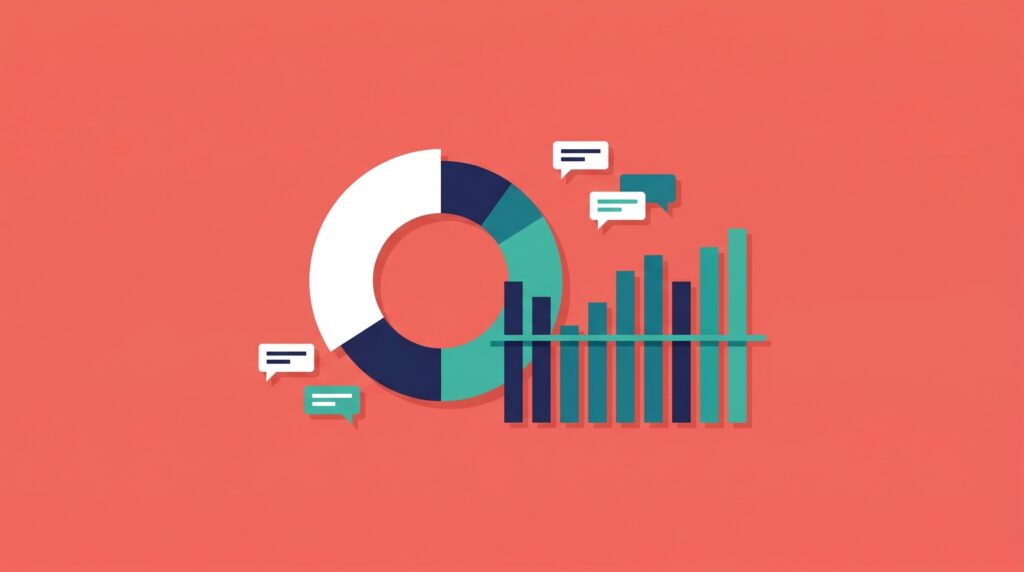
You’ve done your technical set-up, cleaned up, verified your lead list, and ensured your copy is perfect. You hit send…and then nothing. Sounds familiar? It’s the sad reality of most cold emailers. So, if you find yourself asking, “What is a good reply rate for cold emails?”, you’re at the right place. We’ll break down […]
Cold Email Deliverability Infrastructure for Agencies

Cold Email is your bread and butter. We understand that because it’s ours too. At the end of the day, every booked meeting is additional revenue and directly impacts client retention. You spend money creating campaigns and building lead lists to achieve a consistent flow of replies. That’s what your clients trust you to do. […]
What is Aerosend?
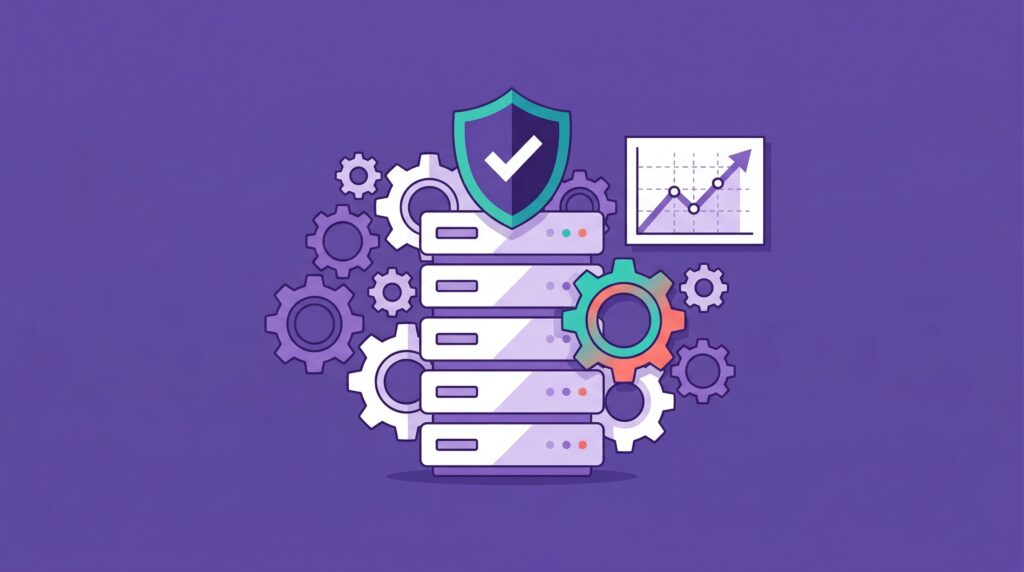
We’re an inbox provider built for cold emails. To make cold email successful, you need to send very few emails from 1 domain (60-75 emails/day/domain). To scale automated outreach, you need multiple domains and inboxes working together. This helps providers think you are not doing mass outreach, and your emails will land in the inbox. […]
What are Gmail’s Daily Email Sending Limits per day in 2026?

Gmail is the most popular provider. But should you use it for cold email? If you’ve found yourself in the midst of the “you have reached a limit for sending mail Gmail” notification, you’ve likely reached the Gmail sending limit. Gmail sending limits are 2000 on paper. For cold emailers, it’s 25 per inbox. A […]
Best Time to Send Email Blast: Does It Even Matter?
Most people ask about the send time after they’ve done the hard work. Copy is ready, offer is dialed in, list is built. It feels like the last piece of the puzzle. It isn’t. Send time is one of the weakest levers in cold email. Your offer, your targeting, and your technical setup will determine […]