
How Saravá Sales Achieved 17.4% Reply Rate with Aerosend
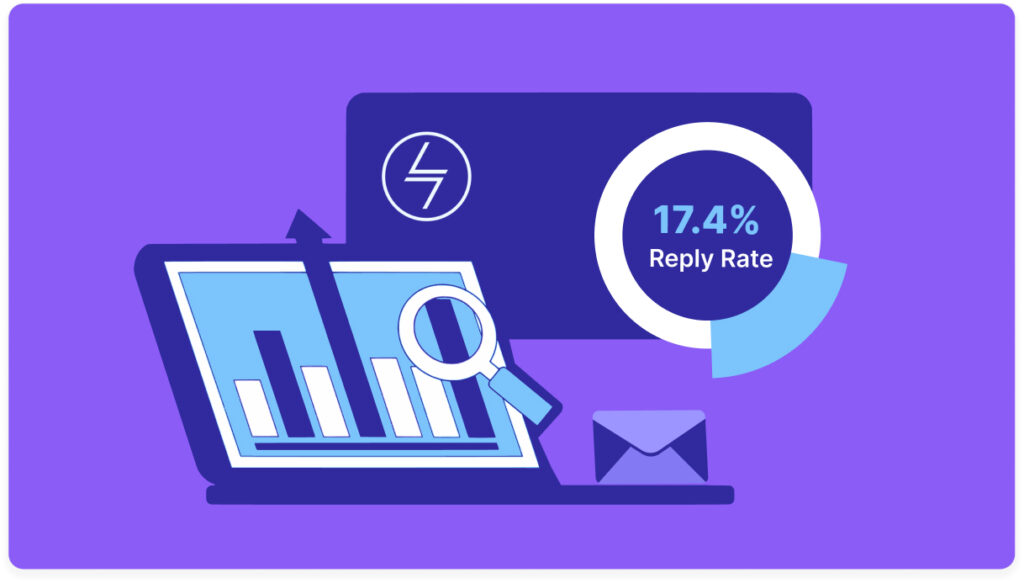
Overview Company: Saravá Sales – B2B outbound & GTM agency (Lisbon & Santiago, Chile) Challenge: Fragile outbound email infrastructure causing deliverability issues, low response rates, and high campaign risk Solution: Switched to Aerosend’s private, pre-warmed infrastructure with real-time monitoring, domain health alerts, and responsive support Campaign Scope Target Region: Chile Audience / ICP: SaaS founders […]
How to Improve Outlook Deliverability and Reach the Inbox

This blog breaks down the current state of Outlook email deliverability, providing advanced strategies, crucial test results, and essential workflows to ensure your cold emails bypass the spam folder and consistently land in the target inbox. The core philosophy is clear: deliverability today is a matter of consistency, sophisticated testing, and the implementation of robust […]
How Alchemail Improved Deliverability and Reply Rates with Aerosend

Overview Alchemail is a cold email agency that helps businesses drive qualified meetings through scalable outreach. Arthur, Founder of Alchemail, has been running cold outreach since 2015, long before AI and automation became mainstream. Over the years, he has experimented with dozens of tools and private SMTP vendors, searching for a platform that could provide […]
List Building Secrets That Actually Matter in 2026

The brutal truth of cold email isn’t about the perfect subject line or the most persuasive copy; it is about the list. Without a high-quality list, your perfectly crafted message lands on dead ears, turning your outreach into nothing more than digital noise. It is the ultimate make-or-break factor in scaling revenue with cold email. […]
How ZalesMachine Boosted Reply Rates and Deliverability with Aerosend
Overview Founded by Nicolas Kwiatkowski, ZalesMachine is a sales automation agency based in Argentina that helps companies across the world implement AI, automation, and technology into their sales processes. The team runs high-performing outbound campaigns that combine personalization with scale, helping clients book more meetings and close more deals. In just a year and a […]
How Timelines AI Fixed Deliverability Issues Using Aerosend

Overview Timelines AI is a B2B productivity platform that helps businesses connect WhatsApp with their CRM systems such as HubSpot, Zoho, and Monday. The platform enables teams to manage conversations, book demos, and automate workflows through WhatsApp, all from within their CRM. Like many SaaS companies that rely on outbound campaigns to drive growth, Timelines […]
Zoho Alternative for Cold Email Deliverability | Aerosend vs Zoho
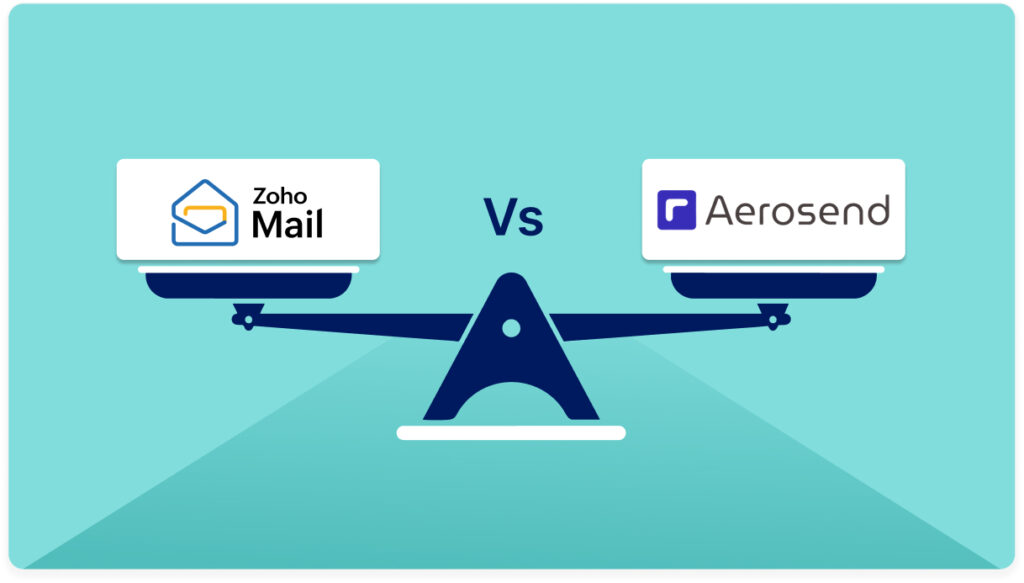
Zoho Mail is a trusted business email platform. It works well for everyday communication, managing support inboxes, or coordinating within teams. But when you try to use it for cold outreach, things start to break. That’s because Zoho was made for collaboration. Aerosend was made for campaigns. Aerosend gives you private cold email infrastructure with […]
How Kai Footprint Gets Hundreds of Cold Email Replies

Overview Kai Footprint helps businesses appear as recommended options inside ChatGPT, essentially providing SEO for AI. As the company grew, cold email became a core channel for driving awareness and customer acquisition. The team, led by founder Grayson Faircloth, sends thousands of emails every week and manages a large-scale outreach infrastructure with more than 2,000 […]
Best Google Inbox Alternative for Cold Email Deliverability

Google Inboxes is great for daily communication, collaboration, and running business email. It integrates smoothly across tools, making it the default choice for many teams. But when you use Google for cold outreach, performance drops sharply. That’s because Google Inboxes was designed for productivity, not prospecting. Aerosend was designed for cold outreach and deliverability. Aerosend […]
Why Email Outreach Company Switched from MailDoso to Aerosend
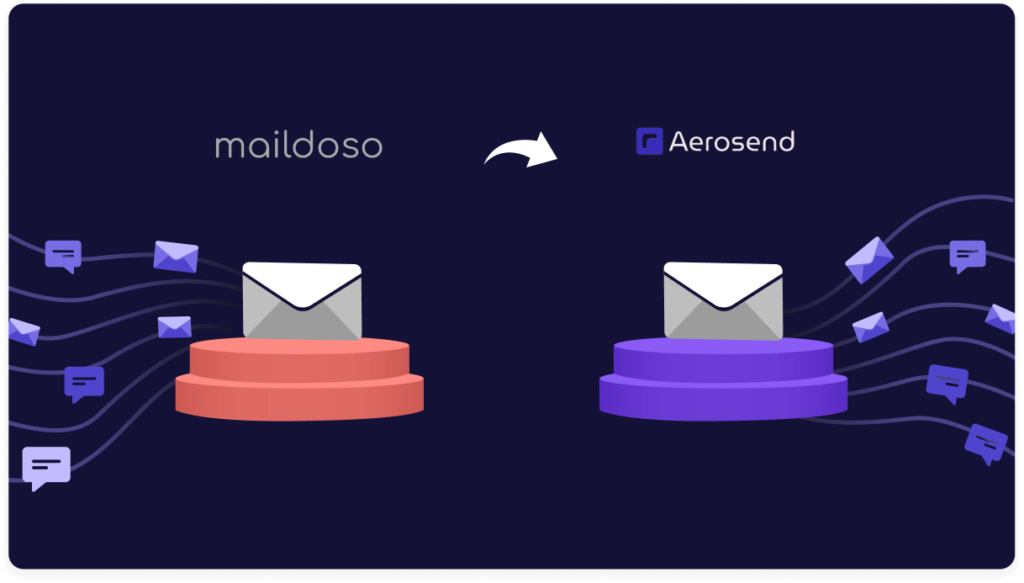
Overview Email Outreach Company (EOC) is an agency that helps businesses of all sizes, from Fortune 500s to early-stage startups, generate leads through cold email. With more than four years of experience running outbound campaigns, the team has tested nearly every major inbox provider in the market, including MailDoso (see our in-depth Maildoso review) and […]