

GoBoxMate is a cold-email inbox service provider.
They offer Indian-origin Google inboxes and handle DNS. It is suitable for agencies and founders who want Google inboxes without having to do the technical setup.
The setup speed is modest – under 48 hours.
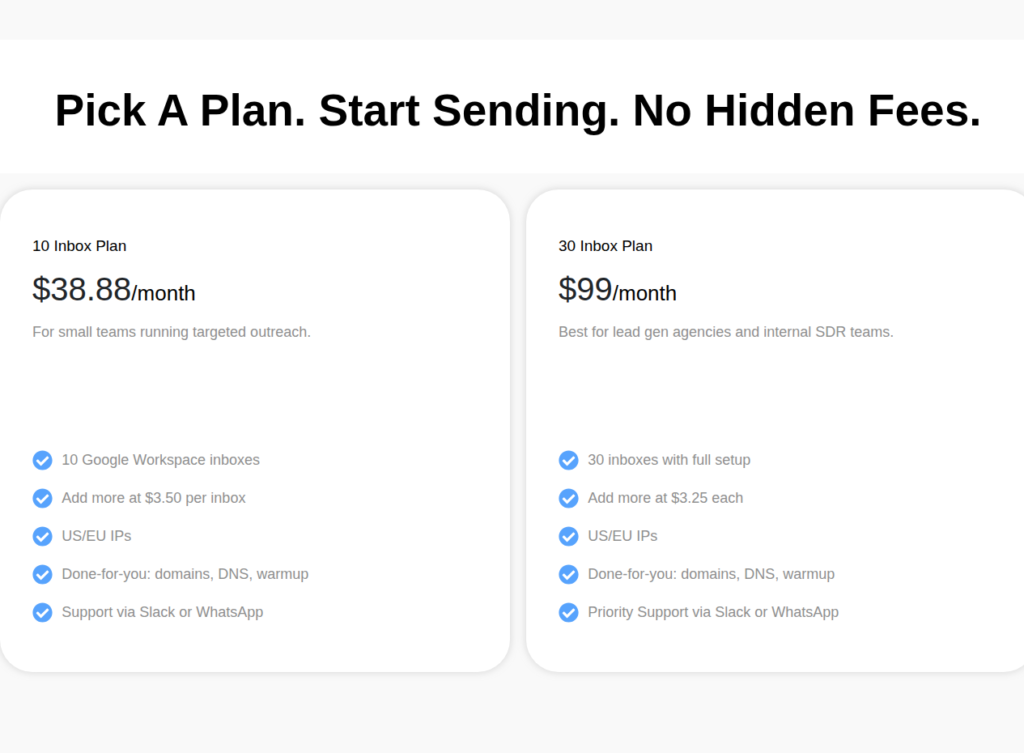
It offers two plans = 10 inbox and 30 inbox plans.
In this GoBoxMate review, I’ve consolidated all the data points using G2, Reddit, Trustpilot, and user feedback, so you don’t have to do the research before making the decision.
Key Takeaways
If you want Indian-origin Google inboxes fully set up within 48 hours, you can buy them from GoBoxMate. They are Google inbox resellers. The inbox costs $3.50/inbox. No reporting or prebuilt warmup. Mixed reviews on deliverability, as Indian-origin Google inboxes have low deliverability success compared to US-origin Google inboxes.
- Inbox: Google Resellers
- USP: None
- Deliverability: Mixed and thin
- Risk: No in-product deliverability analytics
- Starting Plan: $38.88/month for 10 Google inboxes
- Support: Via Slack or WhatsApp
About GoBoxMate
GoBoxMate resells Google inboxes.
The two plans, 10 inboxes and 30 inboxes, are billed at $38.88 and $99 per month. It configures DNS, and your inboxes are ready within 48 hours.
No built-in warmup or analytics dashboard.
GoBoxMate buys/sets up your domains.
No deliverability monitoring, blacklist, or burn alerting.
The daily sending limit mentioned on the website is 25-50 emails/day, including warmup.
How GoBoxMate Works
Here’s how you can buy Google inboxes from GoBoxMate
- Step 1 – Sign up on the platform.
- Step 2 – Select the plan.
- Step 3 – Connect the domains.
Inboxes will be delivered within 48 hours.
GoBoxMate Features
Indian-Origin Google Inboxes
GoBoxMate is a Google inbox reseller. They offer Indian-Origin Google Inboxes.
Automated setup with 48-hour delivery
It configures the DNS authentication and delivers the inboxes within a guaranteed 48-hour window.
Pros
Automated Setup
GoBoxMate sets up the domain, configures DNS authentication, and delivers the inboxes within 48 hours.
No Domain Lock-In
You can bring your own domain and keep it if you ever leave, and there is no annual contract: billing is month-to-month, cancel anytime.
Cons
India-Origin Accounts
GoBoxMate resells Indian-origin inboxes. Don’t be fooled by “US/EU IPs,” as the concept of IPs is null for Google inboxes. You cannot externally verify the sending IP yourself. You would have to ask Google through your own admin console.
No Deliverability Monitoring
You can only view your inboxes on the GoBoxMate portal. There’s no analytics or reporting dashboard.
Unsafe Recommended Volume
GoBoxMate’s own FAQ recommends sending 25 to 50 emails from your Google inbox per day. This is over the safe limit of 15-25 emails per day. By pushing the volume above the safe band, your domains will get burnt faster.
No Prebuilt Warmup
GoBoxMate doesn’t offer warmup. The inboxes are fresh, and you need to warm up through your sequencer.
GoBoxMate Pricing
| Category | Inboxes | Price | Price / Inbox |
|---|---|---|---|
| 10 Inbox Plan | 10 | $38.88/mo | $3.89 |
| 30 Inbox Plan | 30 | $99/mo | $3.30 |
| Add-on inbox (10-plan) | per inbox | $3.50/inbox | $3.50 |
| Add-on inbox (30-plan) | per inbox | $3.25/inbox | $3.25 |
- The plans are billed monthly.
Aerosend – Best Alternative for GoBoxMate
GoBoxMate is a Google Inbox reseller. The inboxes originated from India, which has a lower deliverability % compared to US-origin Google inboxes. Aerosend is dedicated infrastructure designed to manage your deliverability.
GoBoxMate doesn’t have deliverability monitoring features such as burn alerts, blacklist monitoring, or inbox placement tests.
Aerosend offers multi-metric domain burn alerts + biweekly inbox placement tests for every client. So it can diagnose and replace inboxes quickly, before they impact the whole domain.
Here’s the brief GoBoxMate vs Aerosend table –
| Comparison point | GoBoxMate | Aerosend |
|---|---|---|
| Infrastructure | Google inbox reseller | Dedicated SMTP |
| Account Provenance | India-origin accounts. US/EU IPs claimed, not externally verifiable | Fresh, never-used, aged private IPs; geo-matched US/EU |
| Isolation | Not published | New isolation every 10 domains i.e. 30 inboxes, never shared |
| Deliverability Monitoring | None | Domain burn alerts (multi-metric) + biweekly inbox placement tests |
| Warmup | None | Complimentary premium warmup using warmupinbox |
| Setup Speed | 48 hours | 24 hours |
| API access | None found | Available |
Price/Inboxes Breakdown (~5,000 emails/day)
| Requirements | GoBoxMate | Aerosend |
|---|---|---|
| Inboxes needed | ~250 | 200 |
| Send rate per inbox | 15-25/day (safe) | 20-25/day |
| Plan | 30-inbox plans scaled (~$3.30/inbox) | Starter then Growth ($2/inbox after 150 inboxes) |
| Per-inbox rate | $3.30 (30-plan) | $3.50 (blended) |
| Monthly total | ~$825 | ~$700 |
| Service model | Self-managed | Managed |
GoBoxMate Support
GoBoxMate offers quick support over Slack and WhatsApp on both plans.
The Verdict
GoBoxMate is good for agencies and founders who avoid setup stress. You can get configured inboxes within 48 hours.
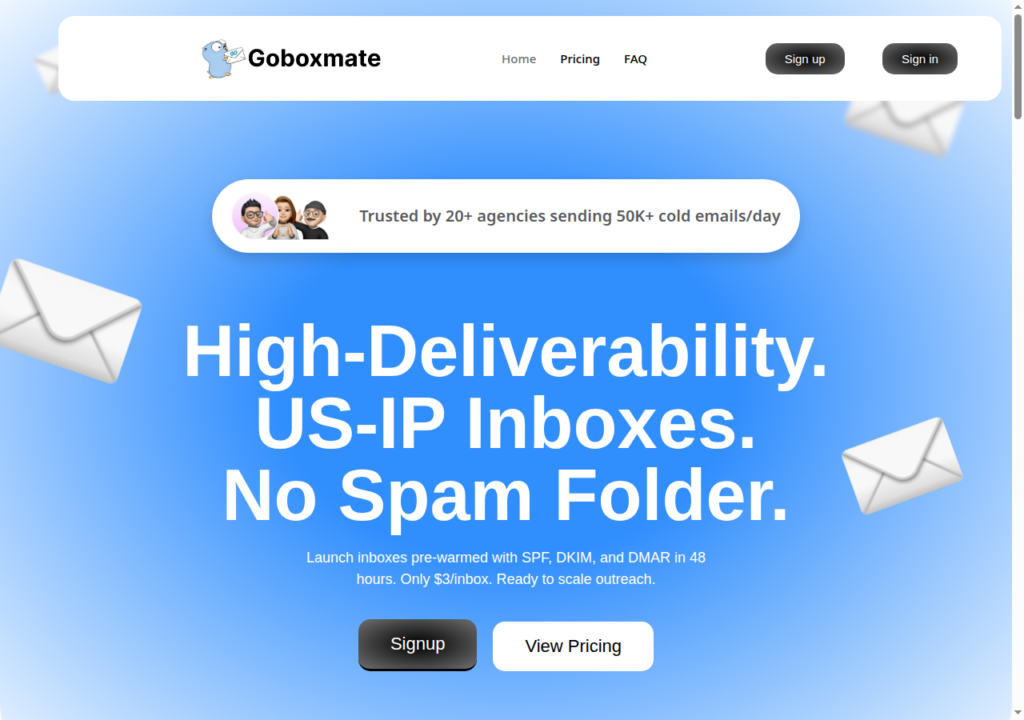
However, they fell short on their marketing claims – “High-Deliverability. US-IP inboxes. No Spam Folder”.
GoBoxMate is a Google inbox reseller that sells Indian-origin inboxes. Historically, the Indian-origin inboxes have recorded low deliverability success.
Also, GoBoxMate doesn’t offer built-in warm-up or deliverability monitoring. So there’s no way to monitor the domain reputation. If not monitored and diagnosed on time, your emails will soon hit the spam folder.
If you want inboxes that offer better deliverability rate and reply rate, Aerosend is the better fit for you. Aerosend manages your deliverability and offers the complete cold emailing solution for your campaigns.
