


I have been working in the cold email industry for 4 years. I manage deliverability across 30,000 domains and 200M+ cold emails monthly.
Mailpool is a great inbox provider, but creating inboxes is only half the job. The other half is making sure that emails actually land in the inbox.
This blog evaluates Mailpool against 5 up-and-coming mailpool alternatives based on what I believe every email provider should offer their customers. I evaluated these 5 inbox providers based on deliverability, pricing, reliability, infrastructure quality, and warmup.
Last updated: March 2026
tl;dr
Top 5 Mailpool Alternatives
Why Do People Look for Mailpool Alternatives?
Mailpool does one thing well. It creates inboxes across Google Workspace, Microsoft 365, and custom SMTP quickly and at scale. The platform has created 250,000+ inboxes for 3,000+ companies. Here’s what I found to be missing in Mailpool:
No Deliverability Monitoring After Setup
Mailpool creates your inboxes and walks away. There’s no inbox placement testing, no health scoring, no bounce categorization. Once your inboxes are live, you’re flying blind. If you’re sending 10,000+ cold emails per month, you cannot afford to land in SPAM. A domain can start burning and it will be weeks before you notice. Slowly, all your emails will land in SPAM and your reply rates will drop. By then, it’s too late.
No Built-In Warmup
Before you start sending cold emails on new domains, you need to warm up your domains. Mailpool doesn’t offer Warmup services. You’ll need to purchase a separate warmup tool (Instantly, Smartlead, or a standalone service), which adds both cost and complexity to your stack. Warmup changes based on who you are targeting, so that is not a level of complexity most cold emailers understand.
Shared IP Risk on Lower Tiers
Mailpool’s entry-level plan (~$2.60 per inbox) uses shared, rotating IPs, meaning your emails are sent with the same infrastructure as others.
If someone in the same IP pool sends spam or gets flagged, it can hurt your deliverability, even if your own sending practices are clean. You can mitigate this by upgrading to a dedicated IP plan, which starts at $200/month, in addition to your per-inbox cost. Fully isolated infrastructure is also available, but only through custom pricing.
No Proactive Intervention
You need to stop sending cold emails and/or replace your domain, when a domain shows early signs of burn.
This is detected by monitoring spikes in bounce rates, low reply rates, low inbox placement scores or a sharp drop in warmup reputation.
Mailpool does not offer a system to help you catch early signs of domain burn. If you are exploring mailpool alternatives, this gap is often the main reason.
How I Evaluated These Mailpool Alternatives
I compared each tool against five criteria that matter most for cold email infrastructure.
Deliverability Support
Does the provider monitor inbox placement, detect domain burn, and intervene before performance drops? Or does it create inboxes and disappear?
Infrastructure Isolation
Are you on shared IPs with thousands of other senders, or do you get dedicated servers and aged IPs that protect your reputation?
Warmup and Onboarding
Is warmup included and managed, or do you need to bolt on a separate tool?
Pricing Transparency
What’s the real cost when you factor in setup fees, minimum orders, and hidden charges? Per-inbox pricing can be misleading without context.
Reliability Track Record
Has the provider had bans? IP blocks? Sudden account suspensions? History matters in this space.
Full disclosure: Aerosend is my company. I’ve tried to be fair in this comparison, but you should know that going in. I’ve included honest pros and cons for every tool, including ours.
5 Best Mailpool Alternatives in 2026
Best Mailpool Alternatives: Master Comparison Table
| Tool | Best For | Dedicated IPs | Managed Warmup | Deliverability Monitoring | Starting Price |
|---|---|---|---|---|---|
| Aerosend | Deliverability-first teams | ✅ Aged IPs | ✅ ESP-specific | ✅ Biweekly IPTs | $120/mo (30 inboxes) |
| Zapmail | Fast Google inbox setup | ❌ Shared | ⚠️ Pre-warmed | ⚠️ ZapShield | $39/mo |
| Mailforge | Cheapest at high volume | ❌ Shared/rotating | ❌ | ❌ | $30/mo |
| Hypertide | Budget Azure infrastructure | ✅ Dedicated tenant | ⚠️ Bulk warmup | ❌ | $50/mo |
| Sending.ac | High-volume Azure at lowest cost | ✅ 1 IP/domain | ❌ | ❌ | ~$198/mo |
1. Aerosend (Why It’s the #1 Mailpool Alternative)
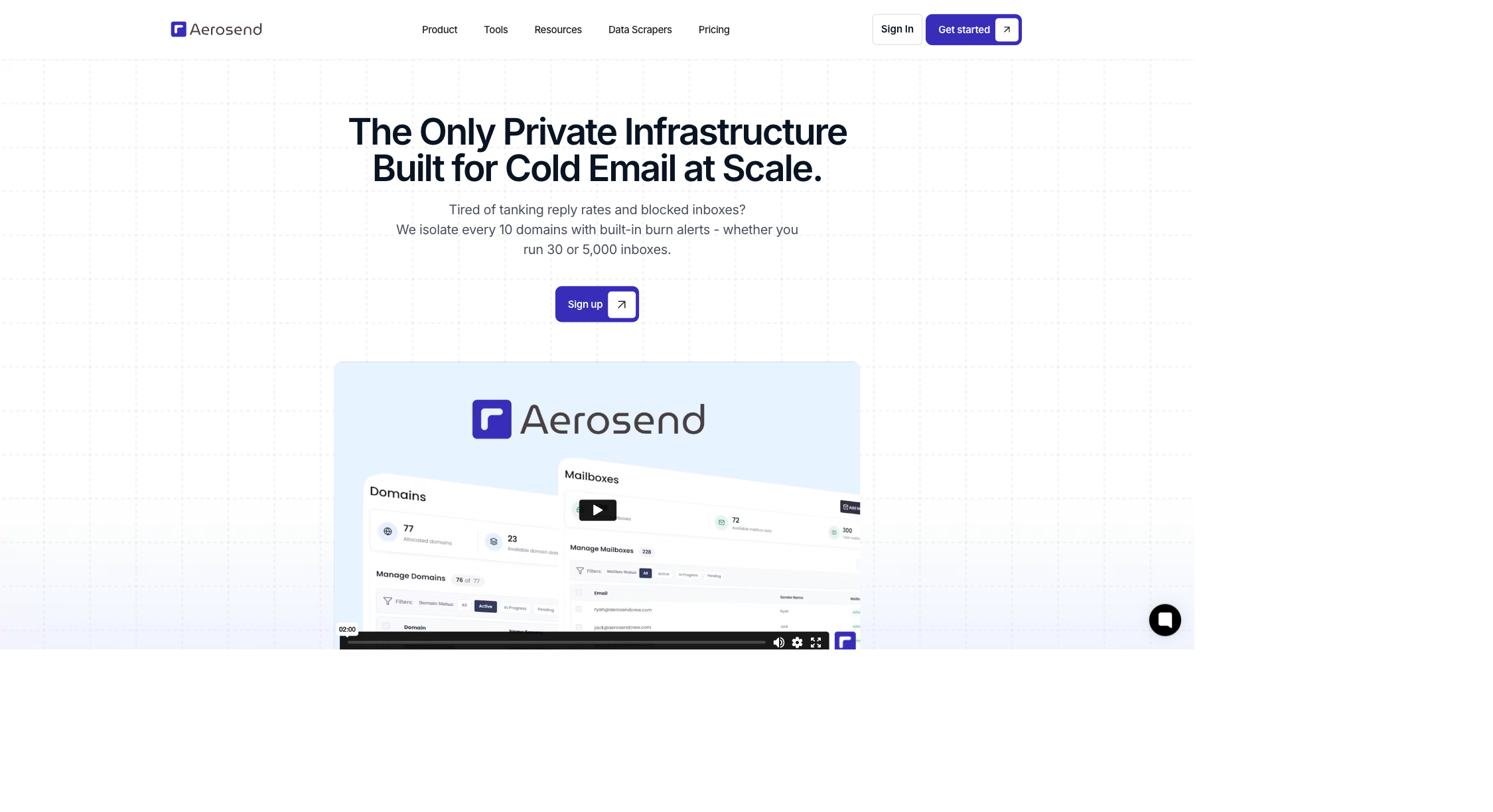
Aerosend’s philosophy is that deliverability is the responsibility of the inbox provider. We offer deliverability as a software along with inboxes. In the last 2 years, we have prevented 5000+ domains from burning.
All Aerosend customers get: 1) Biweekly inbox placement tests, 2) ESP-specific managed warmup, 3) Automated burn detection, 4) proactive IP rotation, 5) monthly performance reports. No other inbox provider offers deliverability as a software. It’s a completely different model.
Key Features:
- Dedicated servers and aged IPs with inbox-level isolation.
- Biweekly inbox placement tests for all clients using real accounts.
- ESP-specific managed warmup tailored to your sending habits. Learn the fundamentals in Aerosend’s free cold email course.
- 5-metric burn detection that catches domain reputation problems before they hit your campaigns.
- In-built automatic IP swapping that swaps IPs if they are about to burn.
- Deliverability guarantee. Aerosend guarantees it beats your current infrastructure.
- Free domain replacement. If a domain burns, you buy the new domain (~$12). Aerosend replacement is free.
| Pros | Cons |
|---|---|
| True isolation, zero bans across 200M+ emails | $4/inbox for first 150, $2/inbox after; higher entry cost than budget providers |
| Biweekly inbox placement tests + monthly reports included | You bring your own domains and sequencer |
| Managed warmup tailored to your ESP | Not for solo senders with fewer than 2,000 prospects |
| 87% of flagged domains recover within 30 days | Best suited for teams running 30+ inboxes |
Pricing: $4/inbox for your first 150 inboxes, $2/inbox after that. Sold in batches of 30 with a 30-inbox minimum. At 30 inboxes ($120/mo), you can send 600-750 cold emails daily.
At 1500 inboxes, you pay $2.20/inbox/month ($3,300/mo total — 150 × $4 + 1350 × $2). This allows you to send 30,000-37,500 cold emails daily.
Warmup, inbox placement tests, monitoring, and reports are included across all plans, so the more you scale, the more value you extract per dollar spent.
Who it’s best for: Agencies and B2B teams running 30 to 10,000+ inboxes who need infrastructure that actively protects deliverability.
“After trying 10 providers, I tried Aerosend.”
Alexan Zartarian, Founder, Sparklead
“Aerosend has been the only SMTP platform that has actually produced results for us.”
Grayson Faircloth, Founder, Kai Footprint
Aerosend costs more per inbox than budget providers, and it requires a minimum of 30 inboxes to get started. If you’re a solo sender running 5 inboxes, Aerosend is not for you.
But if your team is sending more than 500 emails a day, the additional positive replies you get with Aerosend will give you a significantly higher ROI.
Aerosend vs. Mailpool
| Feature | Mailpool | Aerosend |
|---|---|---|
| Per-mailbox cost | $3-5 | $4 first 150, $2 after |
| IP architecture | Shared (dedicated at $200/mo extra) | Dedicated servers + aged IPs (included) |
| Deliverability guarantee | No | Yes, guarantees it beats your current infra |
| Managed warmup | Not included | ESP-specific, included free |
| Inbox placement testing | None | Biweekly for every client |
| Monthly reports | None | Proactive, every client |
| Health scoring | None | Proprietary 0-100 composite score |
| Burn detection | None | 5-metric algorithm |
| IP rotation | None | Proactive (before degradation) |
| bans | Unknown | Zero, ever |
Check your current deliverability for free with Aerosend’s report tool.
2. Zapmail: Quick Google Inboxes, But Google Only
Trustpilot: 4.6/5 (64 reviews)
Zapmail was one of the first Google Inbox Resellers for cold email. They also offer pre-warmed inboxes that do not require the 21 day warmup time.
Zapmail has a deliverability protection layer called ZapShield and offer built-in inbox placement testing. For the full pricing, IP-geography, and support breakdown, read our full Zapmail review.
Key Features:
- Pre-warmed mailboxes with US/EU IPs
- Aged domains and ZapShield deliverability protection
- Built-in inbox placement testing (costs additional)
- API access on the Pro plan for direct integration into your stack
- Domain and workspace segregation, bulk profile customization, email forwarding with tagging
| Pros | Cons |
|---|---|
| Pre-warmed inboxes; no warmup wait | Google Workspace only; no Microsoft, no custom SMTP |
| Placement test credits are included at every plan level | Reports of non-US IP addresses despite US-based claims |
| 50+ sequencer integrations; API access on Pro | Frequent account bans reported by users |
| AI domain naming tools save time for agencies | Shared infrastructure with no dedicated IPs |
| Trustpilot verified reviews (64+) | API access locked to the Pro plan ($299/mo) |
Pricing: Zapmail’s pricing scales with volume, and the per-mailbox rate drops as you grow.
The Starter plan is $39/month and includes 10 Google mailboxes. Additional mailboxes cost $3.50 each, and you get 3 inbox placement test credits per month, useful for spot-checking deliverability before a send.
The Growth plan is $99/month for 30 mailboxes. Additional mailboxes drop to $3.25 each, and you get 10 placement test credits per month.
The Pro plan is $299/month for 100 mailboxes at $3.00 per additional mailbox, 30 placement test credits per month, priority support, and critically, API access.
Monthly, quarterly, and yearly billing are available.
All Zapmail plans include mailbox setup, DNS management and health checks. They also offer bulk profile customization and email forwarding with tagging.
If you want to programmatically create mailboxes or manage domains, you need to be on the Pro plan.
Who it’s best for: Teams who want Google Workspace inboxes set up fast with built-in placement testing. Moderate scale (10-100 mailboxes), where you want to start quickly.
Zapmail is one of the best Google resellers but the fundamental flaw is in what they are selling. For a deeper breakdown, see our Zapmail alternatives comparison. Using Google inboxes for cold emails comes with its own risks.
Zapmail has little to no control over Google Workspace inboxes, which means your entire infrastructure depends on Google’s policies. Google has been shutting down accounts used for cold outreach, and multiple users have reported sudden bans with no warning.
If Google further tightens the rules and keeps tightening them, your entire sending infrastructure disappears overnight.
In a head-to-head test run by Timelines AI, Zapmail dropped to 60% inbox placement, while Aerosend maintained 95-99% over the same period, across the same domains and campaigns.
“The support team is right there to help you out and the mailboxes are working perfectly for our outbound marketing.”
Kelly Schuster, Trustpilot
“The inboxes they provide are not coming from US-based IPs… The IPs for the provided inbox activity showed completely different locations.”
Hafiz, Trustpilot
Zapmail vs. Mailpool
| Feature | Mailpool | Zapmail |
|---|---|---|
| Per-mailbox cost | $3-5 | $3.00-$3.50 (plan dependent) |
| Email providers | Google, Microsoft, SMTP | Google Workspace (Microsoft 365 listed) |
| Pre-warmed inboxes | No | Yes |
| DNS automation | Yes | Yes |
| IP architecture | Shared | Shared (US/EU only) |
| Inbox placement testing | None | Included (3-30 credits/month by plan) |
| AI tools | No | Domain naming, Smart Mailbox Namer |
| Integrations | Multiple platforms | 50+ platforms |
| API access | Unknown | Pro plan only ($299/mo) |
| Deliverability monitoring | None | ZapShield (deliverability protection layer) |
| Ban frequency | Moderate (multi-provider) | High (Google-only + user reports) |
| Provider diversification | Yes (3 providers) | Limited (Google-primary) |
3. Mailforge: Cheapest at Volume, But Read the Fine Print
G2: 4.7/5 | Trustpilot: 4.1/5 (15 reviews)
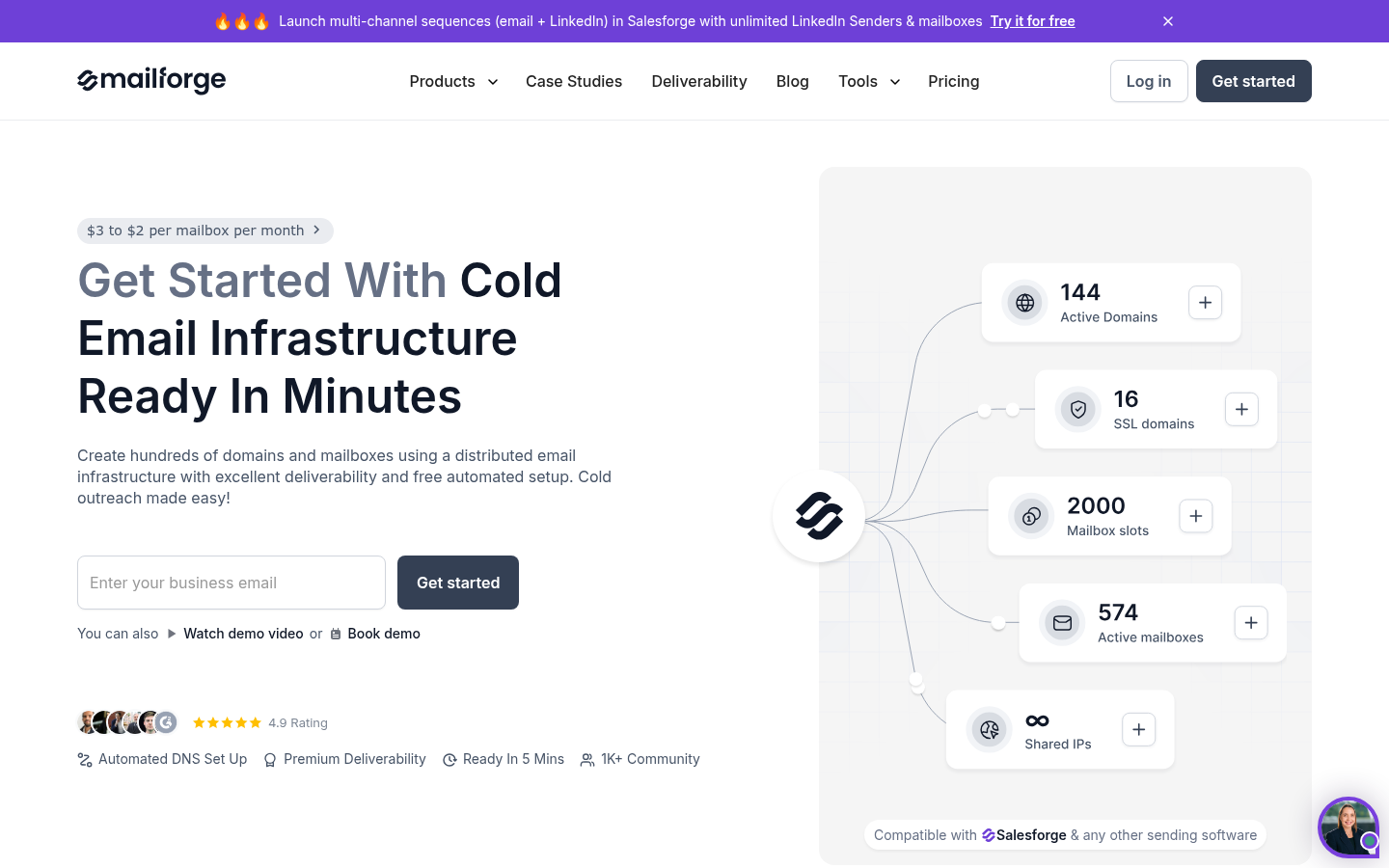
Mailforge is one of the most recognized names in the cold email space. They provide generic SMTP inboxes. It’s a part of the Forge ecosystem, and they make software for everything – Warmup, shared inboxes, sequencers, lead list builders etc.
A major advantage of Mailforge is that the inboxes are really cheap because they are created on shared servers and IPs. The concerns are equally real.
Key Features:
- Bulk mailbox creation with automated DNS (SPF, DKIM, DMARC)
- Bulk DNS updates and domain transfers across the platform
- You can delete and create mailboxes freely within your purchased capacity
- SSL and domain masking available as an add-on
- Full Forge Stack ecosystem, leads, sequences, AI SDR, warmup, and dedicated Google/MS infra via Primeforge
- No contracts, cancel anytime
| Pros | Cons |
|---|---|
| Low per-slot cost ($2.50-$3.00, scales with billing cycle) | Slot-based billing, you pay for capacity whether you use it or not |
| Automated DNS setup included on every plan | Shared, rotating IP infrastructure with mixed deliverability reports |
| Full Forge Stack ecosystem for all-in-one outbound | Mass blocking events documented on Trustpilot |
| Domains at $14/year (.com) | History of sourcing domains via Tucows/Enom registrars |
| Fast setup, 100s of domains configured in minutes | No warmup included, separate tool required |
| No contracts, cancel anytime | No dedicated IP option (need Primeforge for Google/MS365) |
Pricing: Mailforge charges you based on how many domains and inboxes you want to add. Let’s talk numbers:
The minimum order is 10 mailbox slots at $3.00/mailbox/month on monthly billing, or $2.50/mailbox/month billed yearly ($25/month).
- SSL & Domain Masking at $2/domain/month
- Domains cost an additional $14/month
As your volume grows, you pay more for each mailbox you purchase from Mailforge. The pricing model is similar to Zapmail and Aerosend’s.
Who it’s best for: High-volume agencies who want the lowest per-slot cost, are comfortable managing warmup separately, and want to stay within the Forge Stack ecosystem for an all-in-one outbound pipeline.
Two things to look into:
Mailforge runs on shared IPs. Your deliverability depends on what other senders on that IP are doing.
Mailforge has a history of sourcing inboxes through Tucows and Enom, which has raised questions in the cold email community about domain quality and prior history.
“Love being able to keep all my outbound infrastructure in one place!”
Trustpilot reviewer
“All our 45 mailboxes got blocked in 1 day. Disaster for the business.”
Trustpilot reviewer
Mailpool vs Mailforge
| Feature | Mailpool | Mailforge |
|---|---|---|
| Per-mailbox cost | $3-5 | $2.50-$3.00 (billing dependent) |
| Domain cost | Varies | $14/year (.com) |
| IP architecture | Shared | Shared/rotating |
| DNS automation | Yes | Yes + bulk updates |
| Ecosystem | Standalone | Full stack (leads, sequences, AI SDR) |
| Minimum purchase | None listed | 10 slots |
| Billing model | Per-inbox | Per-slot (pay for capacity, not usage) |
| Billing options | Monthly | Monthly or yearly (saves ~2 months) |
| Google/MS365 mailboxes | Yes | Via Primeforge (separate product) |
| Deliverability monitoring | None | None |
| Mass ban reports | Unknown | Yes (documented on Trustpilot) |
| Domain sourcing | Standard registrars | Tucows/Enom history |
| Add-ons | None listed | SSL & Domain Masking, Expert consulting |
4. Hypertide: Dedicated Azure Tenants, Surprisingly Cheap Monthly
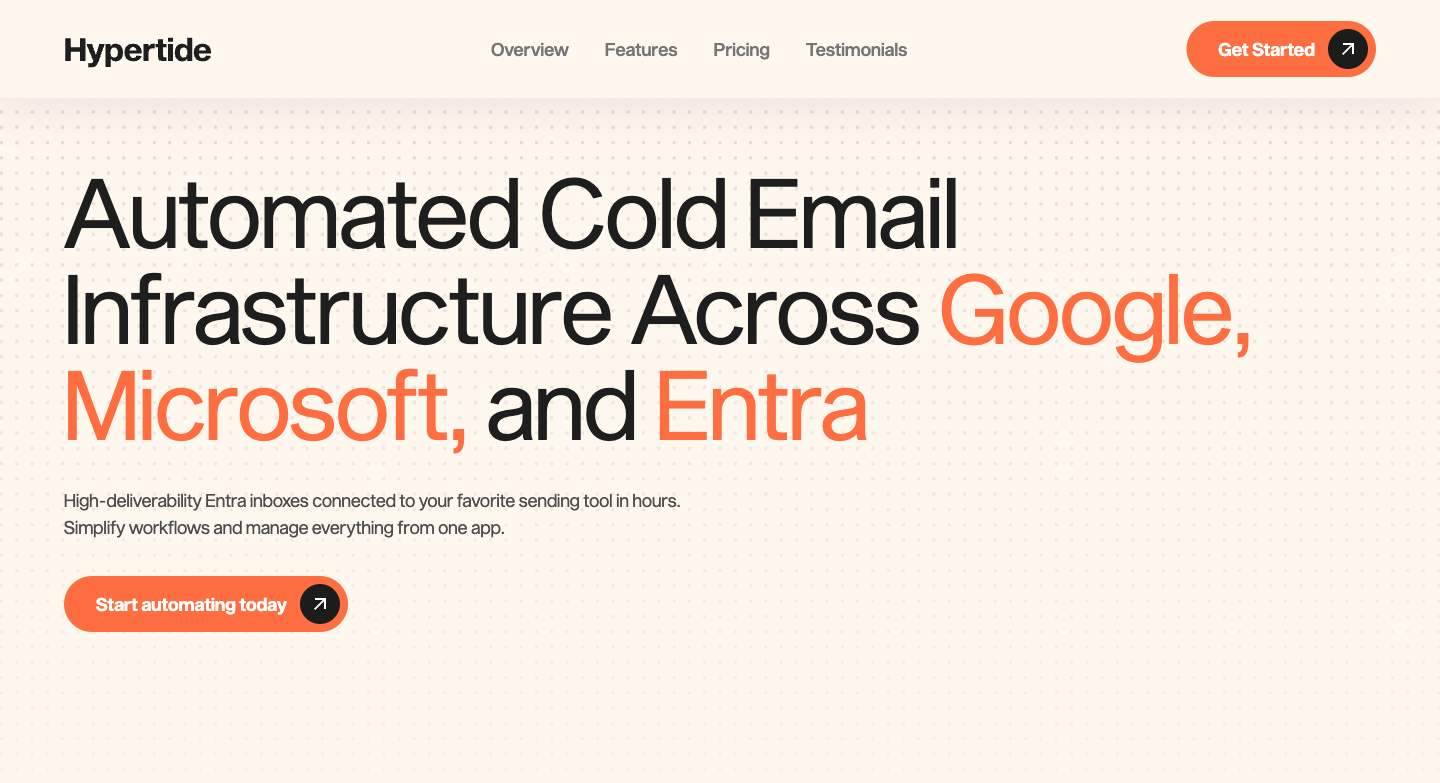
Hypertide is different from all the other inboxes we’ve discussed till now. Their inboxes are hosted on Microsoft Azure, which is a completely different ecosystem than Google/Outlook or private infra. So instead of a shared IP, you get a dedicated Azure/Entra tenant (it’s like a server) with your own domains, IPs, and users, fully isolated from other customers. Their entire setup, from SPF, DKIM, and DMARC to warm-up, is automated.
Most providers recommend 3 inboxes on a single domain. However, domains built using Microsoft Azure allow for up to 50 inboxes. However, the daily email sending limit remains the same. Other infrastructures allow 20-25 emails for cold outreach per day, while Hypertide can only allow 4 per mailbox.
Key Features:
- Tenant separation with unique IPs for every domain
- 100 custom Azure inboxes per order (Each inbox sends 2 emails/day)
- Pre-configured SPF, DKIM, DMARC
- Bulk warmup included
- $30 worth of domains included to send 200 emails/day, or bring your own for free
- 5,000 emails/month sending volume capacity
- Fully automated setup in 4 to 6 hours
| Pros | Cons |
|---|---|
| True tenant isolation, unique IP per domain | Implementation fee is separate and not listed; Upfront |
| Warmup included, no separate tool needed | One plan only, fixed at 100 inboxes per order |
| Auto-linked to Smartlead, Instantly, and Bison | 5,000/month sending cap may be low for high-volume teams |
| $30 in domains included or bring your own free | Deliverability degrades after ~6 months of consistent sending |
| Replaces $750 to $1,000/month in VA and setup costs | Azure inboxes are sensitive to aggressive sending, damage is hard to reverse |
| Automated setup across Google, Microsoft, and Entra | Best used with a planned inbox rotation strategy |
Pricing: There is only one pricing plan. Here is exactly what you get for $50/month, plus a huge implementation fee. (Starting at $1500)
The recurring cost is $50/month per order, which gives you 100 inboxes. However, each inbox can only send 2 emails/day, so while the price of each inbox is low, the overall sending is the same as other providers. If you need a higher volume, you would need to purchase multiple orders.
Who it’s best for: Agencies that want to add diversification to their infrastructure. They can add another provider to the mix.
The catch with Hypertide is the long-term deliverability. When Hypertide started, in Nov 2024, it was one of the best providers. However, as more competitors came in the Azure space, we started seeing a lot of bans. Today, Azure inboxes perform very well in the first month, but deliverability noticeably degrades after about 1-2 months.
“Our reply rates dropped to 0.8% in May, and churn spiked as we struggled with deliverability. HyperTide saved us.”
Nick Abraham, CEO, Leadbird
“We spent eight months trying to get our deliverability down. The final answer was use Hypertide.”
Henry LeGard, CEO, Verisoul
Hypertide vs. Mailpool
| Feature | Mailpool | Hypertide |
|---|---|---|
| Per-inbox cost (monthly) | $3-5 | $0.50 ($50/mo for 100 inboxes) |
| Implementation fee | None listed | Yes, separate (ask for quote) |
| IP architecture | Shared | Dedicated tenant, unique IP per domain |
| Email providers | Google, Microsoft, SMTP | Google, Microsoft, and Entra |
| Inboxes per order | Flexible | 100 fixed per order |
| Warmup included | None | Yes, bulk warmup included |
| Sequencer auto-link | Manual export | Smartlead, Instantly, Bison (auto) |
| Setup time | Minutes | 4 to 6 hours (automated) |
| Monthly sending capacity | Varies | 5,000 emails/order |
| Domains included | No | $30 in domains or bring your own free |
| Deliverability monitoring | None | None |
| Long-term deliverability | Stable | Degrades after about 6 months, inbox rotation recommended |
5. Sending.ac: Lowest Per-Mailbox Price (with a Caveat)
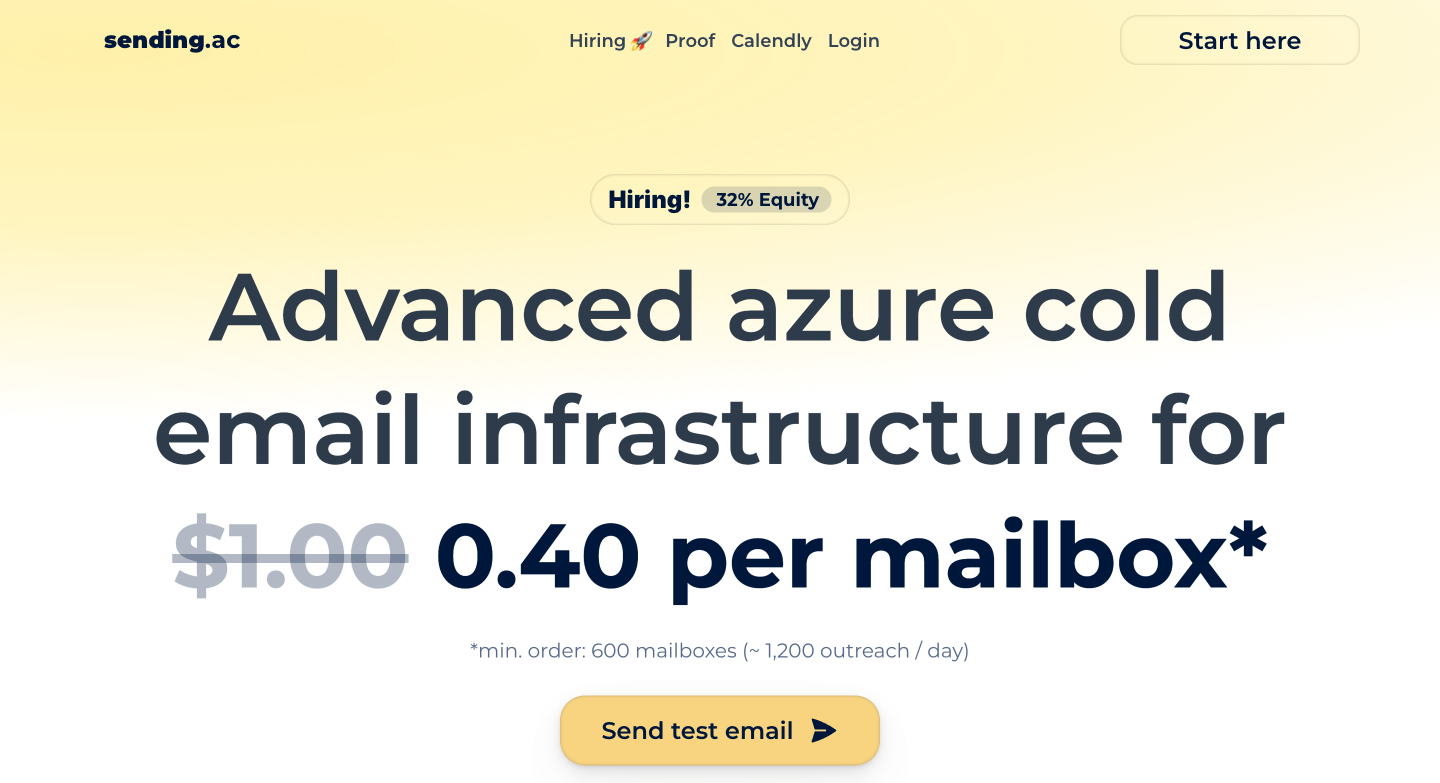
Like Hypertide, Sending.ac also hosts its mailboxes on Microsoft Azure but they allow 150 mailboxes on a single domain.
Every domain gets its own dedicated Azure tenant and unique IPs. There is no shared infrastructure and no setup fee. Some Azure-based cold email tools are office 365-based resellers: they buy O365 accounts and rebrand them as “Azure.” Sending.ac did not have any information on how their backend works. It is worth asking the providers how their backend works before buying them.
Sending.ac claims that it goes to Azure and builds a full O365 instance for every domain.
Key Features:
- $0 setup fee (Competitors like Hypertide charge $1,500-$6,000)
- 1 tenant per domain, 1 IP per domain (full isolation)
- IPs auto-replaced every 14 days
- Up to 150 mailboxes per domain
- Auto-imports to Instantly, Smartlead via API
| Pros | Cons |
|---|---|
| Lowest per-mailbox cost ($0.33) | 600 mailbox minimum order (~$198/mo) |
| $0 setup fee | Azure only, no Google Workspace |
| Domain-level tenant isolation | Azure mailboxes have lower sending capacity per mailbox |
| Backup domain system for burned domains | Introductory pricing that’s rising to $1/mailbox |
| Fully automated, no VA needed | No warmup, no monitoring, no reporting included |
Pricing: The mailboxes start at $0.33 per month but can go up to $1. You need to buy a minimum of 600 mailboxes to get started.
Domains are $15.50 each, or bring your own for free.
With sending.ac you get 2 cold emails per mailbox. So for 600 mailboxes, you need 4 domains and you get 1200 emails/day.
Sending.ac does not provide a warm-up pool.
The catch here is that Sending.ac has little to no customer reviews to support its claims. Its pricing also lacks clear transparency, and there’s little in the way of social proof to build trust.
Sending.ac vs. Mailpool
| Feature | Mailpool | Sending.ac |
|---|---|---|
| Per-mailbox cost | $3-5 | $0.33 (introductory) |
| Setup fee | None listed | $0 |
| Minimum order | None listed | 600 mailboxes |
| IP architecture | Shared | 1 IP per domain (isolated) |
| Email providers | Google, Microsoft, SMTP | Microsoft Azure only |
| IP refresh cycle | Unknown | Every 14 days (auto) |
| Sending capacity per mailbox | Standard | Lower (Azure limitation) |
| Backup domains | No | Pre-warmed standbys |
| Deliverability monitoring | None | None |
| Pricing stability | Stable | Introductory (prices rising) |
So Which Mailpool Alternative Should You Pick?
All email infrastructure tools have certain limitations. Unfortunately, what Mailpool lacks happens to be the most important part of the entire setup.
For any email infrastructure tool for cold email, it is crucial to keep deliverability at scale, month after month, without constant manual intervention.
If you’re considering switching, identify what the pain point is and pick the tool that solves it.
Most times, the cheapest per-unit price doesn’t always translate to the cheapest per-result price. Some inboxes have lower sending capacity, so you need more of them. Take into account the setup fees and potential risk of shared IPs.
If your problem is reliability, look at the architecture. Dedicated infrastructure costs more per month but eliminates the risk of bans.
Verdict
If you want the cheapest mailboxes, Sending.ac wins on price. However, there is little to no social proof to their success.
If you want dedicated Azure infrastructure, Hypertide and Sending.ac offer that.
If you want quick Google inboxes, Zapmail is the fastest option.
If you want a deliverability-first private infrastructure, Aerosend is the best pick.
Aerosend offers an infrastructure that actively protects your deliverability, with biweekly inbox placement tests, managed warmup, burn detection, proactive IP rotation, and a guarantee that it beats what you’re currently using.
See how your current infrastructure stacks up. Run a free deliverability report.
| Tool | Best Use Case | Starting Price | Why It Wins |
|---|---|---|---|
| Aerosend | Deliverability-first teams | $120/mo (30 inboxes) | Only managed deliverability service that owns the outcome |
| Zapmail | Fast Google inbox setup | $39/mo | Pre-warmed inboxes, 50+ integrations |
| Mailforge | Budget at scale | $30/mo | $2/mailbox at 1,000+ volume |
| Hypertide | Dedicated Azure infra | $50/mo | Tenant isolation at ~$0.50/inbox |
| Sending.ac | Lowest per-unit cost | ~$198/mo | $0.33/mailbox with domain isolation |
Take your pick.
Run a free deliverability report if you use Smartlead or Instantly. It’s the fastest way to see how your current mailpool alternatives stack up against your existing infrastructure.
Also comparing Mailreef? Read our Mailreef alternatives comparison for a detailed breakdown of 5 competitors.