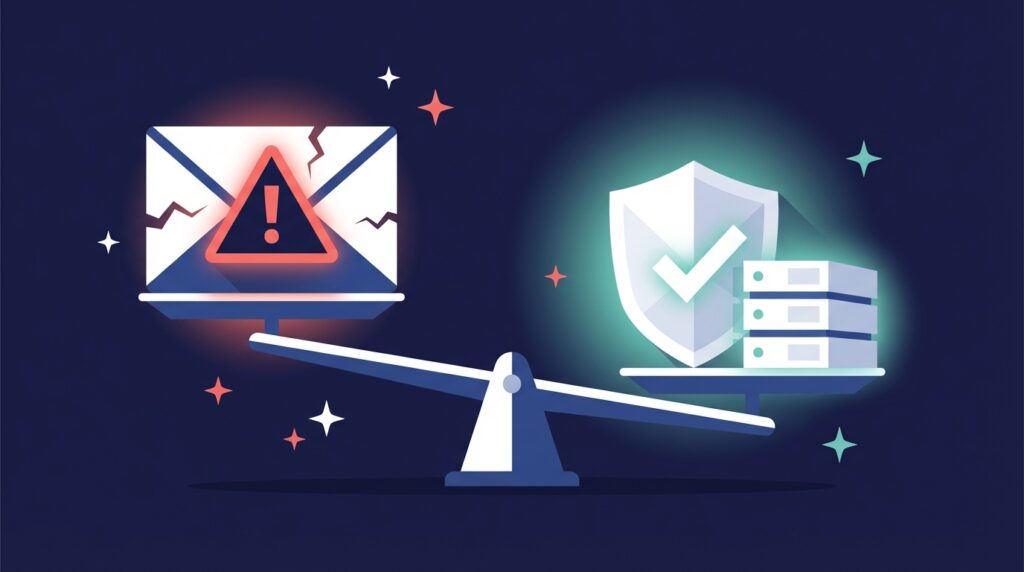


You’ve got your lead list, verified it, ensured your copy is perfect, and everything is in order. But your cold email still gets no replies.
This is probably because it ended up in the spam folder. Now, there is no way for you to know, but there are a few reasons this could happen. One of the biggest ones is the lack of email warmup.
In this piece, we will get into the nitty-gritty of what email warmup is, how to master it, common mistakes people make, and how teams improve their performance with automated warmup systems.
What is Email Warmup?
It is your first day at the gym, and you do 100 deadlifts. What is the result? Muscle pain and a potential medical bill are waiting for you. When you go to the gym, you start by building your body with easy tasks so you can one day do 100 deadlifts. Email warmup works on the same principle. It is the process of gradually sending emails from a new email address to build sender reputation and increase deliverability. Many experts would also say that it is the first step in launching your cold email campaign. A high-quality email warmup service or tool handles this automatically, often using a network of active, aged-inbox accounts to generate positive signals such as replies and opens. It doesn’t matter what email warmup tools you use; the goal remains the same: build enough trust with Gmail and Outlook so your emails land in the inbox.
Why Email Warmup Matters for Cold Emailers
Email warm-up for cold emailers is not optional; it is required. This is because major ESPs like Google and Outlook use some signals to decide if your emails end up in the inbox or the junk folder. Some of these signals include your authentication setup and your domain reputation. So if you’re thinking of skipping email warmup, you’re sending from a cold domain or inbox with no history or trust. That is exactly what spam filters look for. Take a look at why email warmup tools are a must-have for cold emailers:
- Help build a positive domain reputation from Day 1
- Improve inbox placement (landing in primary inbox)
- Avoid the spam folder
- Simulate real engagement (opens, replies, etc)
- Automate daily sending to mimic natural behaviour
It doesn’t matter whether you are starting out or already running campaigns; email warming up is a consistent process.
Common Email Warmup Mistakes (And How to Avoid Them)
There are things you should definitely not ignore when setting up your email warm-up, and there are things you should avoid at all costs… because if you don’t, it will cost you.
1. Volume Ramped Too Fast
Many inexperienced cold emailers think the more, the better, but that is definitely not the case for new cold emailers. Senders make the error of starting their campaigns with 50–100 emails per day right out of the gate. This is nothing but a huge red flag. Mailbox providers are extremely sensitive to sudden spikes in sending volume, especially when they come from a new domain.
2. Poor Quality Warmup Pool
If the pool you’re using is made up entirely of secondary domains, other cold emailers, or newly created inboxes, your warmup efforts might be doing more harm than good. If you want your email warm-up service to work well, it needs access to aged accounts, real inboxes, and a healthy mix of email service providers (ESPs).
3. No SPF, DKIM, or DMARC
You could use the best email warmup tool in the world, but it wouldn’t matter if you didn’t authenticate your email. Without authentication, providers have no way to verify the legitimacy of your messages. That usually results in one of two outcomes: your emails get rejected outright or dumped straight into spam.
4. Very Low Reply Rates
Most people think that email warmup is just about sending. They’re wrong. It is just as much about receiving. If you’re sending countless emails a day and not getting any replies during the warm-up period, your domain reputation will suffer. Inbox providers pay close attention to engagement when deciding where to place your emails. Warmup activities that don’t include positive interactions (like opens and replies) will ultimately hurt your deliverability. As a result, high-quality email warmup services simulate real replies and engagement patterns and help you build a reputation with both the algorithm and the human at the other end of the inbox.
5. Warming Up with Blacklisted Accounts
This one’s a silent killer. You never want to send or receive emails from inboxes that are already flagged or blacklisted. This is because your emails get associated with that negative history. Over time, your own sending reputation takes a hit even if your technical setup is fine. Senders don’t even realize this is happening until their reply rates drop or inbox placement tanks. A trustworthy email warmup service will continuously monitor the health of its pool and remove any compromised accounts.
How Email Warmup Works: A Step-by-Step Breakdown
Now that you know what email warmup is and why it matters, let’s take a closer look at how it works. You automate the whole process by using an email warmup service of your choice.
Step 1: Start Slow and Steady
The first rule of email warmup is to begin with a small number of emails per day. Here’s a warm-up schedule recommended by our experts:
| Day | Emails Sent |
|---|---|
| Day 1 | 2 |
| Day 2 | 4 |
| Day 3 | 6 |
| Day 4 | 8 |
| Day 5 | 10 |
| Day 6 | 12 |
| Day 7 | 14 |
| … | … |
| Day 14 | 28 |
| Day 18 | 35+ |
The goal is to reach 30–35 emails/day with a reply rate of 40–45% by the end of the warmup cycle.
Step 2: Simulate Human Behavior
Looking suspicious is the last thing you want to do during email warmup. The best email warmup services simulate real inbox activity. That includes:
- Consistent sending: Emails are sent daily to mimic natural usage
- Random timing: Messages go out at varied times, not in predictable batches
- Engagement: Warmup accounts open, read, and reply to emails
- Spam correction: If emails land in spam, they’re marked “Not Spam” to teach inbox filters
Step 3: Warmup Do’s and Don’ts
| Do’s | Don’ts |
|---|---|
| Use an email warmup service with a healthy sender pool | Ramp up volume too quickly |
| Set up SPF, DKIM, and DMARC before you begin warmup | Warm up using blacklisted or low-reputation inboxes |
| Monitor metrics like reply rates and inbox placement regularly | Skip warmup—even if your domain is old |
A smart, consistent email warmup strategy is what separates teams that get replies from those that get spam-filtered.
Choosing the Best Email Warmup Service
Choosing the best email warmup service for your business or product is a no-brainer, but understand that email warmup tools vary in quality. Most cheap email warm-up services rely on networks of cold outreach accounts or secondary domains. Basically, other cold emailers.
1. Balanced Warmup Pool (Cold + Non-Cold Accounts)
A good email warmup tool would not rely only on cold outreach accounts. Warming up with just secondary domains or other cold emailers is ineffective. So, look for a service that uses a healthy mix of cold and non-cold inboxes. Aged accounts with a real sender history will yield better results. We use Warmupinbox.com for our clients (It’s free!).
2. Domain Age & Sender Reputation
Older accounts mean older domains. Domain reputation improves faster when warm-up emails are sent to trusted, aged-inbox addresses. However, we are still testing this to get solid results.
3. ESP (Email Service Provider) Diversity
We know that Gmail is the most popular option available, but it is not the only one. You see, Gmail-only pools don’t reflect real-world sending. Moreover, there is another contender: Outlook. The best email warm-up services include both. It’s even better if you use a private infrastructure like Aerosend. You get a warm-up for free from a premium-quality pool.
4. Low Bounce Rates from the Warmup Pool
If there is one thing that could hurt your warm-up pool the most, it is high bounce rates. Make sure your email warm-up service includes strict checks to prevent invalid emails. You can ask the service you use for a bounce rate report. Any quality tool would be able to provide them.
5. Built-In Defence Systems
Your warm-up provider should rescue and mark emails as NOT spam if they land in spam. Why is this necessary? Because Spam flag reversal and auto-engagement (replies, stars, archives) boost trust. You don’t just want delivery, you want to simulate real human behavior.
6. Engagement Simulation
Let’s say you sent 10 warm-up emails every day. If all of them are opened and replied to at the same time, that pattern is immediately suspicious to ESPs. These metrics can be positive, but only when used smartly. Make sure to read how your warmup tool of choice handles these metrics.